Your routines, ready.
Explore contributed routines, adapt the patter, and rehearse the branches. Build a performance that sounds like you.
Build a routine ↗

A private peek is a beginning. Build and rehearse the whole routine: the cue that starts it, the information you capture, the branch you choose, and the reveal you deliver.
Follow a conversation. Find your next line. Bring back a useful detail. Choose a moment and see how it unfolds.
Send a prepared text peek to the glasses, use the information, and clear your view. A simple, deliberate rehearsal of the display.
You enter “Seven of hearts” in the app. It has not been sent to the glasses yet.
Connect the glasses, prepare text in Peeks → Send, and choose Show on glasses. Routines and integrations can supply other inputs after configuration.
A guided illustration of app behavior with fictional content. AI-generated backgrounds with a single-lens wearer’s viewpoint. Status values and content are samples; display size, position, clarity, and brightness are illustrative. Your fit, lighting, firmware, and settings affect the view in real G2 glasses.
Crib notes, an earpiece, and memory work each ask something different of you. A private display gives your prepared information a place in your line of sight, with room to change as the effect unfolds.
| Approach | What you manage | With SybilSight |
|---|---|---|
| Crib notes | Finding the right line and handling the note discreetly. | Glance at a prepared prompt in your glasses. |
| Earpiece + assistant | A second operator, coordination, and spoken instructions while you listen to the spectator. | Read a short cue at your own pace, with solo workflows you control. |
| Pure memorization | Recall under pressure, including the branch you did not expect. | Keep the next step and a prepared recovery close. |
Choose the method that suits the effect. SybilSight still needs charged, paired hardware and a rehearsed workflow.
Stay with the spectator while the detail you need stays close. The advantage is in the preparation—and how little of it needs to show.
Explore contributed routines, adapt the patter, and rehearse the branches. Build a performance that sounds like you.
Build a routine ↗Bring supported sources such as WikiTest and Inject into your configured workflow, with the result routed to your private display.
Explore integrations ↗Choose when to bring a peek or prompt into view and when to clear it. Keep the reveal at the pace of the room.
Control the peek ↗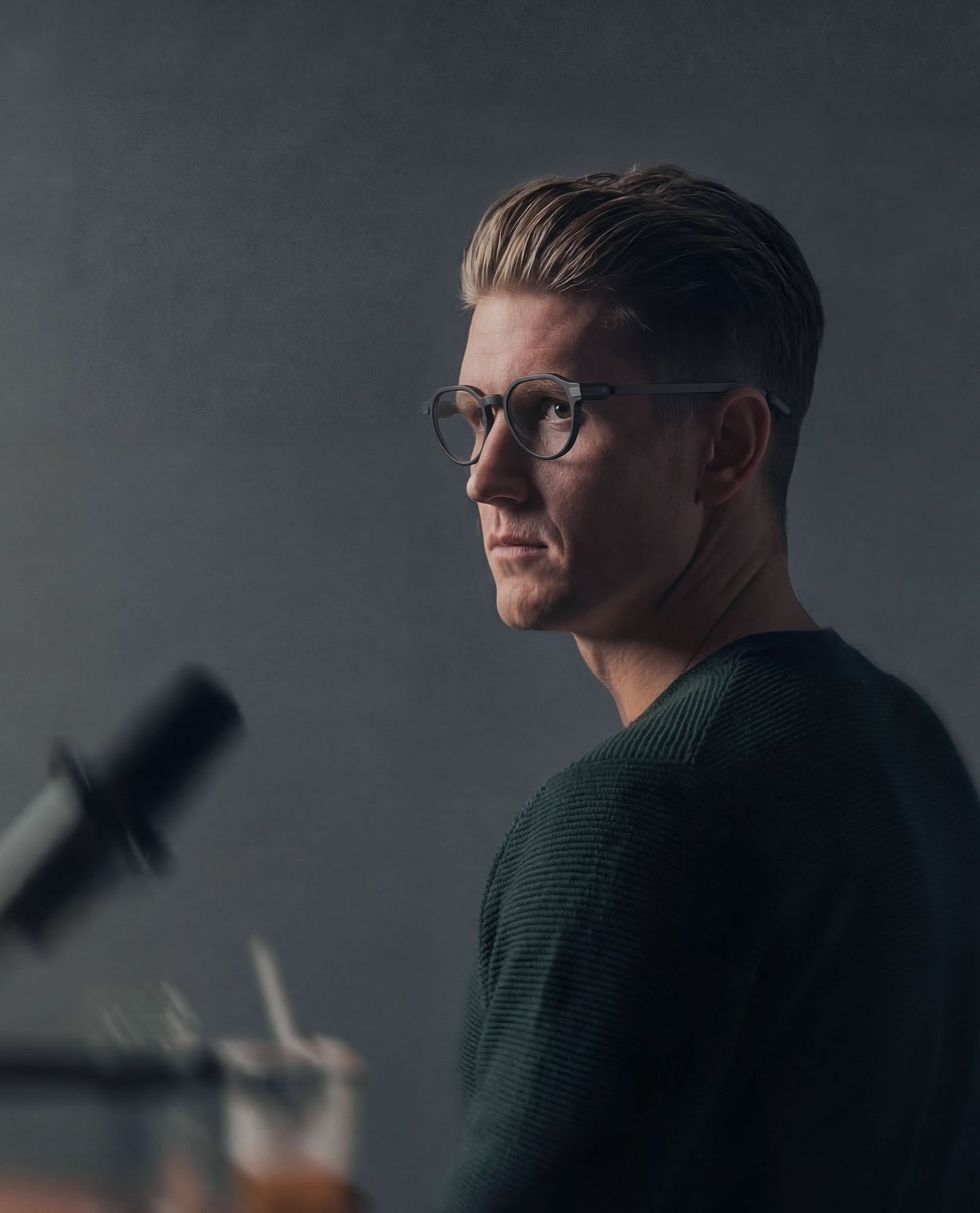
Familiar eyewear. A small ring. Your attention on the person in front of you.
The G2 puts a glanceable display inside ordinary-looking glasses. Your routine can stay in view without bringing a phone, crib sheet, or separate clicker into the effect.
Good performance still depends on fit, sightlines, lighting, and a natural glance. Rehearse at the distance and angles your audience will see.
Meet the glasses and ring system ↗Bring your existing tools into a prepared performance. Keep a script, a propless clue, or a captured value close without giving the phone your attention.
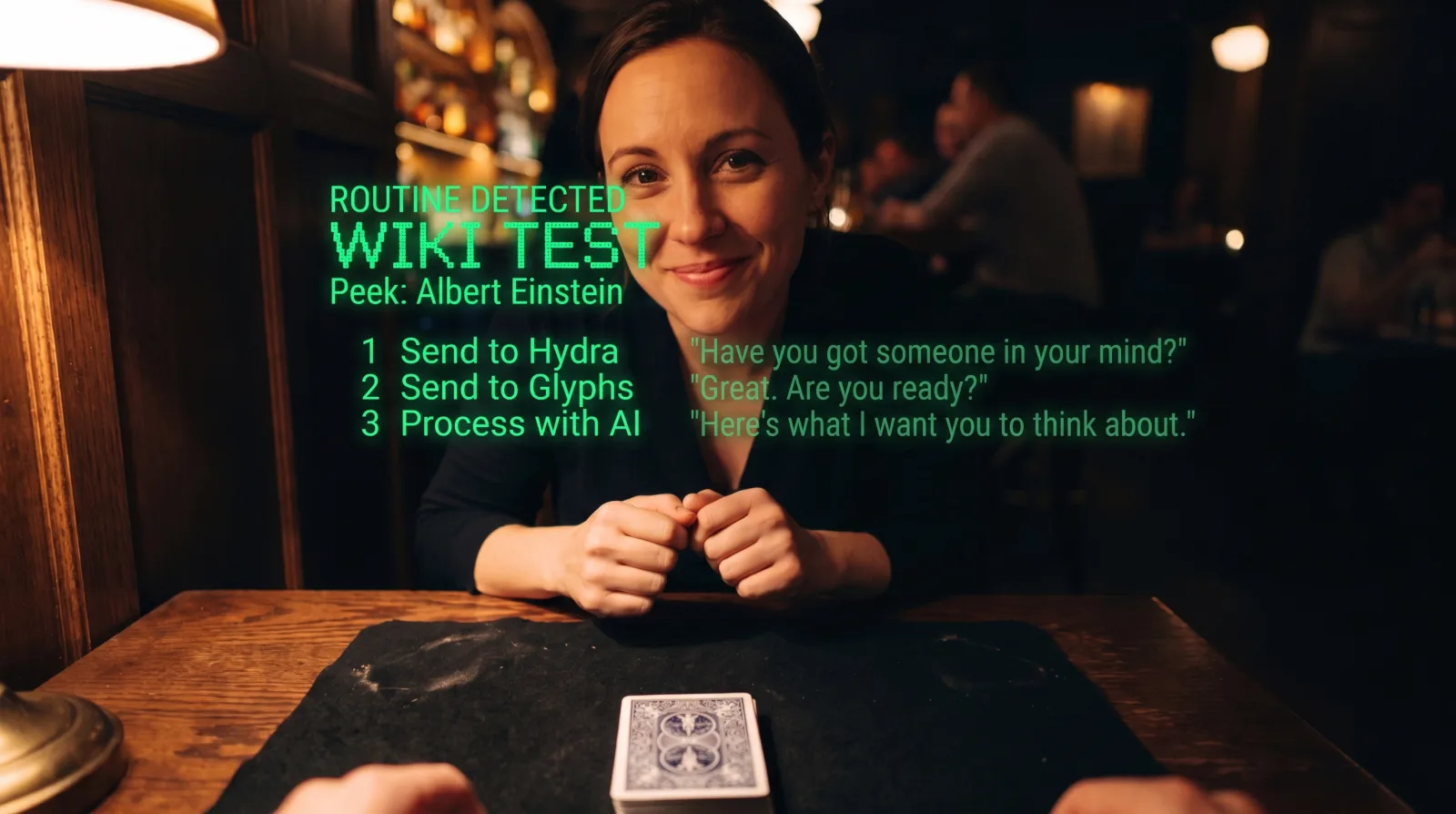
Prepare a short result, display it deliberately, and clear it when the moment has passed.
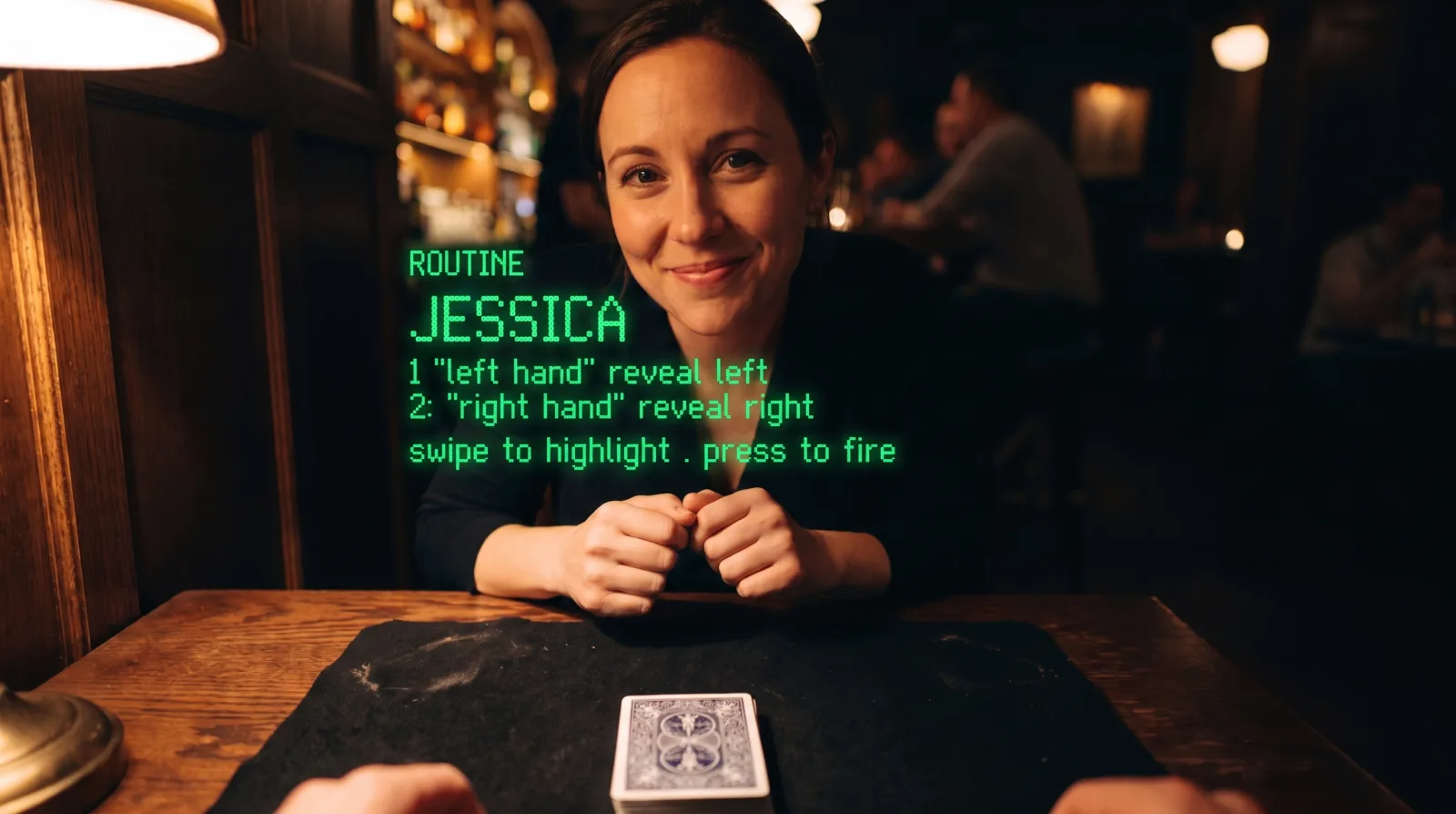
Connect a trigger to captured information, processing, and the output that suits the moment.
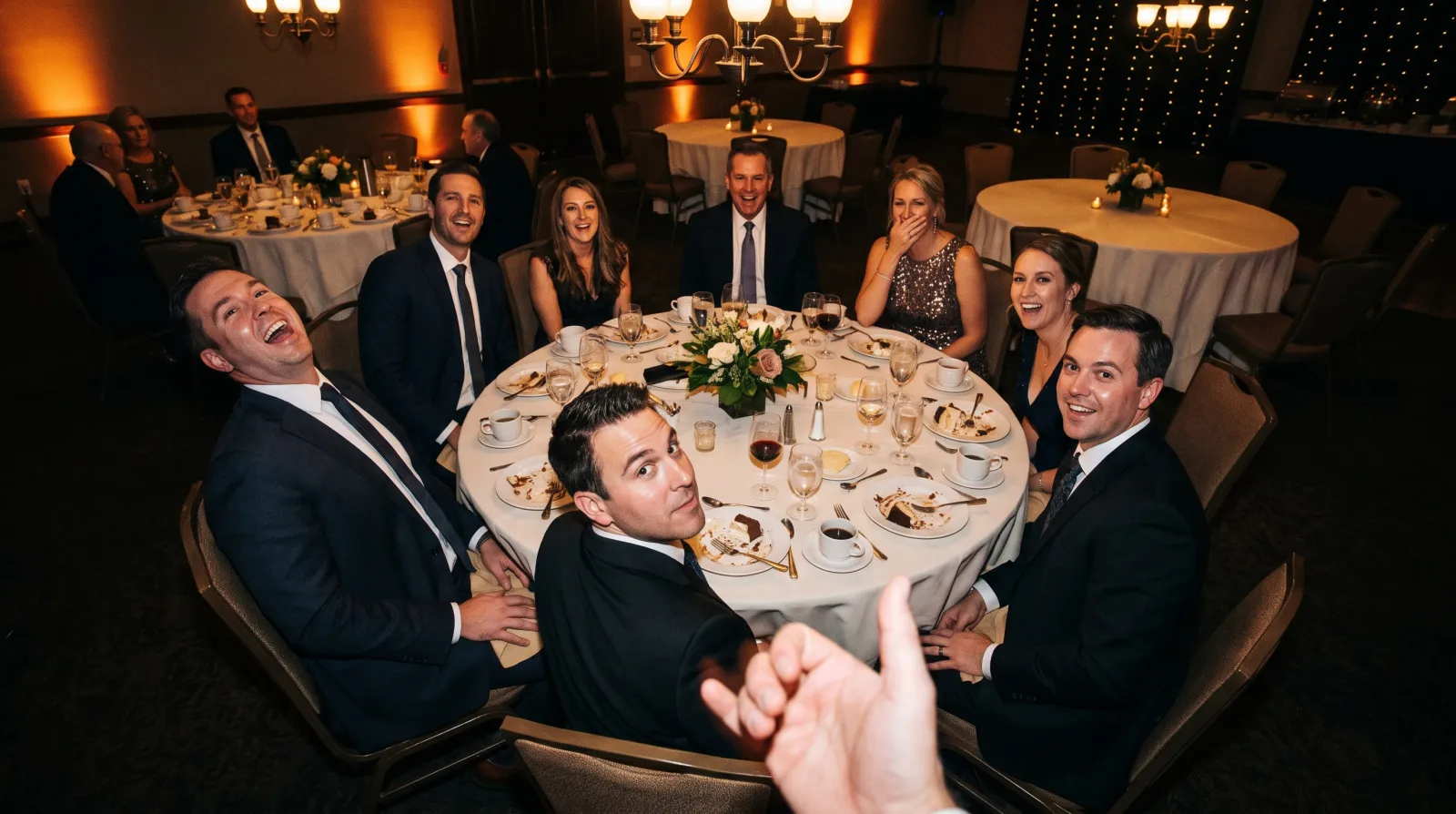
Keep routines, script segments, media, and show cues in a running order you can inspect and recover.
Explore installed anagrams, card stacks, name-guess workflows, and reference datasets. Learn the method and rehearse each phase; the display supports your performance.
Explore this workflow ↗Use the supported receive and send routes for your configured integrations. Test a sample value and its destination before relying on it in a show.
Explore this workflow ↗Arrange a discreet text region, a script, or an image peek. Save layouts and check what is legible on your own glasses.
Explore this workflow ↗Choose a guide, rehearse with sample information, and check the result on your device.
Connect a start cue to captured information and the result you want to show.
Show me the steps ↗Give each branch a trigger, a processing step, and a destination. Rehearse the alternatives.
Show me the steps ↗Inspect waiting states and captured facts, correct a value, and repeat the sequence before going live.
Show me the steps ↗Set up an integration once and use its supported receive or send route across routines.
Show me the steps ↗Capture a fictional name or number, keep it in the routine ledger, and reuse it in a later reveal.
Show me the steps ↗Organize phases, loops, and saved outcomes so the next effect starts with the information it needs.
Show me the steps ↗Compare formulas, rules, lookups, and configured AI processing before rehearsing the result.
Show me the steps ↗Use the HUD and configured destinations to inspect a sample result before choosing the reveal.
Show me the steps ↗Pair a ring or remote and map the control you intend to use during performance.
Show me the steps ↗Practice the perform, reveal, and recovery controls with fictional spectator information.
Show me the steps ↗These are rehearsable workflows, not automatic mind reading. Inputs, integrations, triggers, and destinations need deliberate setup. Historical concept images are retained from the previous site; the interactive example above shows the updated display treatment.
A system should come with people who help you use it. Get setup guidance, integration support, and ongoing help from the SybilSight team as you make it part of your work, performance, or everyday life.
Start with one useful workflow. Get help pairing devices, choosing controls, and making that first routine or everyday task your own.
Your software grows as we release capabilities, improvements, and integrations. Keep discovering what your system can do.
Connect with other SybilSight users to share setups, techniques, and practical experience. Performers can go deeper into routines with the performer community.