
Start with the real app.
Follow the first launch, learn the four workspaces, and complete a working routine. These chapters explain what each screen does, what state to check, and where to go next.
From installation to your first result
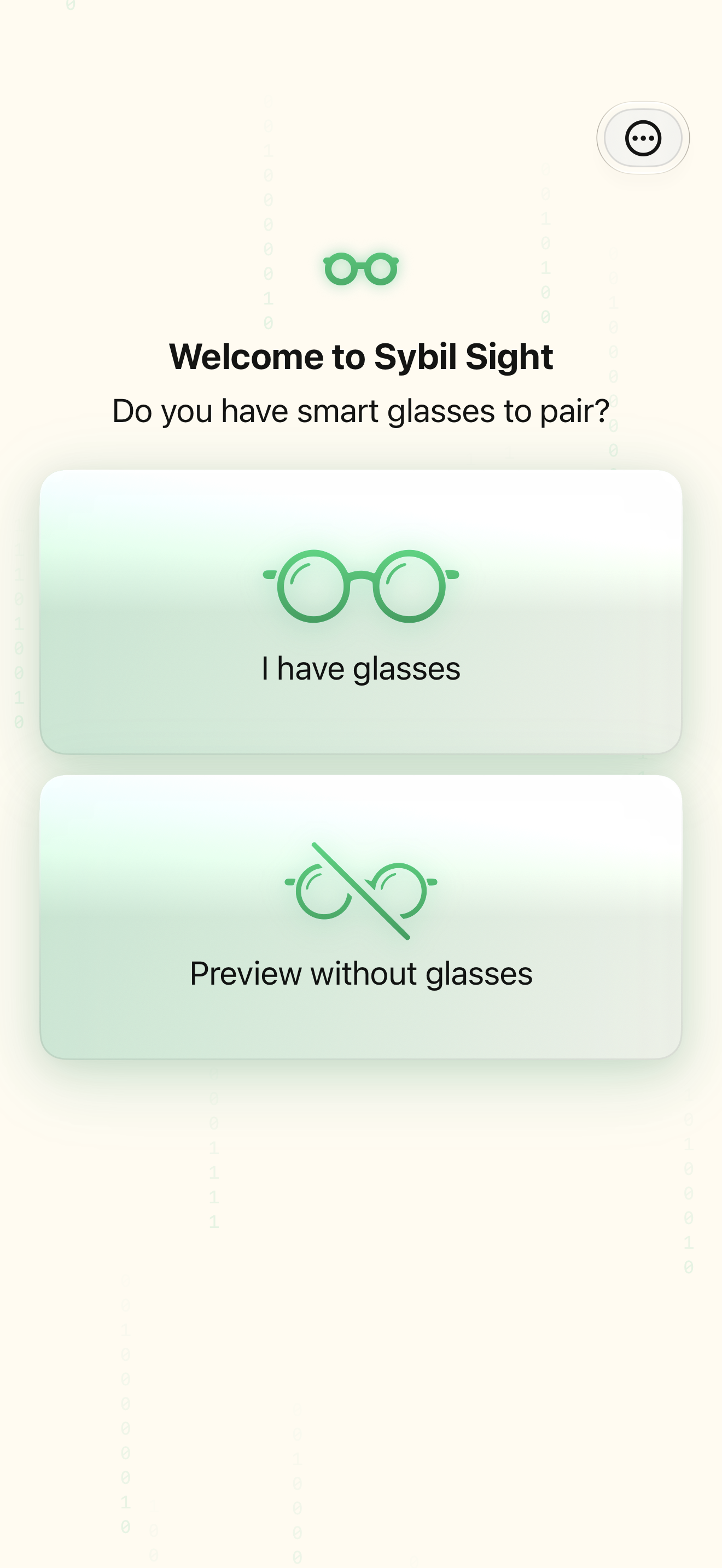
Follow the actual first-run sequence, including the route without glasses.
Understand the flow ↗Set up Sybil, one verified step at a time
Pair, check firmware, choose listening, and send a test peek.
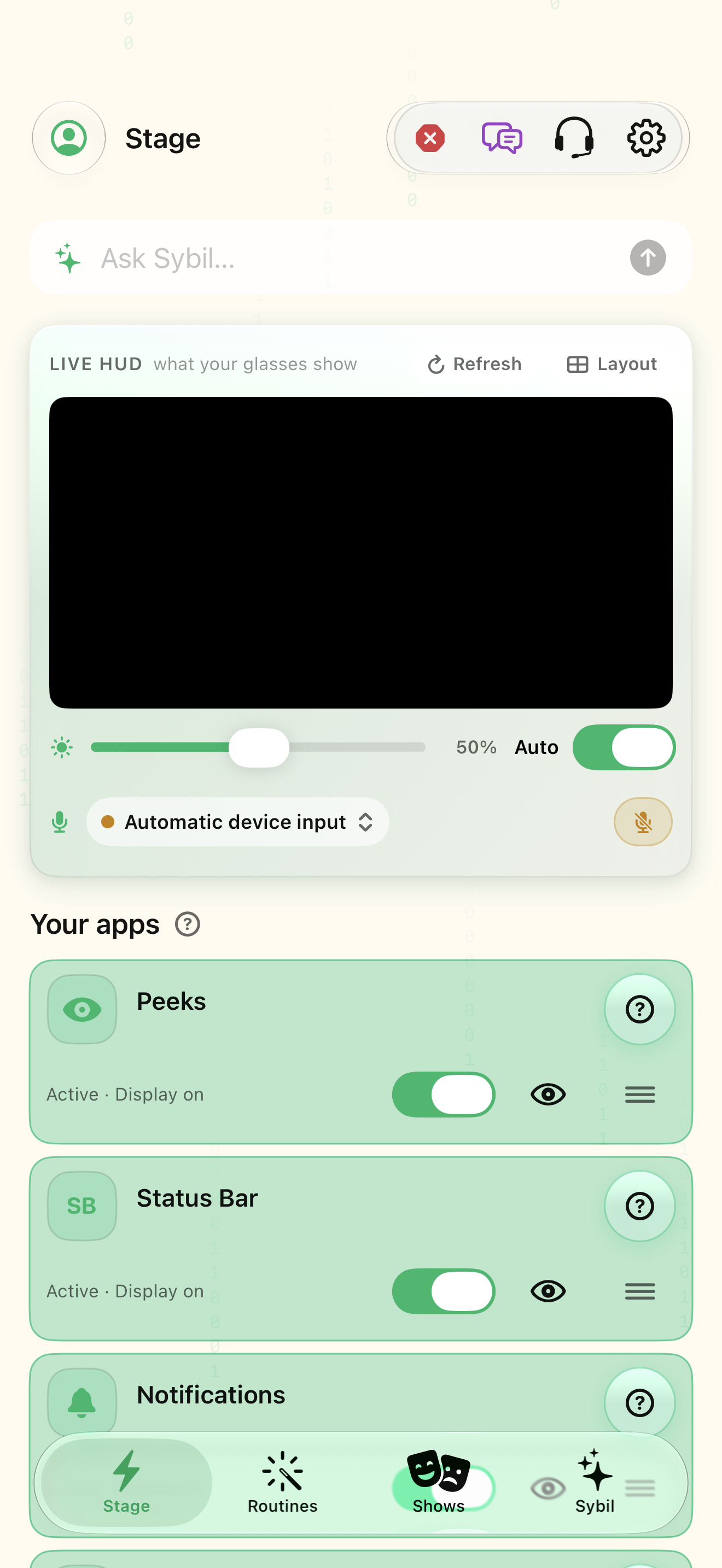
Understand the flow ↗Know the four workspaces and the settings doors
Find a screen by what you want to do.
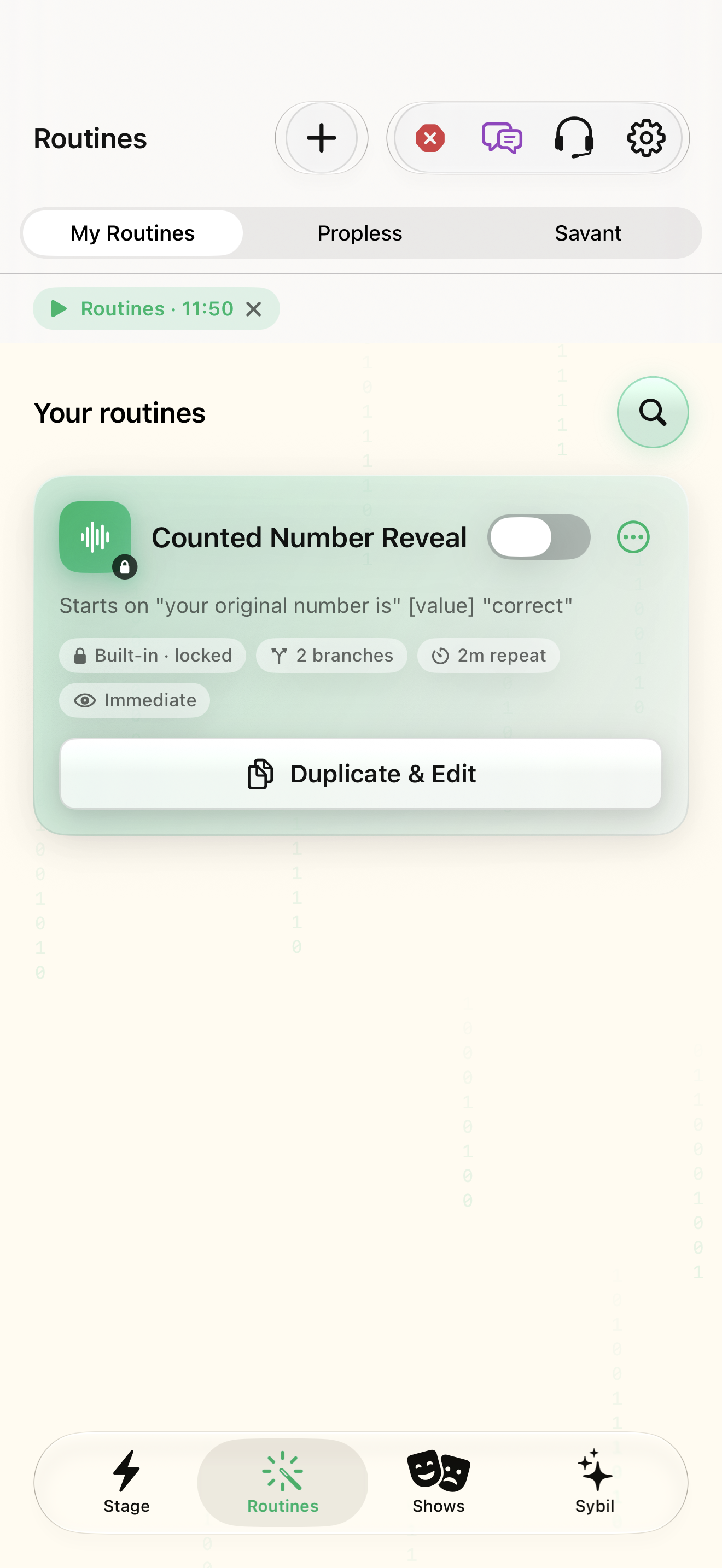
Understand the flow ↗Build a routine with five clear decisions
A complete example with a trigger, fixed preview, capture, calculation, and output.
Understand the flow ↗Add live choices without losing the data flow
Understand what each branch reads, changes, and sends.
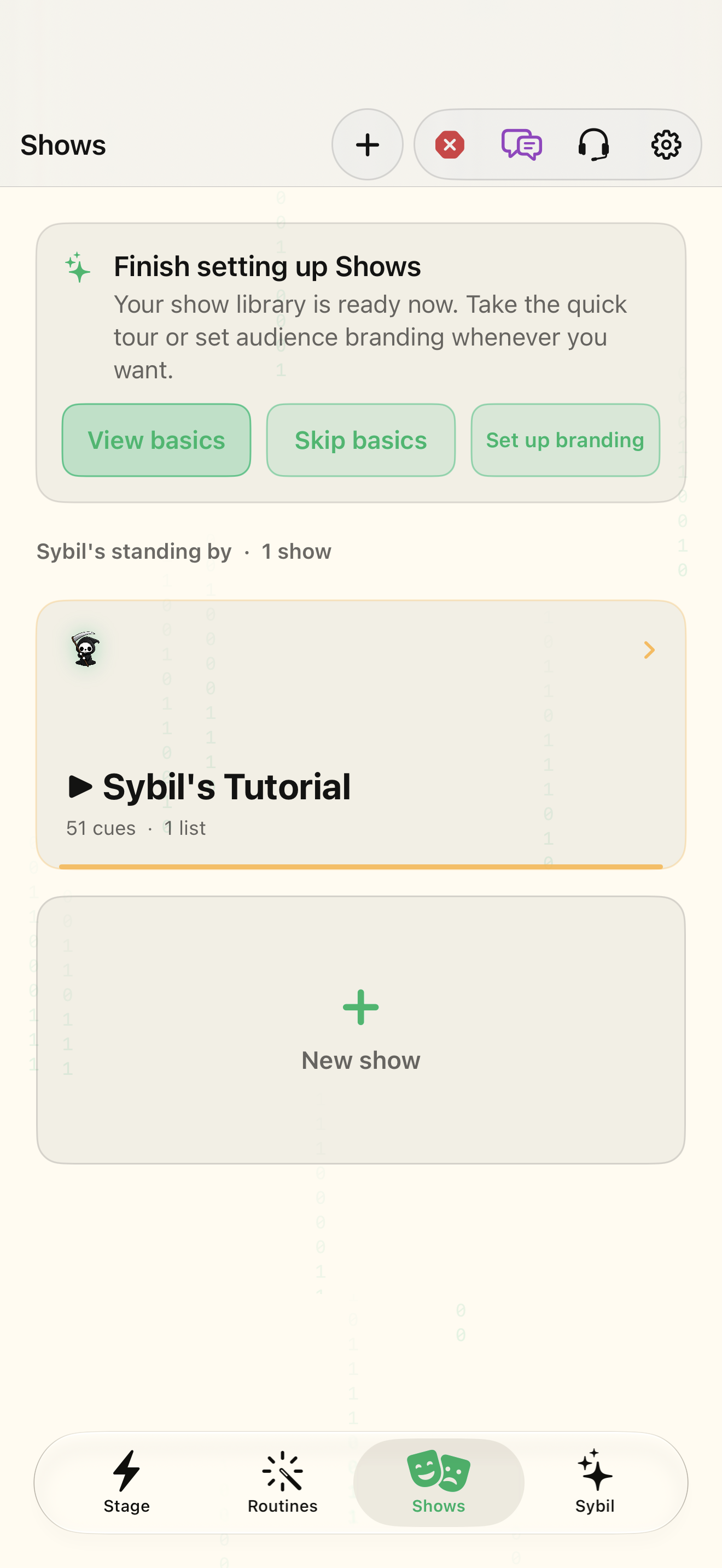
Understand the flow ↗Build a show, check it, then run the cue list
See how the console coordinates media, routines, and recovery.
Understand the flow ↗Capture a conversation and return to its source
Record, inspect processing, search, and verify the evidence.
Understand the flow ↗Turn conversation history into relationship context
Use contact records, briefings, commitments, and corrections together.
Understand the flow ↗Capture work, organize it, and forecast a project
Move from an inbox item to a scheduled, reviewable project.
Understand the flow ↗Decide what appears on the glasses, and when
Separate visibility, layout, content, and input controls.
Understand the flow ↗Configure the app’s AI and pair your computer
Understand built-in AI, your provider keys, and Terminal as distinct choices.
Understand the flow ↗Connect an integration and discover the rest of the app
Use a real sample to check the direction, input, result, and destination.
Understand the flow ↗Explore the whole app
Every capability below links to its current screen references. The detailed handbook provides exercises; the reference library provides the individual controls and settings.
Explore all 16 capability groups ↗