
Begin with one working path
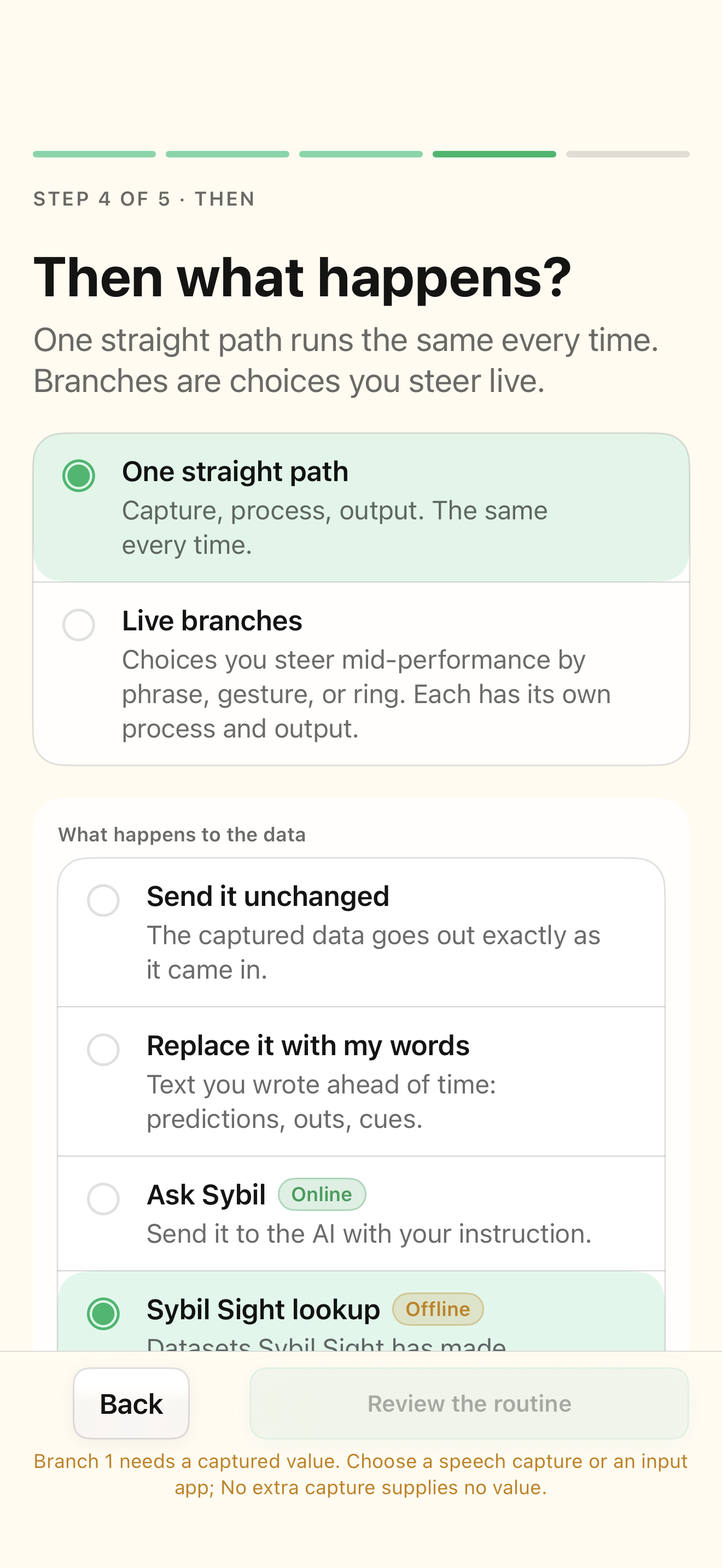
A straight path runs the same process each time. Select Live branches when you need the performer to choose the next action. Add branch gives each choice a label, activation, process, and output. The glasses HUD shows branch boxes, and the phone exposes the choices. Scroll and press the ring or tap the phone branch to select one.
Choose a process deliberately
Send it unchanged passes the input through. Replace it with my words uses a fixed instruction or reveal. Ask Sybil sends input with your instruction to the configured assistant. SybilSight lookup uses a supported dataset. Process with another app depends on a configured integration. Custom formula calculates on the phone. An unfinished formula or instruction stays unfinished and receives a readiness issue rather than silently becoming passthrough.
Store a result before using it again
Outputs include Show on glasses, Send to an app, Send it onward, Store for later, and Play a tone. Use Store for later when a later branch needs the earlier calculated result, then select that stored result as its input. For example, calculate a stack position first, store it, and have a second branch look up the card. A missing stored value is a data problem, not a reason to assume a result.
Rehearse each route and recovery
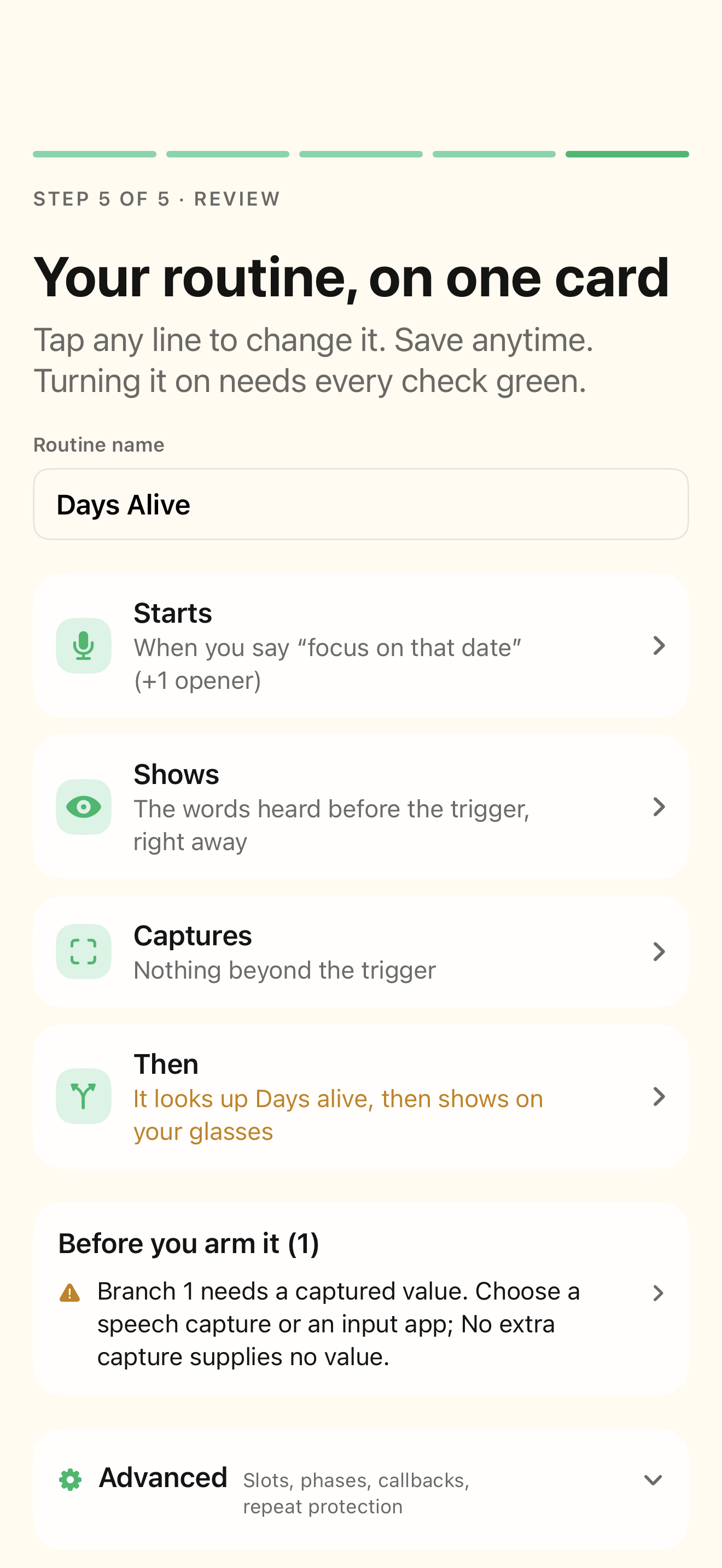
Run the same harmless captured input through every branch. Check the selected input, transformed result, and destination separately. Back restores the previous local step; completed external actions are not undone. Move on ends the current routine and can advance an open show. Cancel routine ends the routine. Learn the configured wearable gestures before using them during a performance.
Related screens
Reviewed against the iOS implementation. Captured development-build screens use synthetic or empty content; hardware and connected-service states vary.