
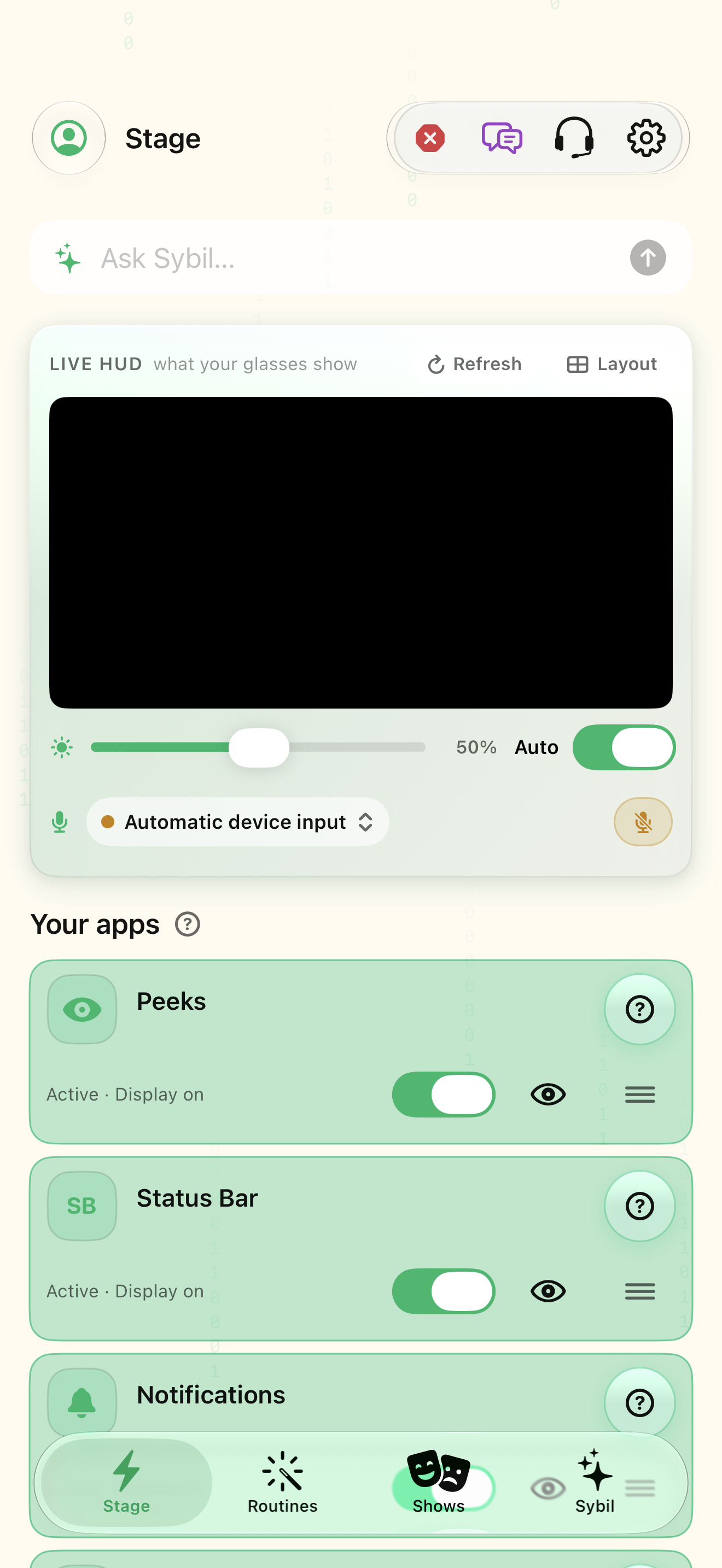
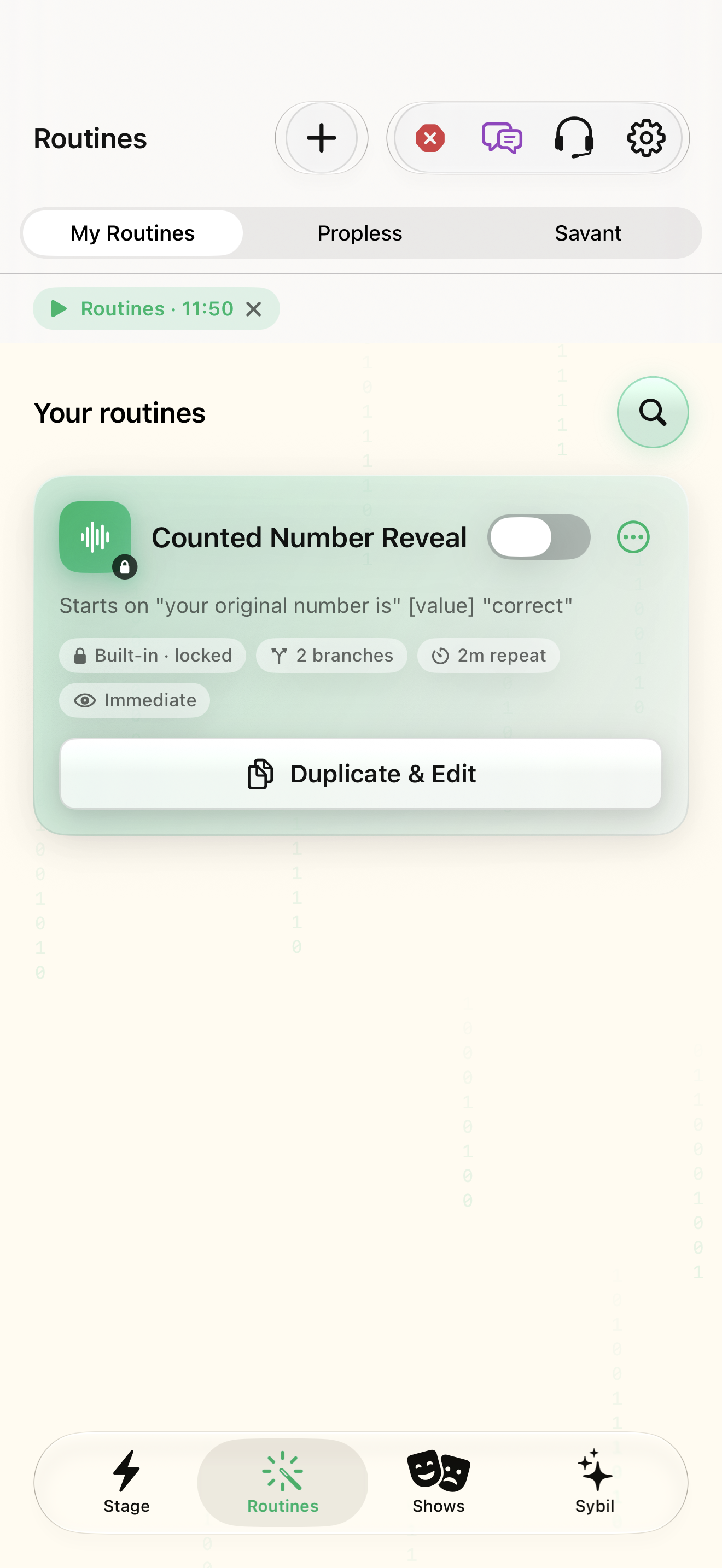
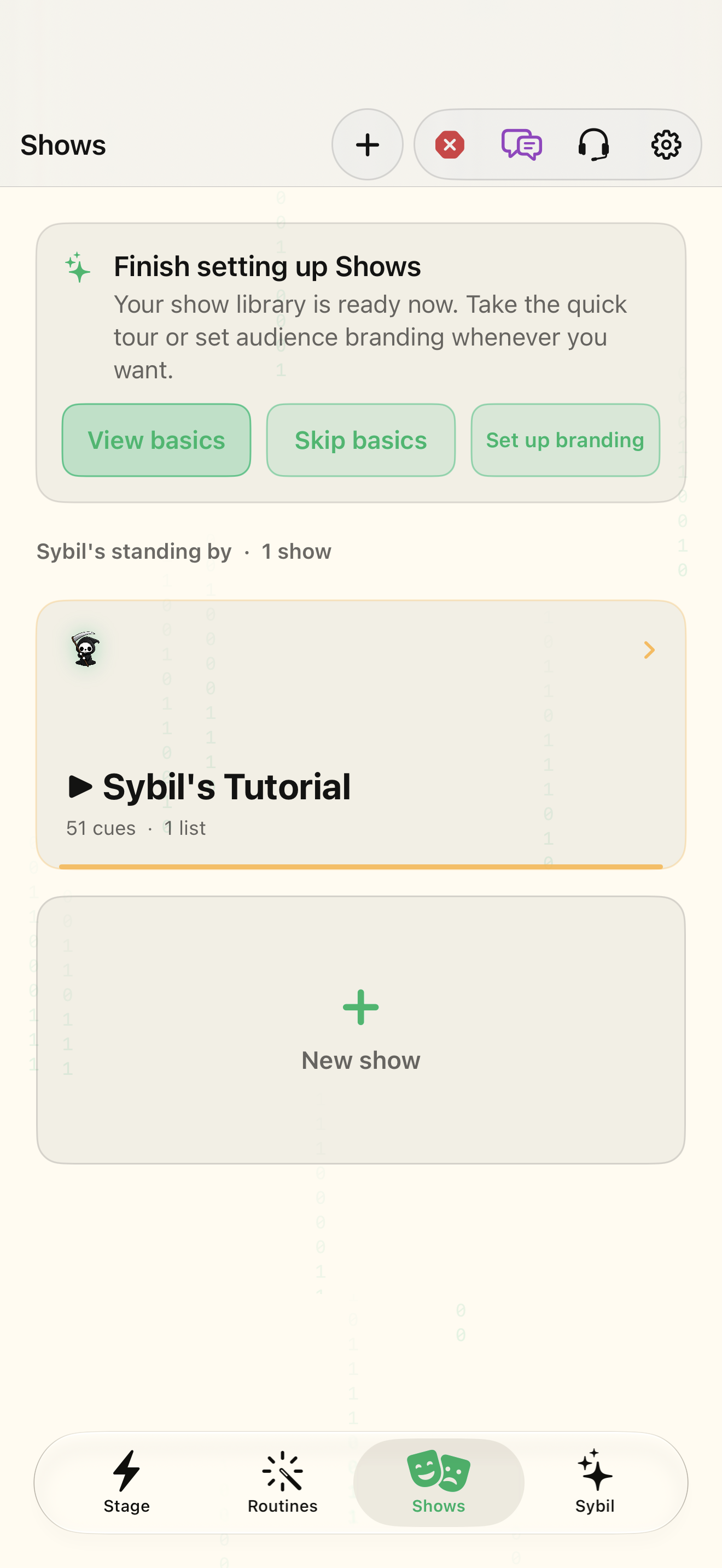
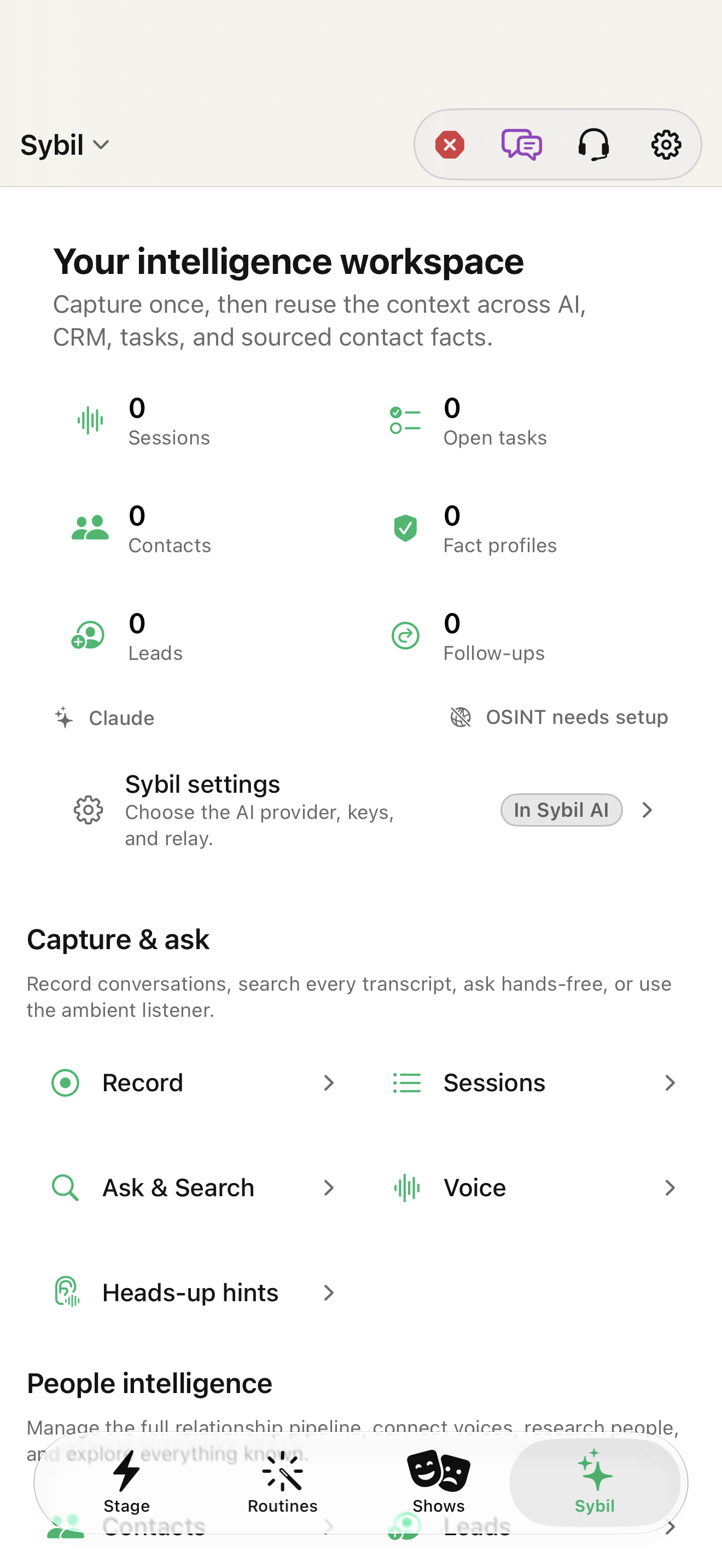
Stage is the device and app dashboard
The workspace bar contains Stage, Routines, Shows, and Sybil. Stage brings together glasses and ring status, the live display mirror, running apps, quick actions, and the app grid. The glasses card is where connection, battery, and firmware context begin. The sparkles button opens the Sybil operator; the headset button leads to support.
Routines and Shows have different jobs
Routines builds a trigger → display → capture → process/output workflow and lets you arm and rehearse it. Shows arranges cues into an ordered production, with a live cue, standby, GO, history, and recovery controls. A show can include a saved routine cue. You do not need to turn every show into one giant routine.
Sybil is the information workspace
Use the section menu to move among Overview, Capture & Recall, People Intelligence, Plan & Review, Computer & Agents, and Models & Setup. Sessions, Record, Ask & Search, CRM & Contacts, Tasks, Projects, and Terminal live within these groups. Opening Ask & Search in the app is different from using this website’s support assistant.
Find the current settings location
Settings has search and six main areas: Glasses, Ring, Listening & Voice, Sybil AI, Look & Layout, and App. Advanced is an additional gated area. Search includes older names such as Speech Settings and Ring & Live Controls. Glasses contains device/display controls; Ring contains gestures and remotes; Listening & Voice contains microphone and speech; Sybil AI contains providers and Terminal; Look & Layout contains appearance; App contains learning, permissions, library, and sync.
Related screens
Reviewed against the iOS implementation. Captured development-build screens use synthetic or empty content; hardware and connected-service states vary.