
Use Quick Capture for the first pass
Quick Capture accepts one task per line with optional project, notes, deadline, tags, flag, waiting state, defer date, planned date, and repeat. Unassigned ActionItems appear in Inbox. The Tasks, Reminders, and Follow-Ups entry points use the same enhanced task list. Quick Capture creates local records; external Apple Reminders export uses separate explicit controls.
Distinguish planned, due, and available
Remaining, Inbox, Available, Today, Forecast, Flagged, Waiting, and Completed are the eight task views. A planned date is when you intend to work; a deadline is when it is due; a defer date hides it from availability until later. Forecast can place a task on both its planned day and deadline day. A task may be unavailable because of a paused project, predecessor, sequential order, wait, defer, or approval gate.
Build a project around the real dependencies
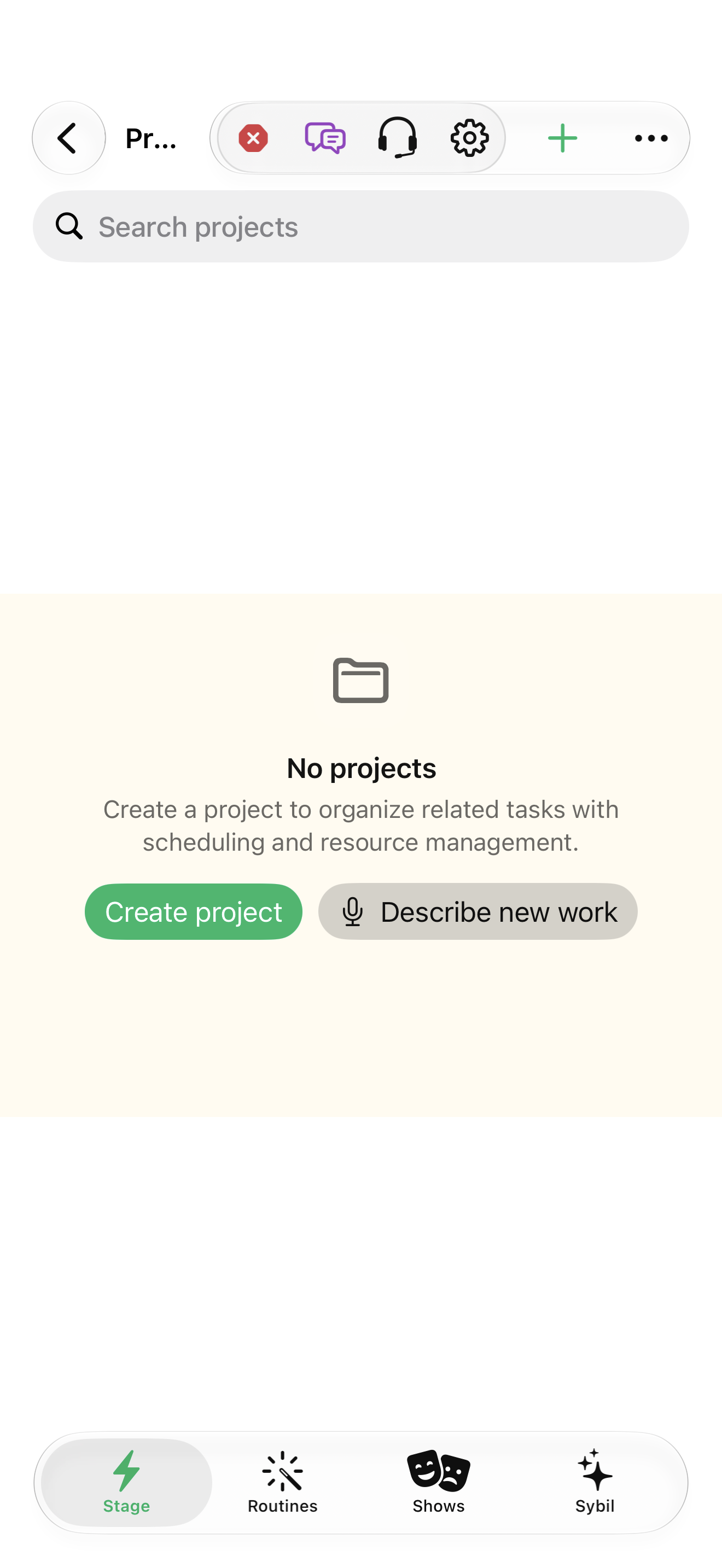
Projects supports folder/area organization and parallel, sequential, or single-action organization. Outline tasks, add milestones, define dependency types and lead/lag, assign resources, and set a working calendar. Overview displays progress, finish calculations, blocked/critical work, schedule issues, and costs. Network has an accessible outline as well as a graph; nodes and predecessor links open the real task inspector.
Save a baseline and make review a habit
Capture Baseline saves a comparison point; select a baseline to see finish-date movement, effort changes, and added/removed tasks. Project review has cadence, next and last review, and Mark Reviewed. Repeating individual tasks create a new occurrence when completed while retaining history; repeating task groups or whole project trees are not supported by these controls. JSON preserves more organization data than CSV or Microsoft Project XML.
Related screens
Reviewed against the iOS implementation. Captured development-build screens use synthetic or empty content; hardware and connected-service states vary.