
Create a project that reflects the work
Connect individual tasks to a plan with owners, timing, and visible progress.
A sample project, a small set of tasks, and agreed planning assumptions.
Projects reuse tasks with hierarchy, milestones, dependencies, resources, calendars, and explicit schedule constraints.
Create the project
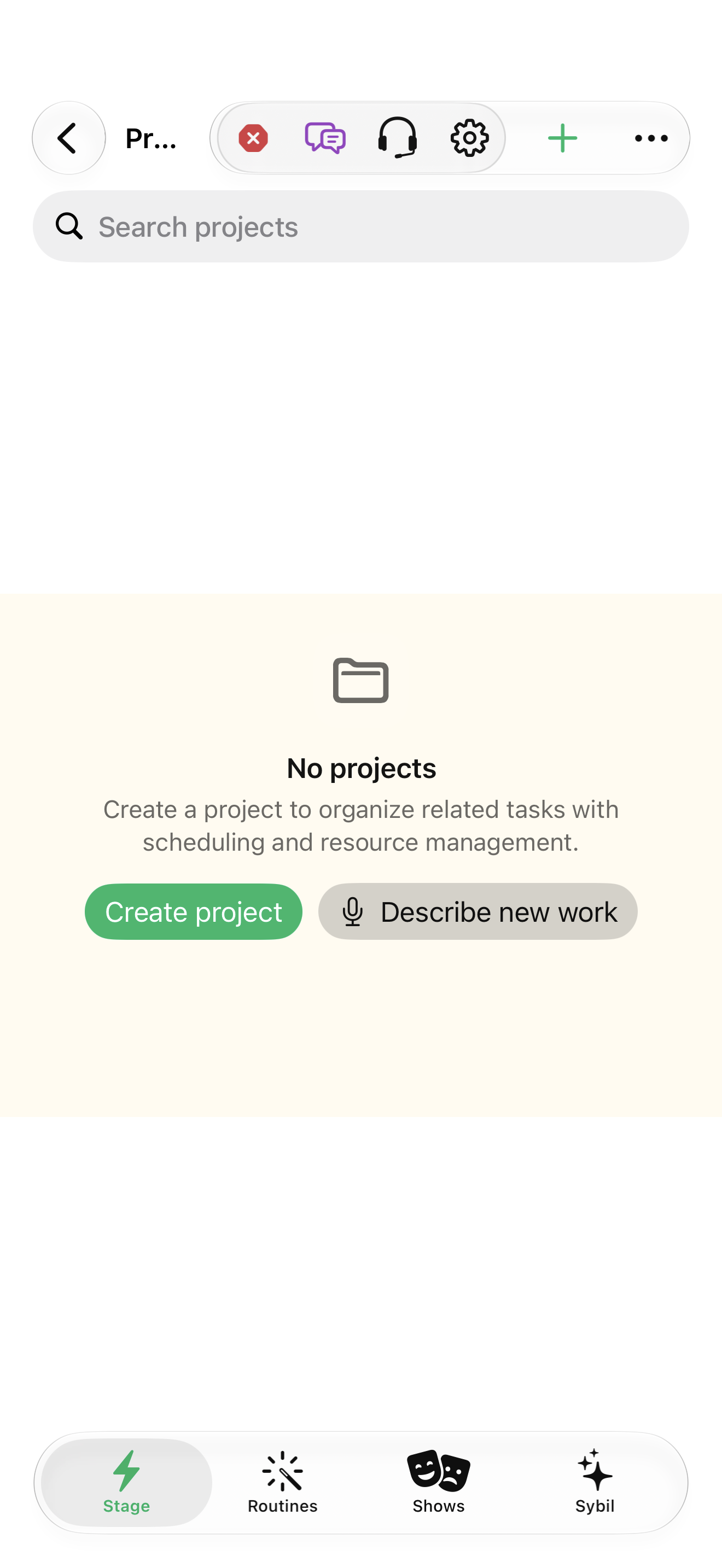
Open Projects and create a sample. Choose the project organization that fits: parallel, sequential, or single-action.
The project has a clear purpose and organization.
Select the highlighted control in the teaching view.
Practice at your own pace. You can also use Next step.
Projects
Find New project
Interactive HTML app view with sample data. Follow the outlined control, play the example, or explore at your own pace.
All steps, in writing
Create the project
Open Projects and create a sample. Choose the project organization that fits: parallel, sequential, or single-action.
Expected: The project has a clear purpose and organization.
Add the work
Use Add task in the project. Build a small hierarchy and identify milestones.
Expected: The plan describes the work before dates are optimized.
Assign responsibility
Inspect Resources and associate appropriate people, capacity, and rates where used.
Expected: Resource assumptions are explicit.
Calculate and inspect
Use Recalculate schedule, then compare Timeline, Overview, and any schedule issues.
Expected: The plan’s dates can be explained from its assumptions.
If something differs
- Sequential organization affects availability; explicit dependency links remain the scheduling authority.
- A calculated finish is a forecast based on inputs, not a guarantee.
Open the screen references
Based on docs/task-project-workflows-2026-09-17.md and the app help catalog. Edition, device, and build affect available controls.