
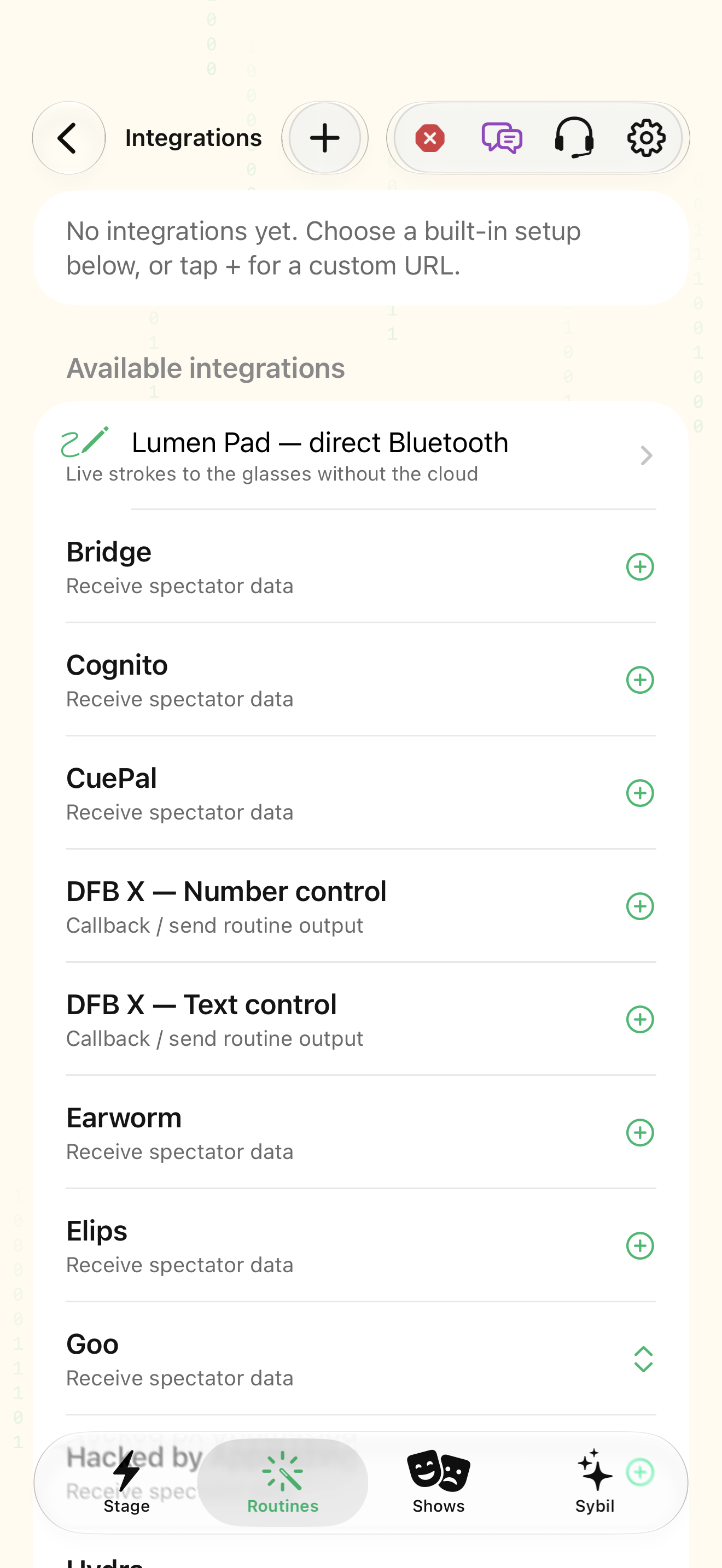
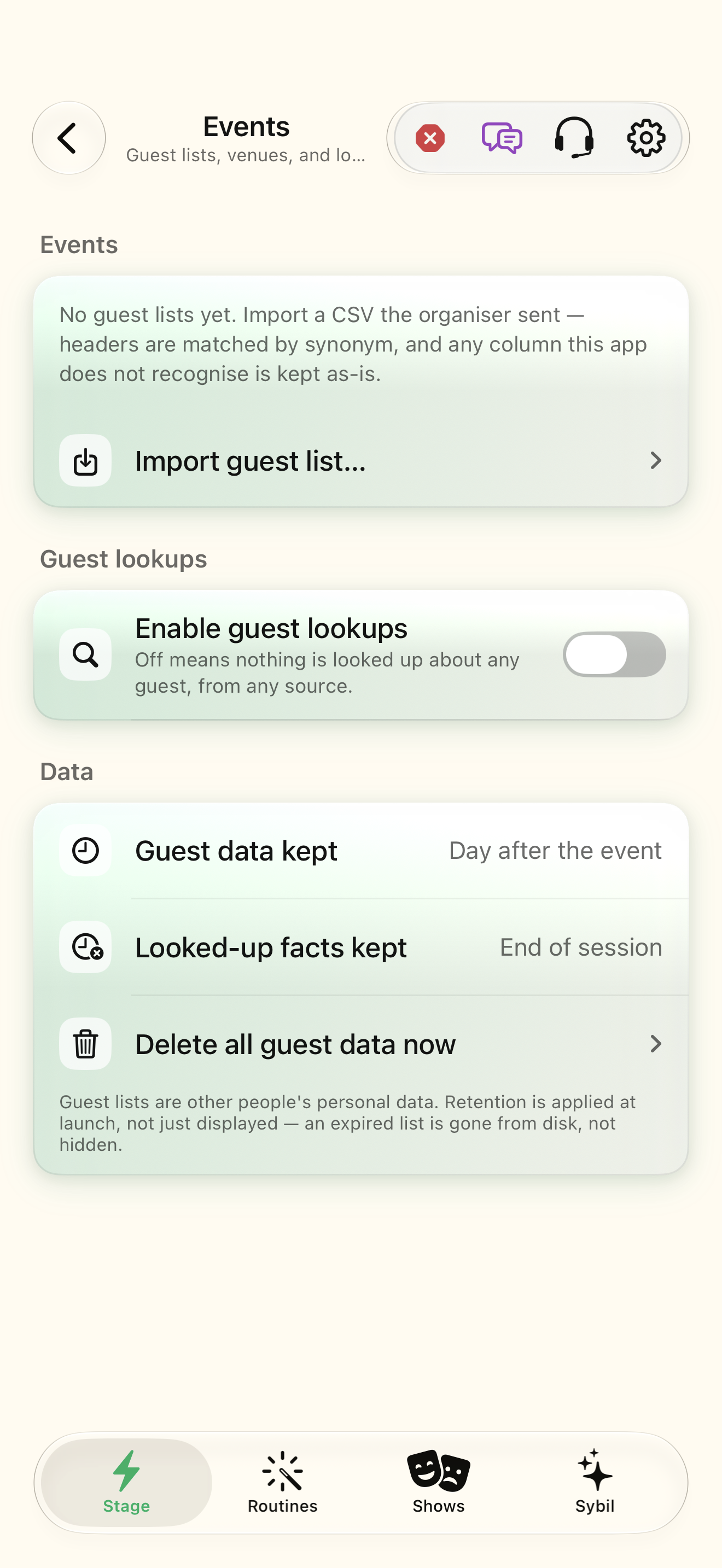
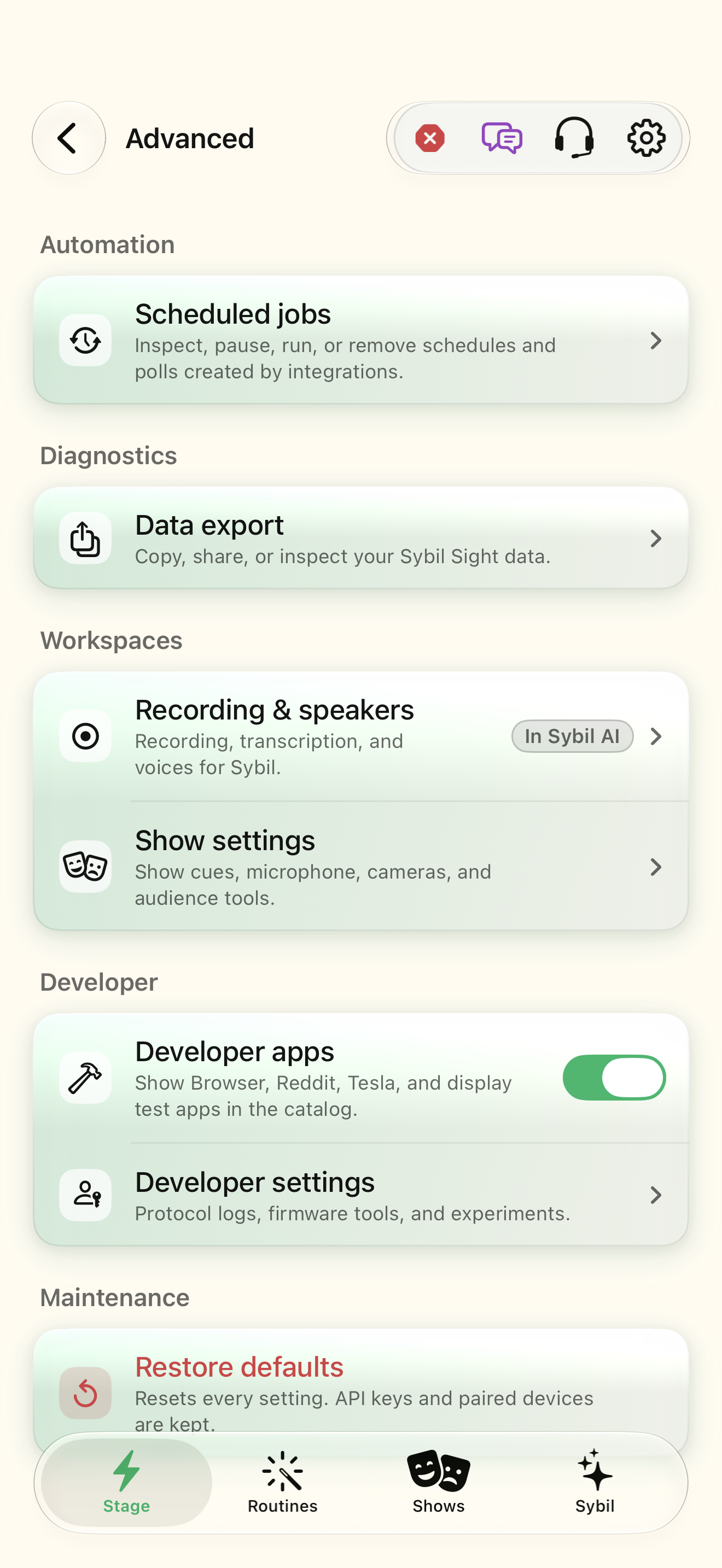
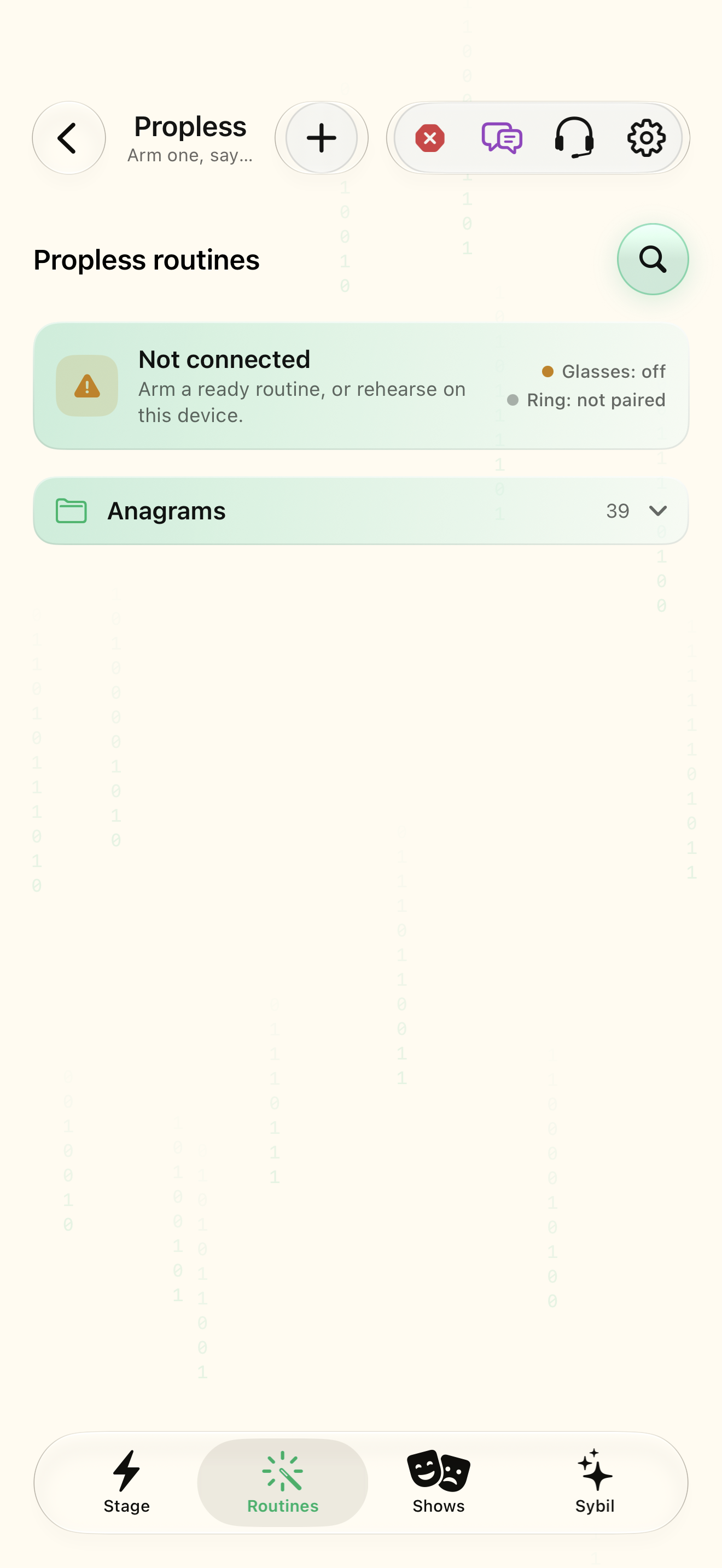
Test integrations before including them in a routine
Open Integrations, choose the supported service, fill the required fields in the app, and follow that integration’s test instructions. Check its receive/send direction and default value field. A receive-only source is not a general output destination. Credentials belong in the integration setup, never in a routine’s public description or this website chat.
Learn the automation entry points
Shortcuts/App Intents, sybilsight:// links, and the loopback Integration API are different entry points into the running app. The local API uses a bearer token, HTTP/WebSocket/MCP, and port 8766. Read its capabilities before calling an action. A website documentation page is not a remote control session for your phone.
Prepare events and propless tools
Events & guests imports a CSV guest list, activates an event, and makes roster-backed facts available to guest branches. Verify a synthetic guest before a production event. Propless contains anagram trees, name guessing, Elips, card stacks, drills, and reference datasets. Explore these tools independently before linking them into a larger routine.
Explore by purpose
Maps provides turn guidance; Tesla uses its configured vehicle connection; Sonic Radar configures compatible microphone-array behavior. Browser, eBook Reader, Reddit, Calculator, Gallery, and Mirror address reading/media/display tasks. Tone Studio, Musician, and Piezo Lab cover sound and music tools. The app directory below links every route so you can see the relevant screen and its prerequisites, including devices, permissions, or connected services.
Related screens
Reviewed against the iOS implementation. Captured development-build screens use synthetic or empty content; hardware and connected-service states vary.