
Visibility is different from content
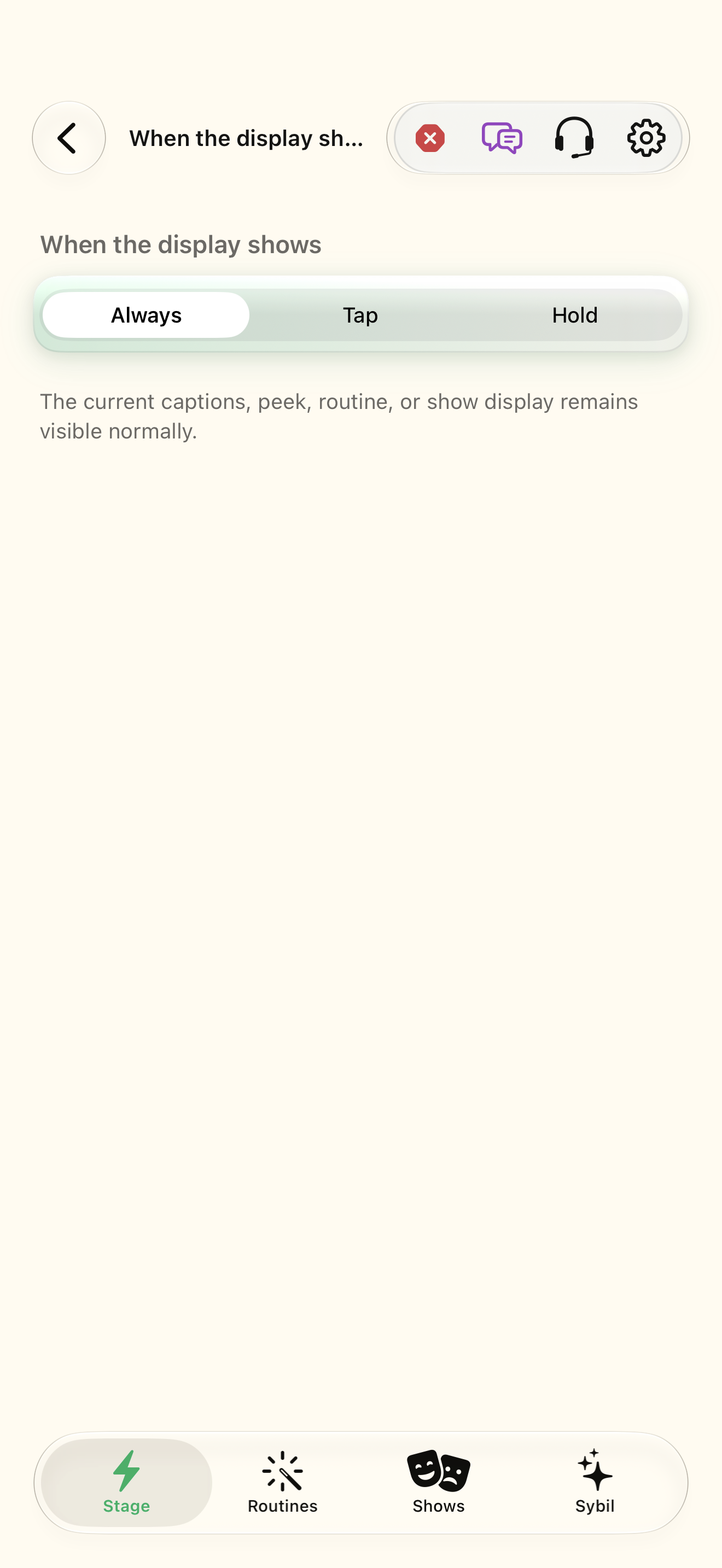
The display can hold content while the visibility policy keeps it hidden. When the display shows covers sleep and reveal behavior; routine Shows has its own reveal timing. If a result seems missing, check connection, the selected app/region, and display visibility before rebuilding the routine.
Arrange the canvas
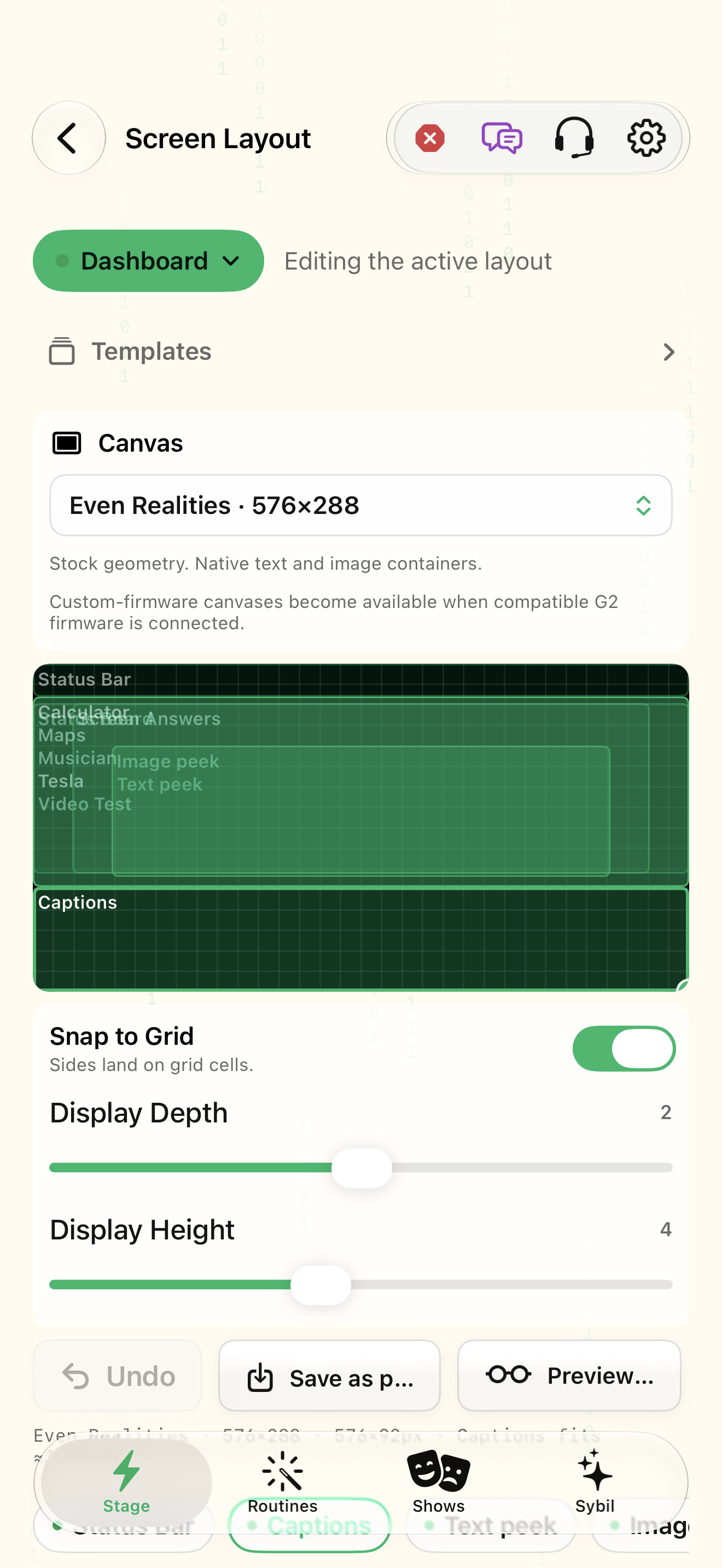
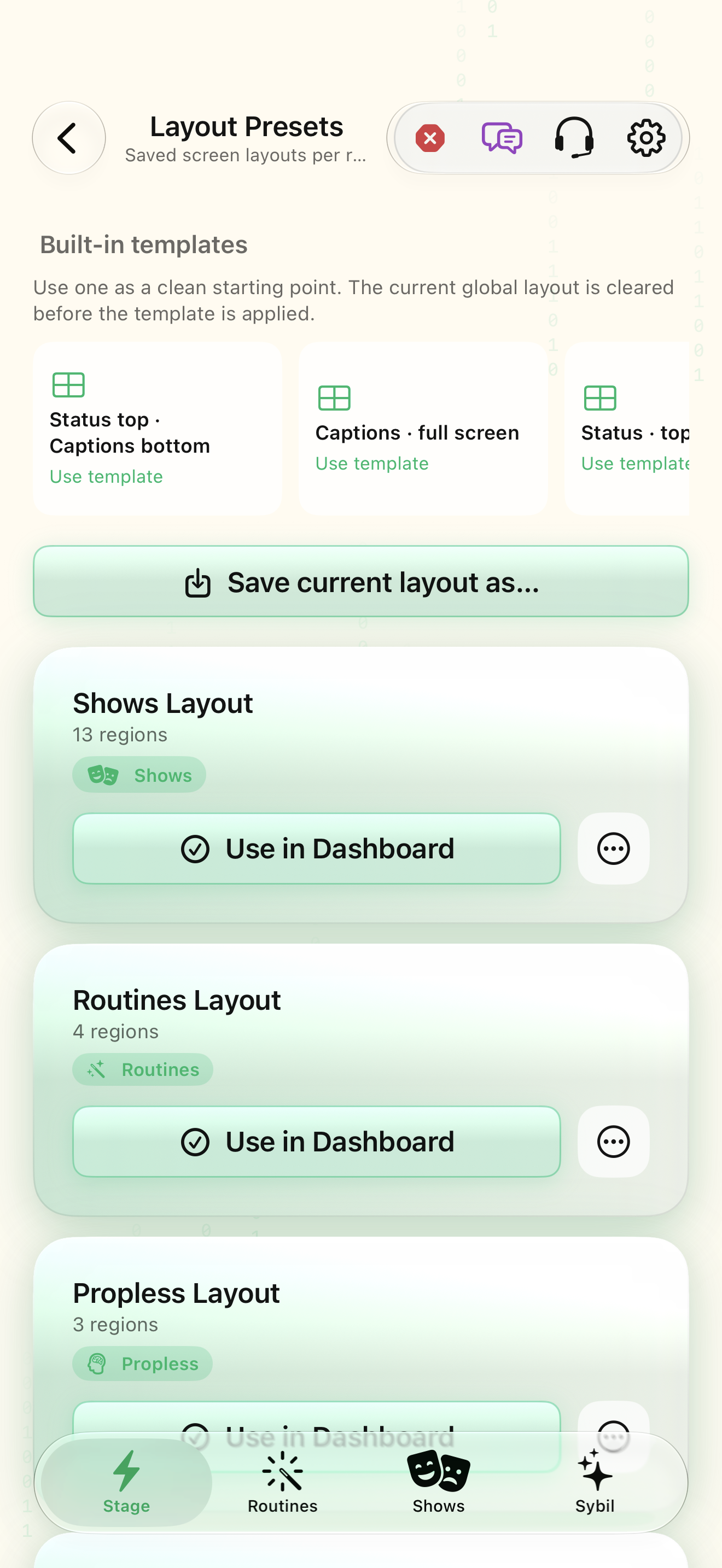
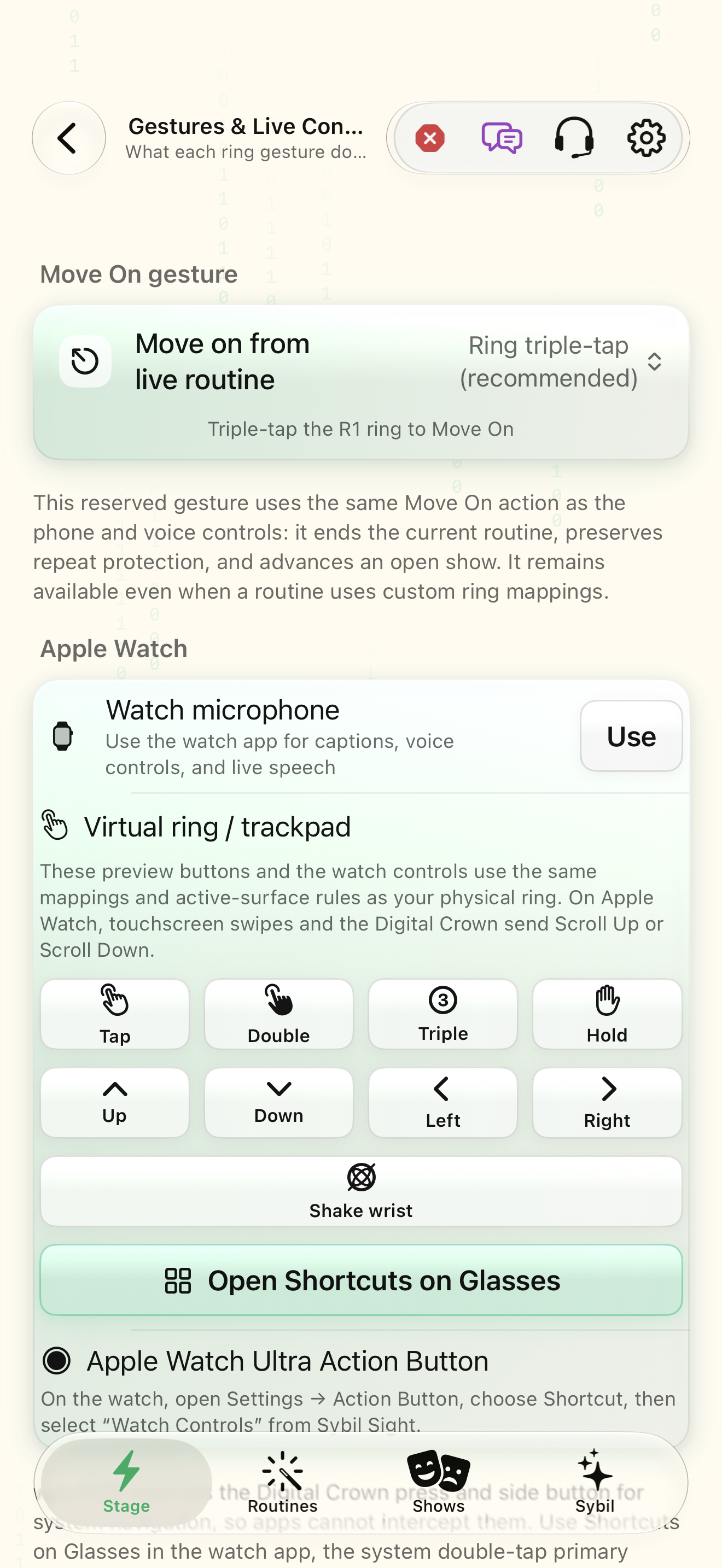
Screen Layout places app regions on the glasses canvas; presets save arrangements. Use the Live HUD layout editor to inspect the result rather than judging only by the phone’s app grid. Gestures & Live Controls maps wearable input. Keep branch selection, reveal, Back, Move On, and Cancel as separate concepts.
Read captions and translations
Captions contains the live stream, speaker labels, translation, search, and session history. Configure listening, microphone, speech, source/target languages, and original/translated display options before testing. Speak a short phrase and check the actual caption. Media Captions applies to the app’s own media players and is a different route from microphone captions.
Use the right reading workflow
Teleprompter supports script segments that follow speech or scroll using the ring and can attach to routines or show cues. eBook Reader handles book reading. Peeks sends text or images to the glasses and keeps history with source and time. Tap a saved Peek to show it again; clearing history removes saved reveals rather than deleting the underlying integration or routine.
Related screens
Reviewed against the iOS implementation. Captured development-build screens use synthetic or empty content; hardware and connected-service states vary.