
Prepare the setlist
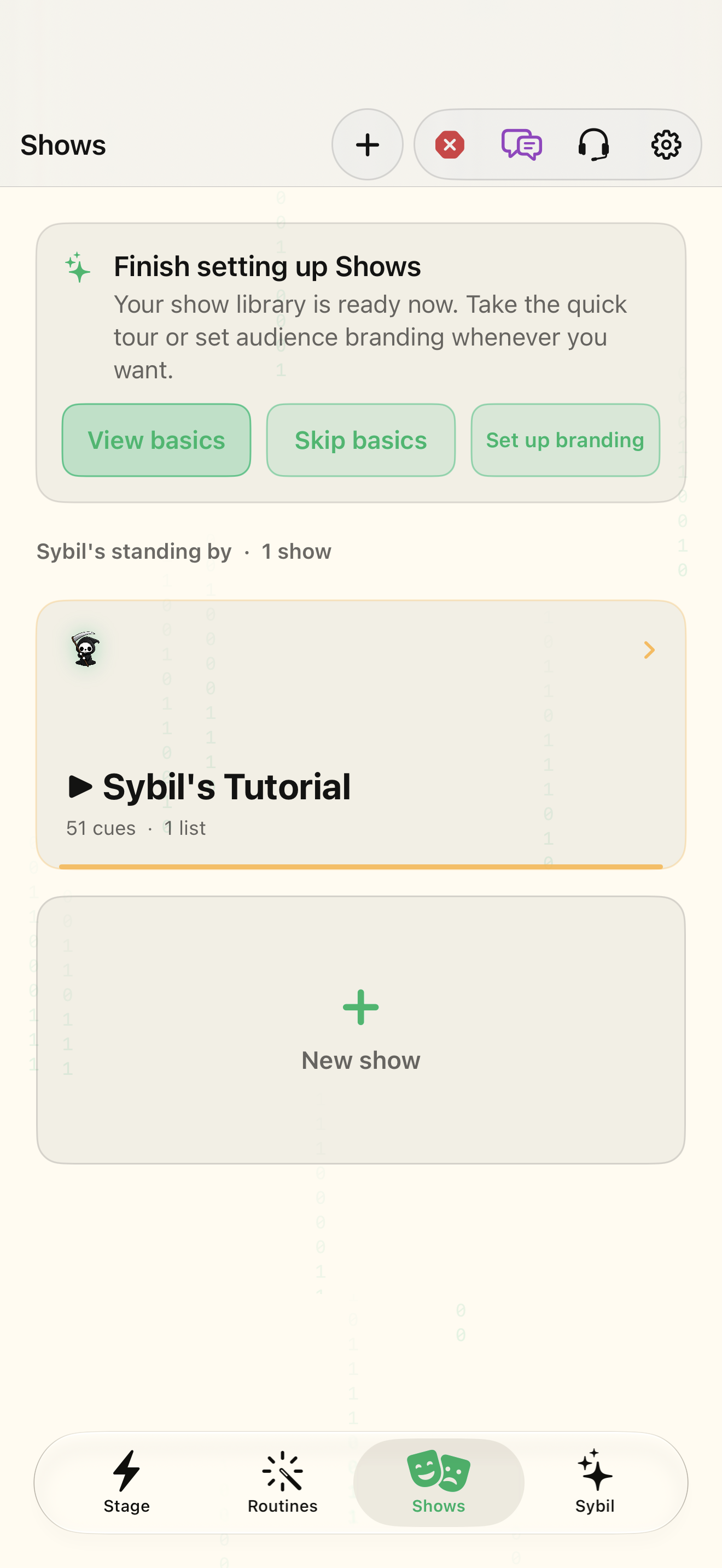
Setlist chooses the saved show you are editing. Add cue inserts media, camera, overlay, text, flow, or a host cue such as a peek, routine, or tone. Make the order reflect the production: introduction text, a prepared routine, a media moment, and closing text. Configure each cue’s media or target before rehearsal. Build with AI creates a draft from a description; review the resulting cue definitions before using them.
Verify dependencies before GO
Pre-show check covers microphone, voice triggers, camera, glasses, routines, tones, network, output, and media. A show’s existence does not establish that those resources are ready. Mirror hub previews the glasses and audience-screen output. Rehearse on the outputs you will actually use and inspect the standby cue before advancing.
Read live and standby as separate states
The cue list distinguishes live from standby. GO advances the production; Back, Panic, and Kill audio serve different recovery purposes. Learn them in rehearsal. Use History to see which cues fired and in what order. Moving back in a console does not reverse every external side effect that a cue may already have produced.
Connect a routine to the production
Insert routine adds a cue that starts a saved routine. Save as routine converts cues into a routine workflow. Keep the routine’s readiness, microphone, provider, and integrations in the pre-show plan. The same Move On vocabulary connects ending the current routine with advancing an open show, so inspect your input mapping before combining the two.
Related screens
Reviewed against the iOS implementation. Captured development-build screens use synthetic or empty content; hardware and connected-service states vary.