
Practice a routine before performing
Learn what the routine is waiting for before an audience is waiting for you.
A saved sample routine and the same input and output hardware you intend to use.
Rehearsal lets you inspect starts, captured values, branches, and results. A successful website exercise is not a device rehearsal.
Find the routine
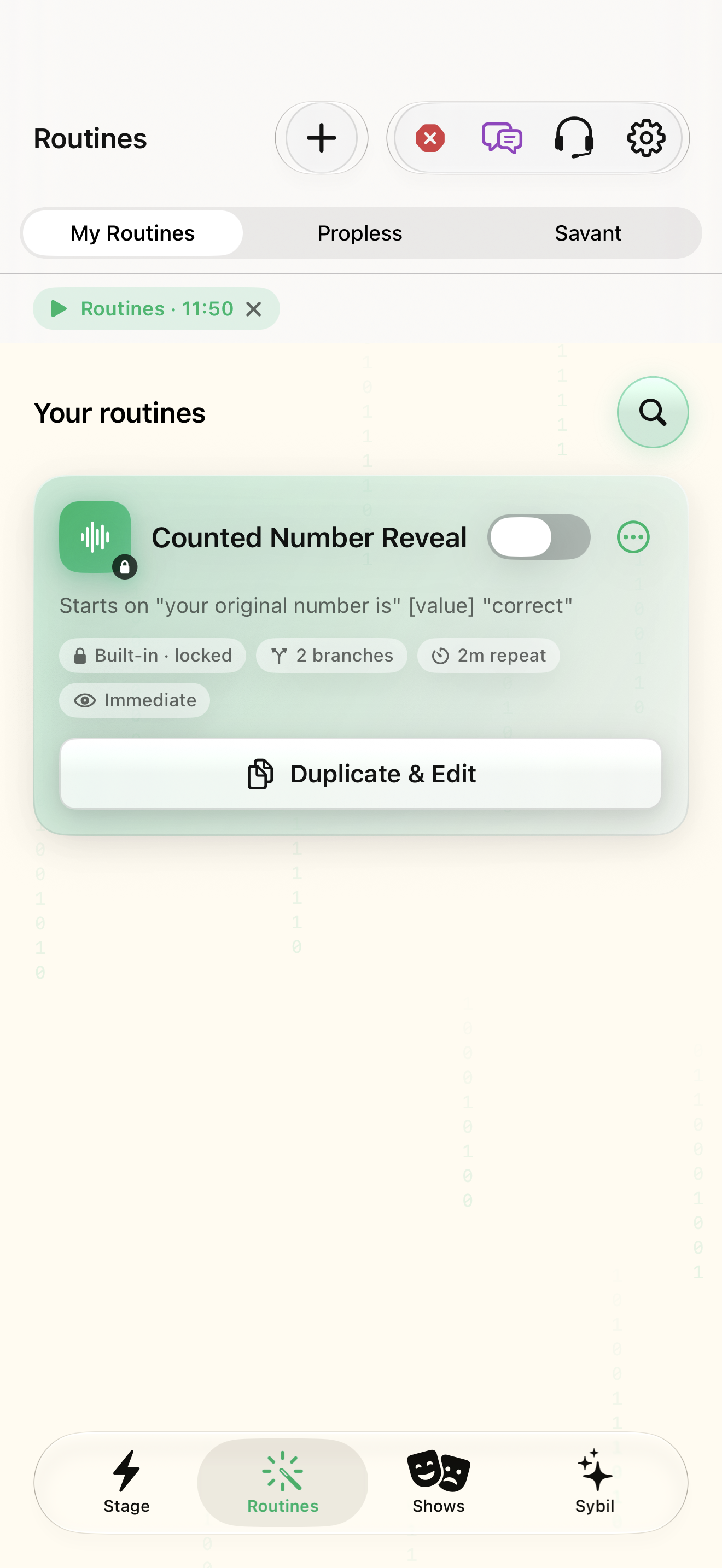
Open Routines and search by its name or start phrase. Inspect Ready and Needs setup filters.
You have selected the intended definition.
Select the highlighted control in the teaching view.
Practice at your own pace. You can also use Next step.
Routines
Your routines
Find Ready
Interactive HTML app view with sample data. Follow the outlined control, play the example, or explore at your own pace.
All steps, in writing
Find the routine
Open Routines and search by its name or start phrase. Inspect Ready and Needs setup filters.
Expected: You have selected the intended definition.
Enter rehearsal
Choose Rehearse for your sample. Review the current step and expected input.
Expected: The rehearsal is active and its waiting state is understandable.
Provide sample input
Use the configured phrase, integration test, or supported input. Keep personal performance material out of this exercise.
Expected: The captured sample matches what you supplied.
Correct and repeat
Inspect Captured facts. Correct a sample value if necessary, then practice returning with Back and running the next action.
Expected: You can recover from a mistaken value without guessing.
End deliberately
Stop the rehearsal and check the app state. Repeat with every branch before relying on it live.
Expected: The rehearsal has ended; you know the next start condition.
If something differs
- If nothing starts, check the exact trigger and listening state.
- If a fact is still updating, inspect the configured AI route and source before relying on it.
Open the screen references
Based on docs/routines-facts-usability.md and the app help catalog. Edition, device, and build affect available controls.