
Capture facts and reuse values
Carry a name, number, or other detail across multiple steps instead of asking twice.
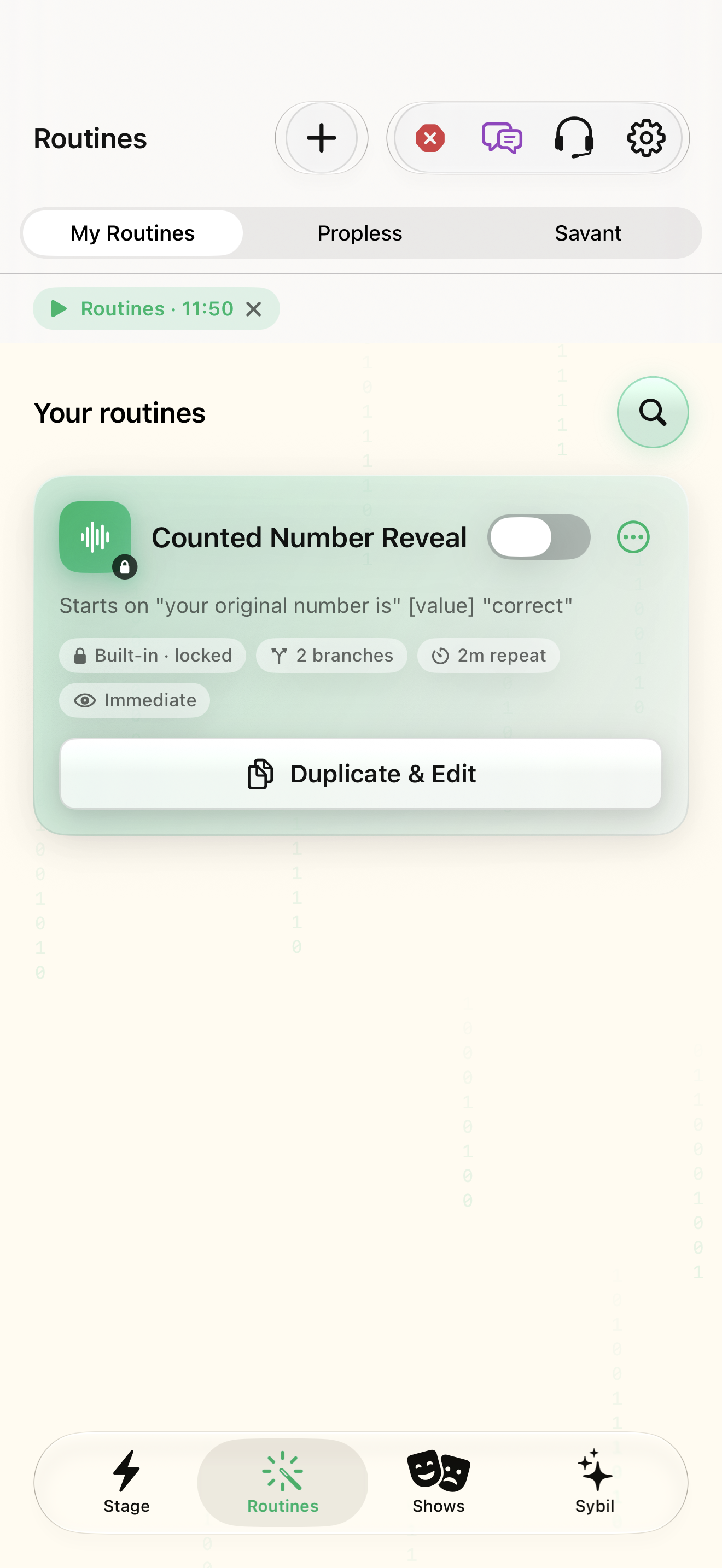
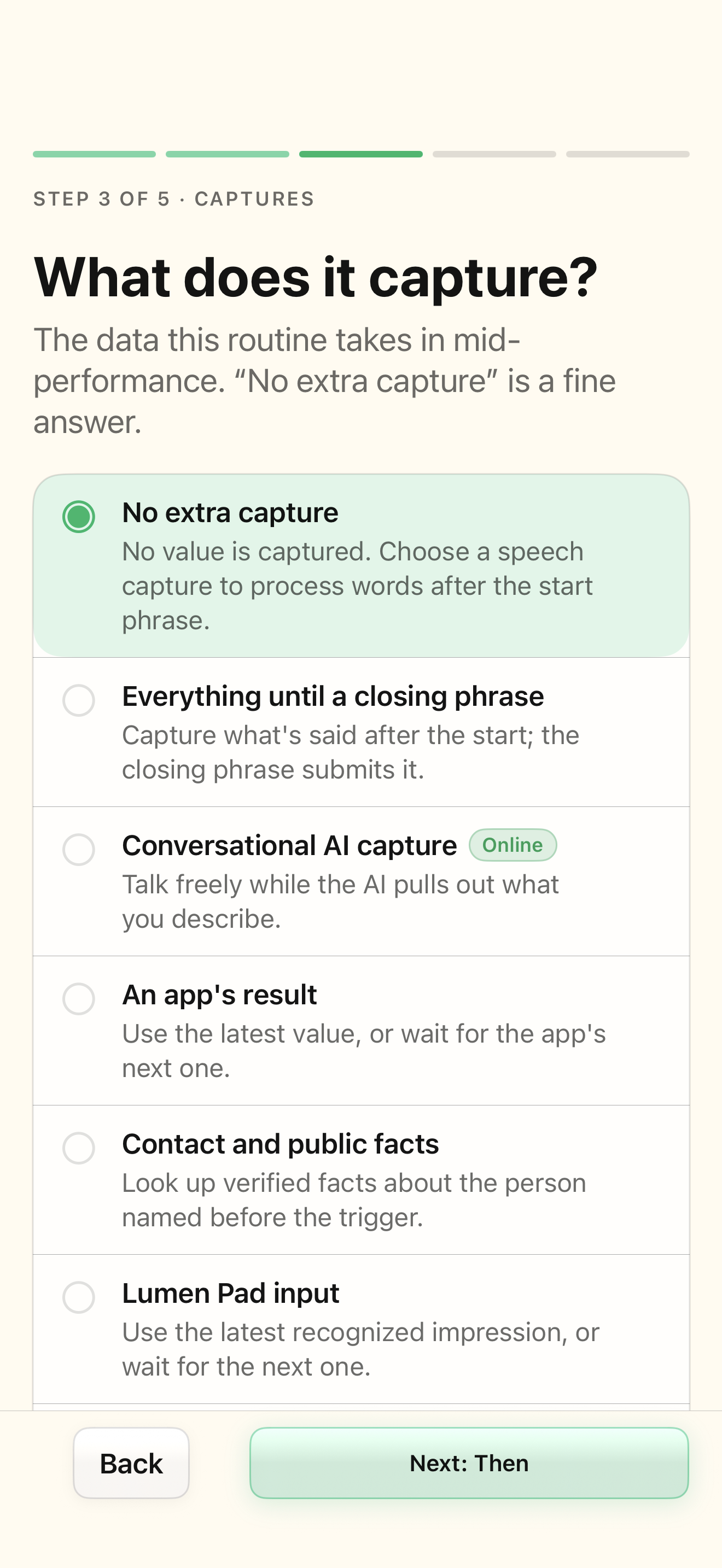
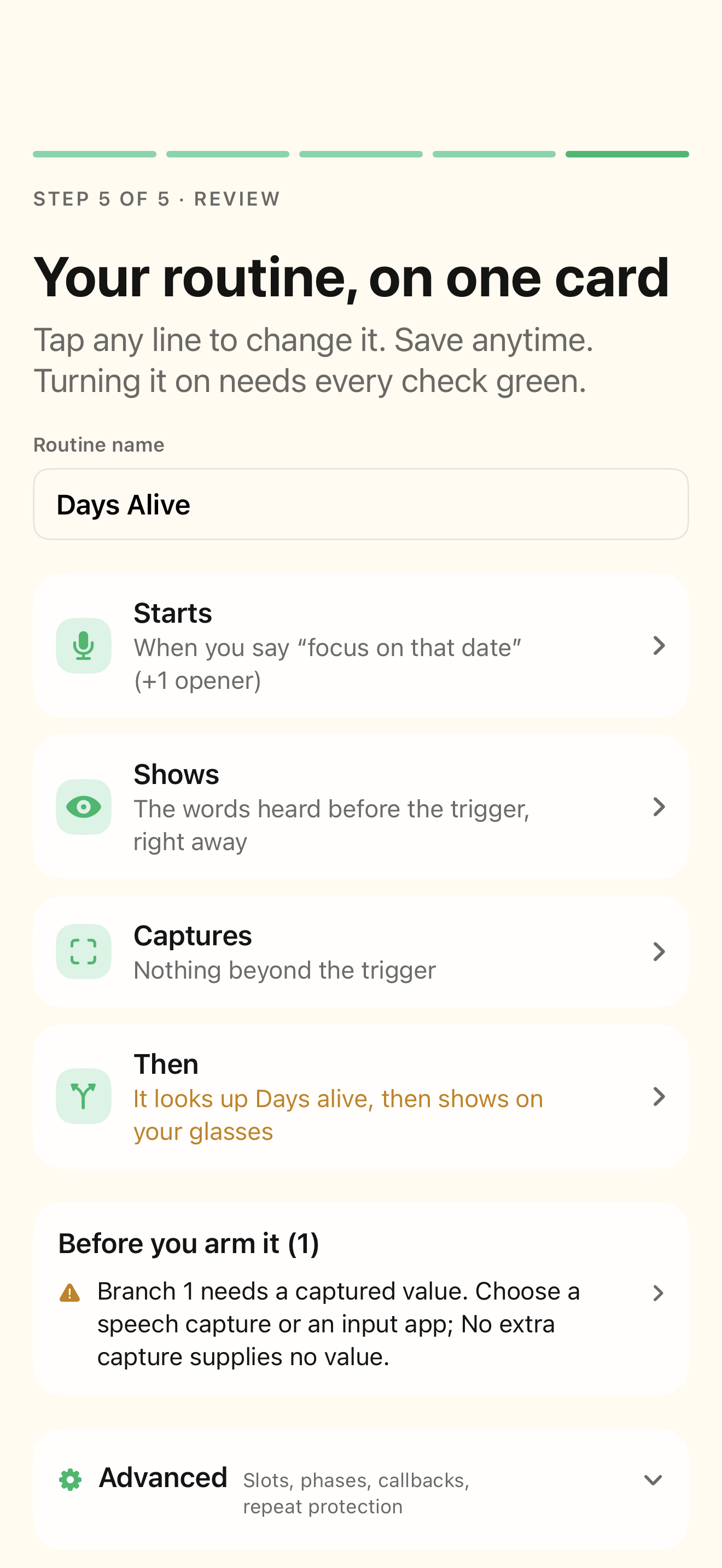
A routine with declared slots and a sample conversation; AI extraction needs its configured processing route.
Anchors are named values in a session. Fact slots describe information to extract. Earlier action results can feed later actions.
Declare what matters
Open advanced capture settings and add the named values your routine actually needs.
Required and optional information are clear.
Select the highlighted control in the teaching view.
Practice at your own pace. You can also use Next step.
Advanced
Your routines
Find Facts the AI listens for
Interactive HTML app view with sample data. Follow the outlined control, play the example, or explore at your own pace.
All steps, in writing
Declare what matters
Open advanced capture settings and add the named values your routine actually needs.
Expected: Required and optional information are clear.
Define the capture window
For phrase-delimited capture, set the opening and closing conditions. For AI facts, describe the intended value precisely.
Expected: The sample has a defined moment when input is collected.
Use a variable
Insert the appropriate variable in an action’s input or result. Reference declared anchors with the supported anchor syntax.
Expected: The later action uses the stored sample rather than a hardcoded personal value.
Review live facts
During rehearsal, open Captured facts. Check required progress and correct an uncertain value before continuing.
Expected: The value and source context agree.
If something differs
- Blank values do not satisfy a required fact.
- A live correction changes the current session, not the saved routine definition.
Open the screen references
Based on docs/routines-anchors.md and the app help catalog. Edition, device, and build affect available controls.