
Organize phases, loops, and saved results
Make a longer routine manageable by offering the right choices at the right time.
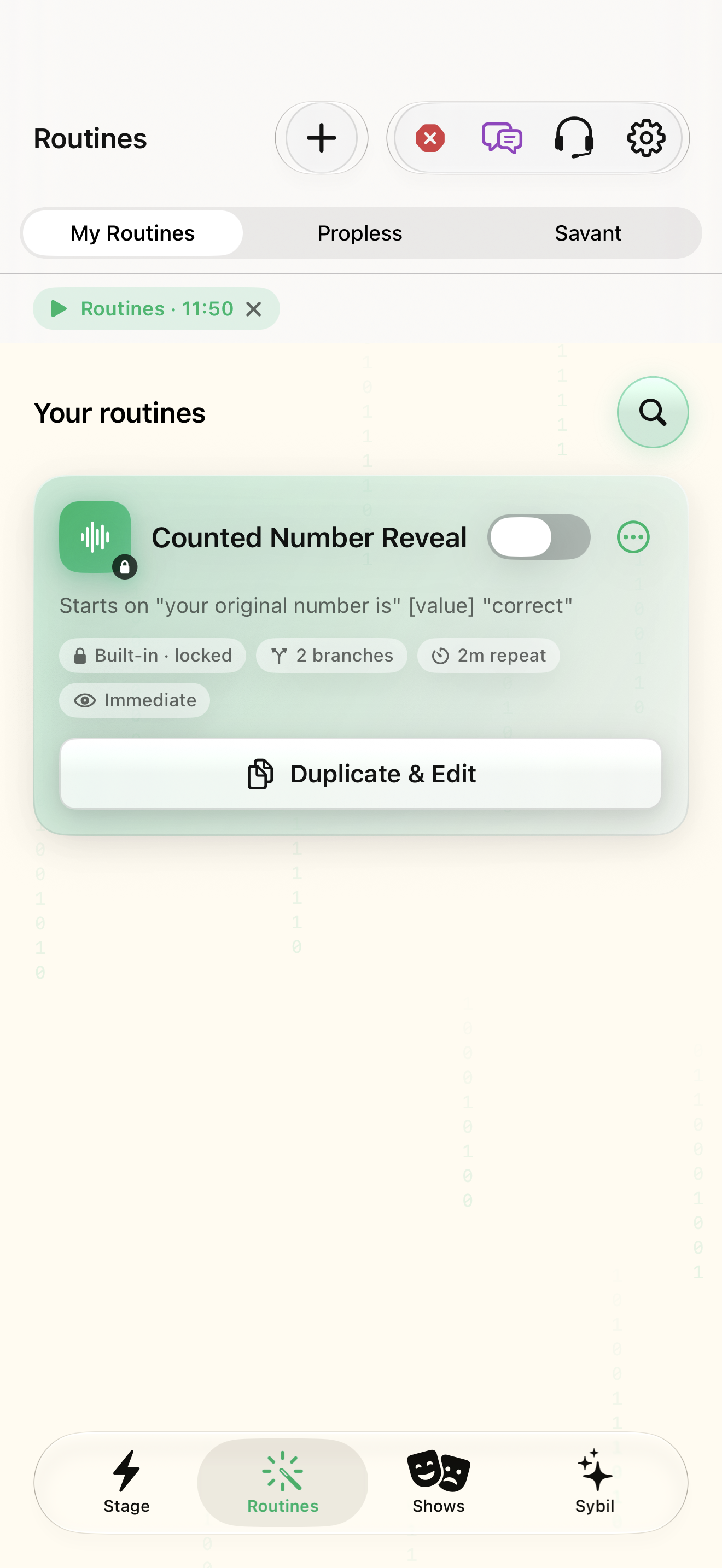
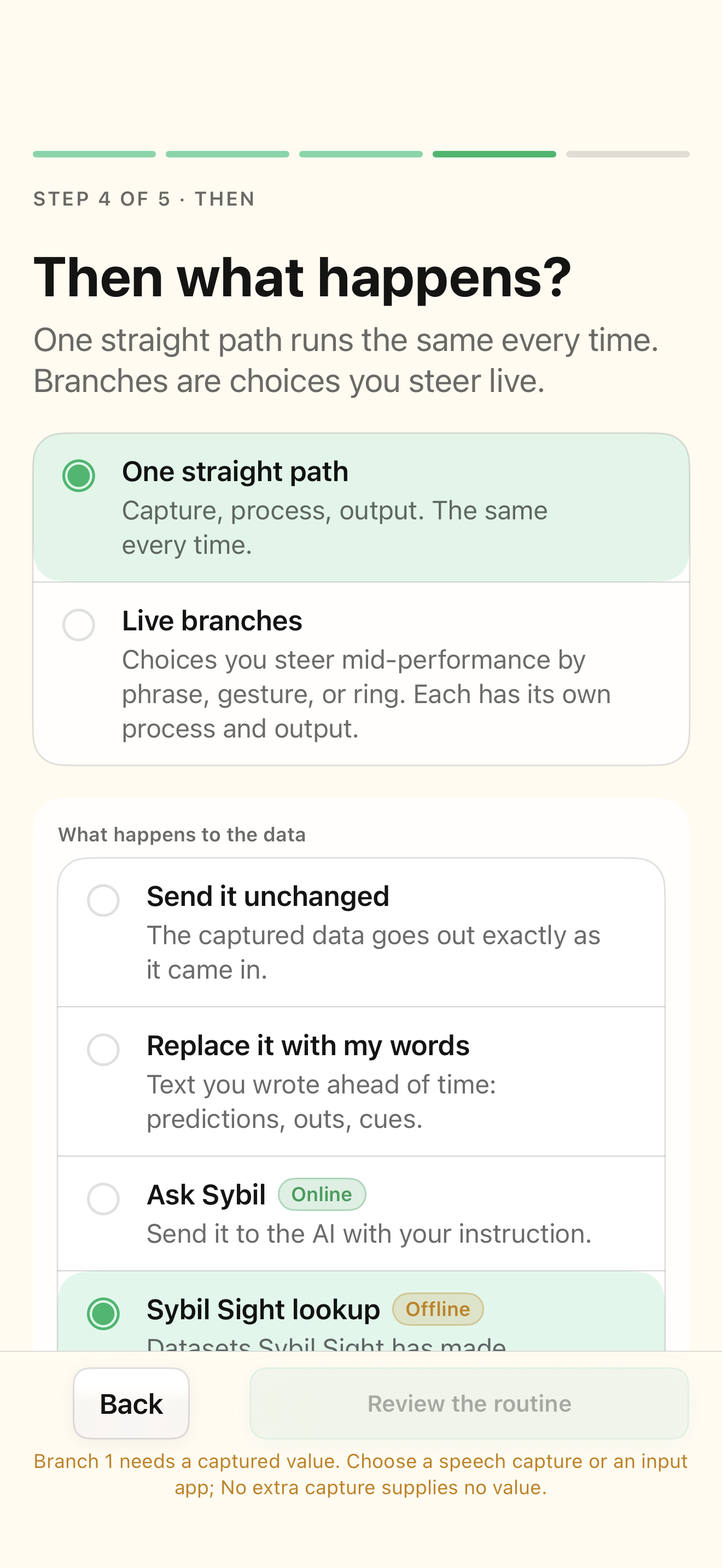
A working branched routine and a written sequence of phases.
Phase membership controls when an action is selectable. Advancing a phase keeps the routine open; returning to the same or earlier phase can form a loop.
Name the phases
Open Advanced → Phases and define a small sequence using names you will recognize live.
Each phase has a distinct purpose.
Select the highlighted control in the teaching view.
Practice at your own pace. You can also use Next step.
Advanced
Your routines
Find Phases
Interactive HTML app view with sample data. Follow the outlined control, play the example, or explore at your own pace.
All steps, in writing
Name the phases
Open Advanced → Phases and define a small sequence using names you will recognize live.
Expected: Each phase has a distinct purpose.
Assign membership
In a branch’s Phase section, choose when the action should be selectable.
Expected: The action belongs to the intended phase.
Choose the advance
Set the next phase where needed. For a loop, deliberately choose an earlier phase and plan its exit.
Expected: There is a route back and a way to finish.
Save intermediate results
Name an action result and use it as input for a later action. Test the loop with sample values.
Expected: The later action reads the right saved result.
If something differs
- A deleted phase must be replaced where the editor shows Missing phase.
- Delays are canceled when the routine is dismissed; they are not background reminders.
Open the screen references
Based on SybilSight/Routines/BranchEditorView.swift and the app help catalog. Edition, device, and build affect available controls.