
Perform, reveal, and recover
Keep your attention on the person while staying in control of the sequence.
A rehearsed routine, available dependencies, and a known stop/recovery control.
Arming makes a configured start available. A live session carries captured values; branches and held reveals act on that session.
Check the setup
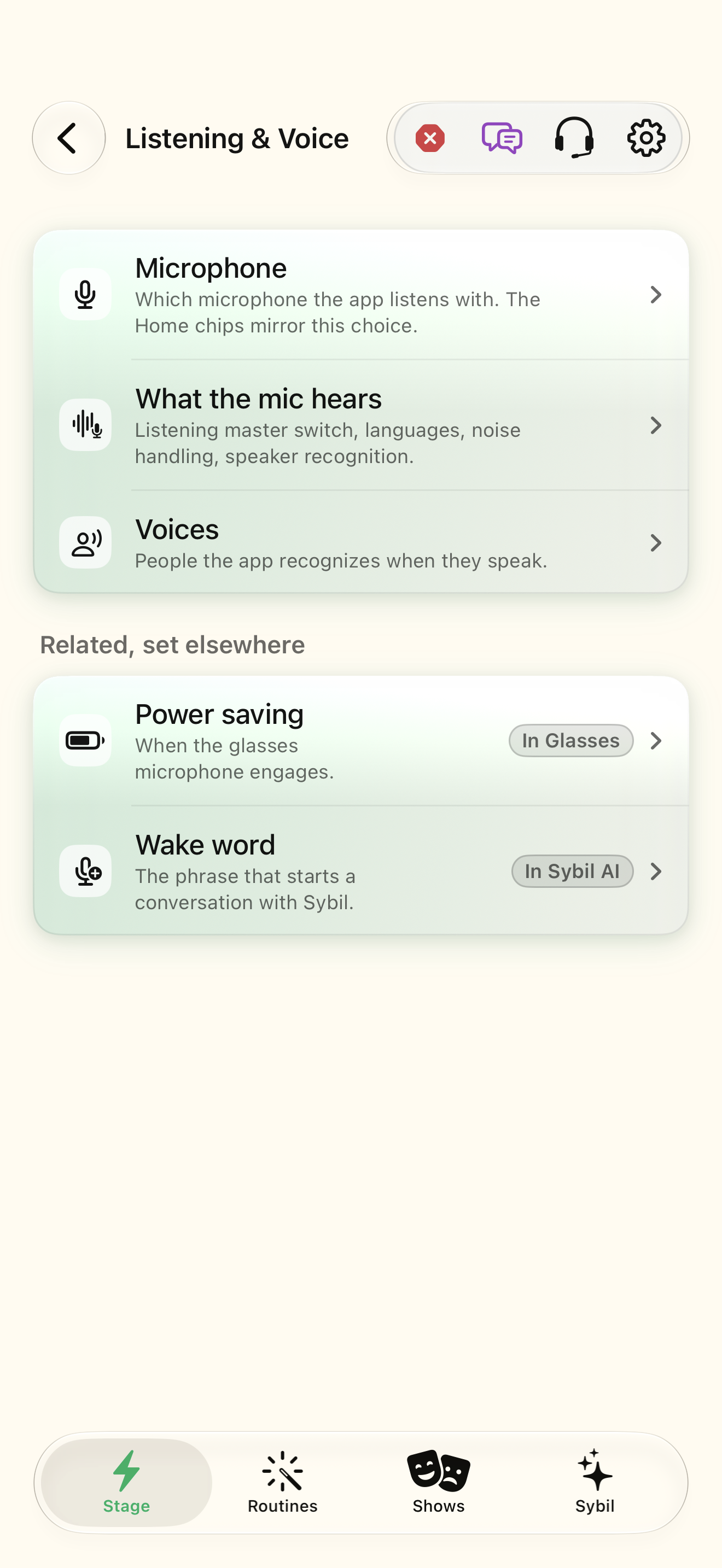
Inspect readiness, listening, and wearable connection. Resolve dependencies before going live.
The definition and the input/output path are both ready.
Select the highlighted control in the teaching view.
Practice at your own pace. You can also use Next step.
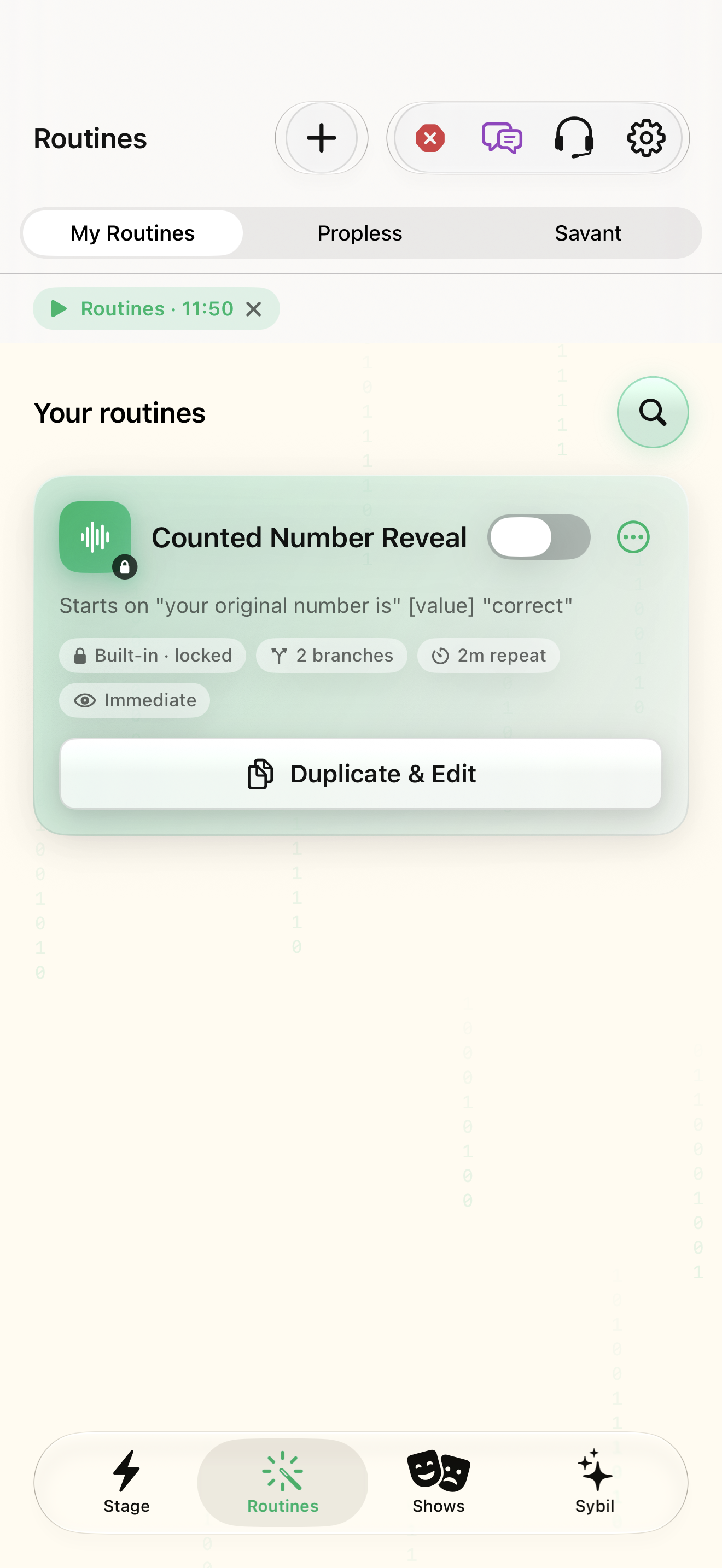
Routines
Your routines
Find Ready
Interactive HTML app view with sample data. Follow the outlined control, play the example, or explore at your own pace.
All steps, in writing
Check the setup
Inspect readiness, listening, and wearable connection. Resolve dependencies before going live.
Expected: The definition and the input/output path are both ready.
Arm the intended routine
Enable the routine you intend to use. Check which routines are armed so similar phrases do not surprise you.
Expected: The intended start is armed.
Start and inspect
Use the configured trigger. Read the live state and any captured fact before selecting an outcome.
Expected: The session contains the expected sample information.
Choose or reveal
Select a configured branch, or reveal a held result when appropriate. Confirm the actual output.
Expected: The chosen result appears at the intended destination.
Return to a known state
Use Back when a local step needs recovery, or Stop when the sequence should end. Review arming before the next performance.
Expected: You know whether another trigger can start the routine.
If something differs
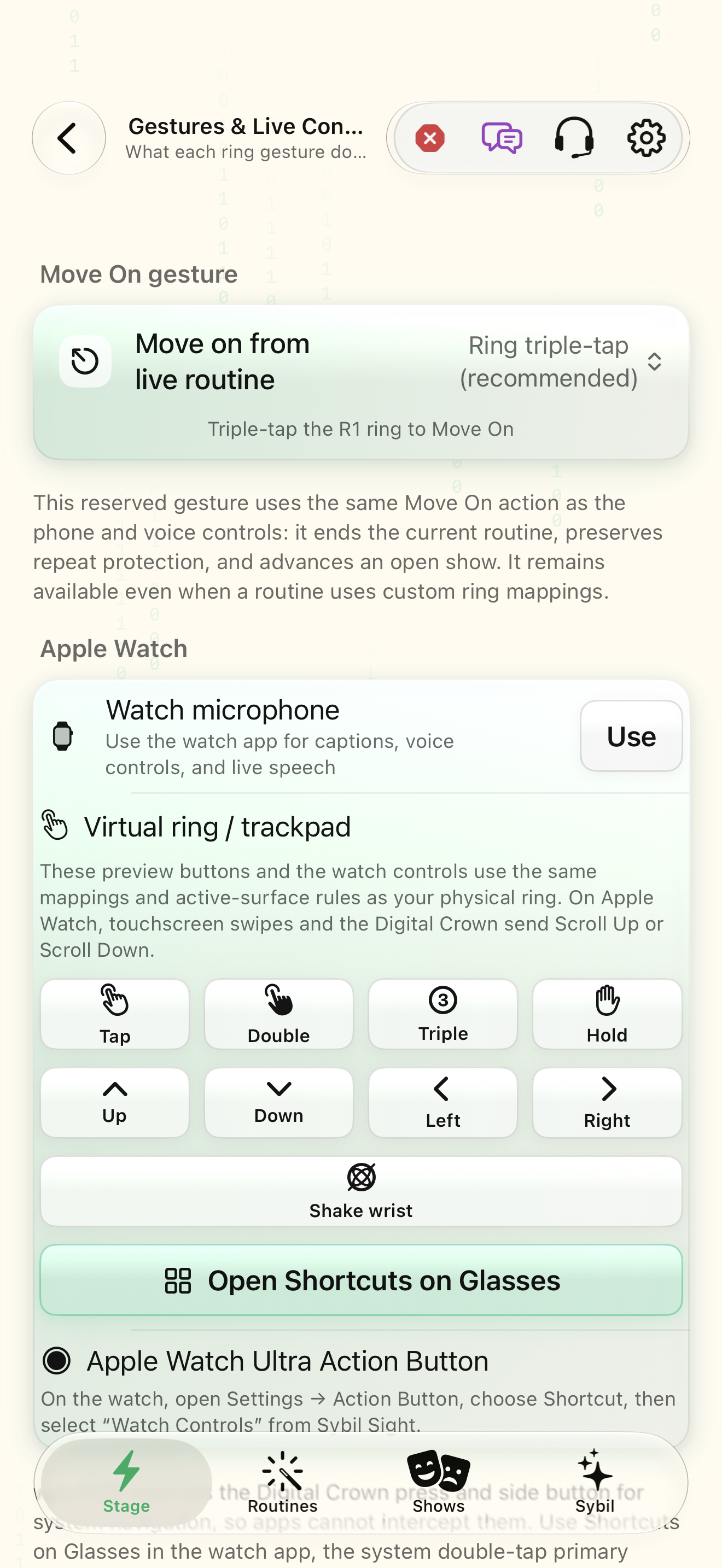
- Wearable branch selection must be enabled and mapped for your setup.
- Back restores preceding local state; it cannot recall a message already sent to an external service.
Open the screen references
Based on docs/routines-facts-usability.md and the app help catalog. Edition, device, and build affect available controls.