
Name speakers and review voice profiles
Keep speaker identity connected to captions and recordings.
Microphone/caption permissions and a recent speech sample.
Saving a labeled voice lets future captions identify that speaker. Profiles can be renamed or deleted; deleting stops recognition until their voice is saved again.
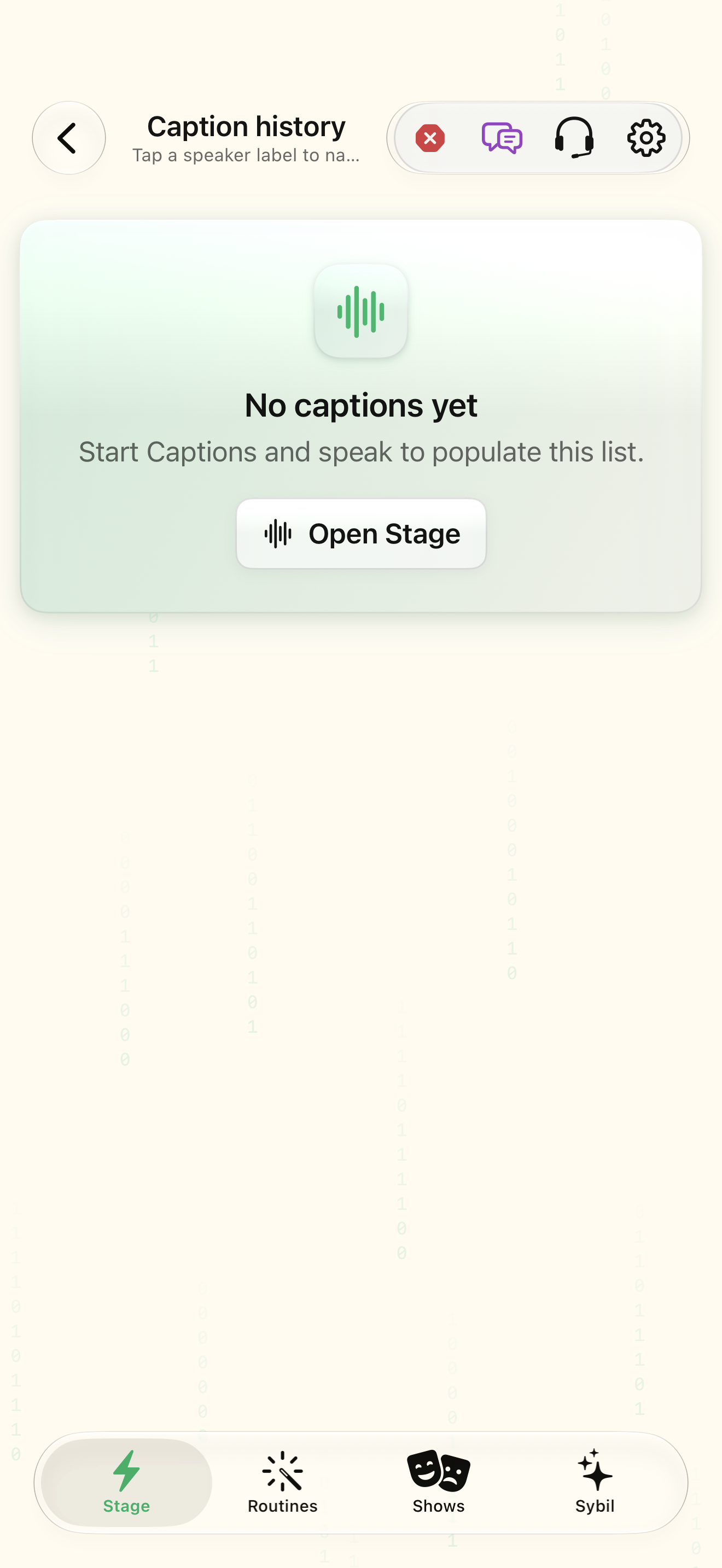
Open Stage
Start Captions and speak so a recent speaker sample is available.
Caption history includes speech that can be reviewed.
Select the highlighted control in the teaching view.
Practice at your own pace. You can also use Next step.
Captions
Explore a sample session
Find Open Stage
Interactive HTML app view with sample data. Follow the outlined control, play the example, or explore at your own pace.
All steps, in writing
Open Stage
Start Captions and speak so a recent speaker sample is available.
Expected: Caption history includes speech that can be reviewed.
Label speakers from captions
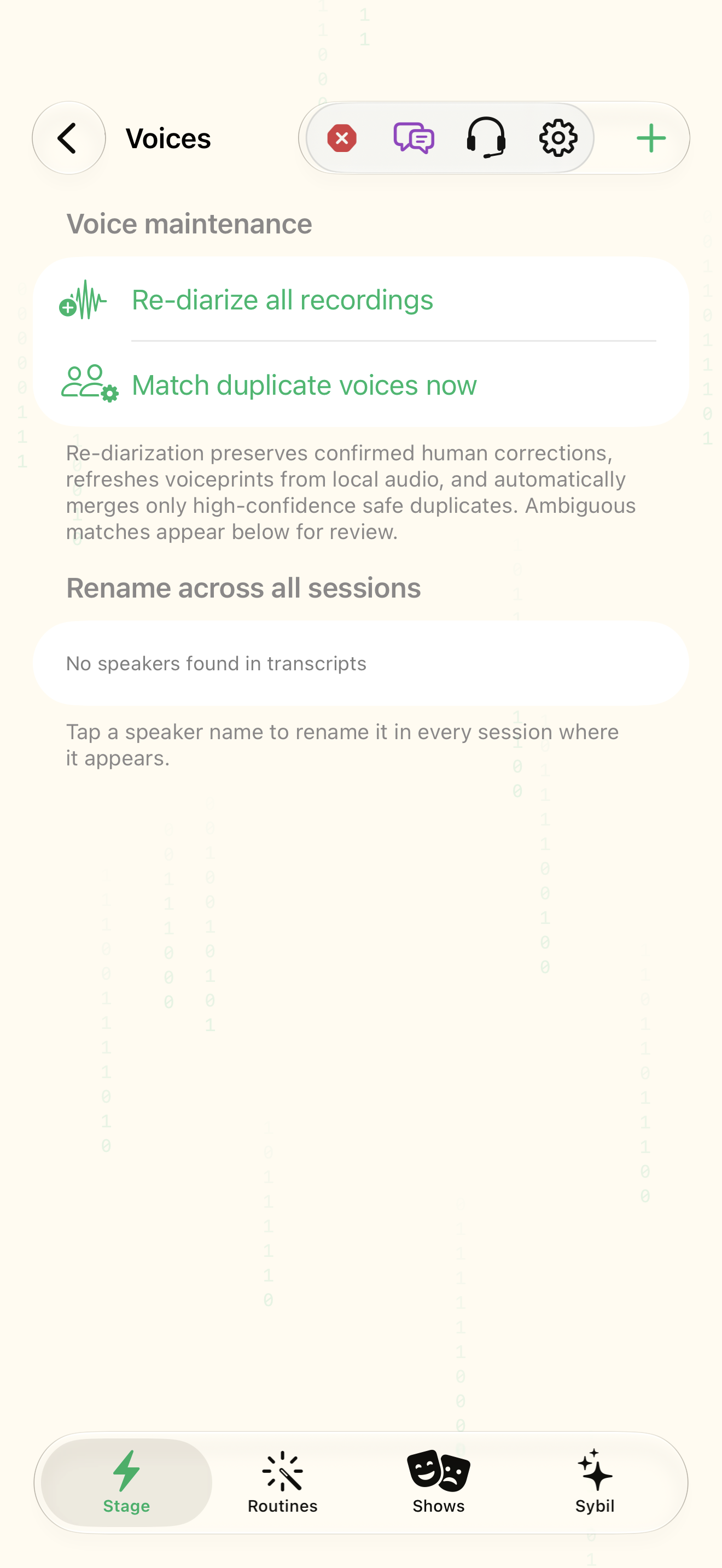
Open Voices and Label speakers from captions. Select a recent speaker and provide the correct name.
Expected: A saved voice profile has a recognizable name and sample count.
Review sample
Listen to or inspect the sample before merging or correcting a profile.
Expected: The identity is based on the actual source sample.
Rename
Rename a profile when necessary. Delete removes recognition for that saved identity until it is trained again.
Expected: Future labels use the corrected name or stop using the deleted identity.
If something differs
- Very short, noisy, or overlapping speech can reduce recognition confidence.
- A recording speaker label and a contact association should both be reviewed.
Open the screen references
Based on SybilSight/UI/VoicesView.swift and the app help catalog. Edition, device, and build affect available controls.