
Choose your privacy and processing boundaries
Know which data stays on your devices and which optional features use another service.
No personal sample data is needed.
Personal memory, account/support services, optional AI providers, integrations, and this website assistant have different data paths. Review each explicitly.
Review permissions
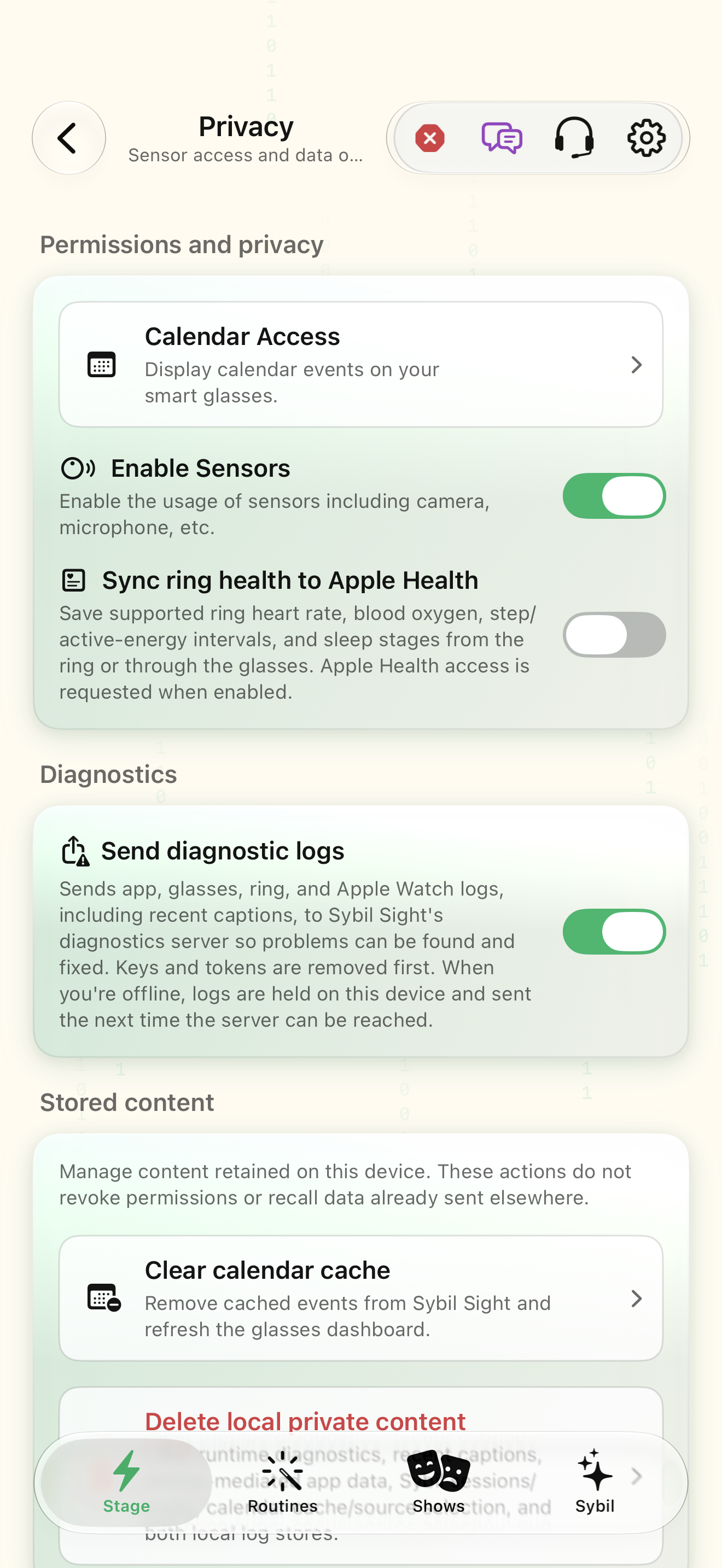
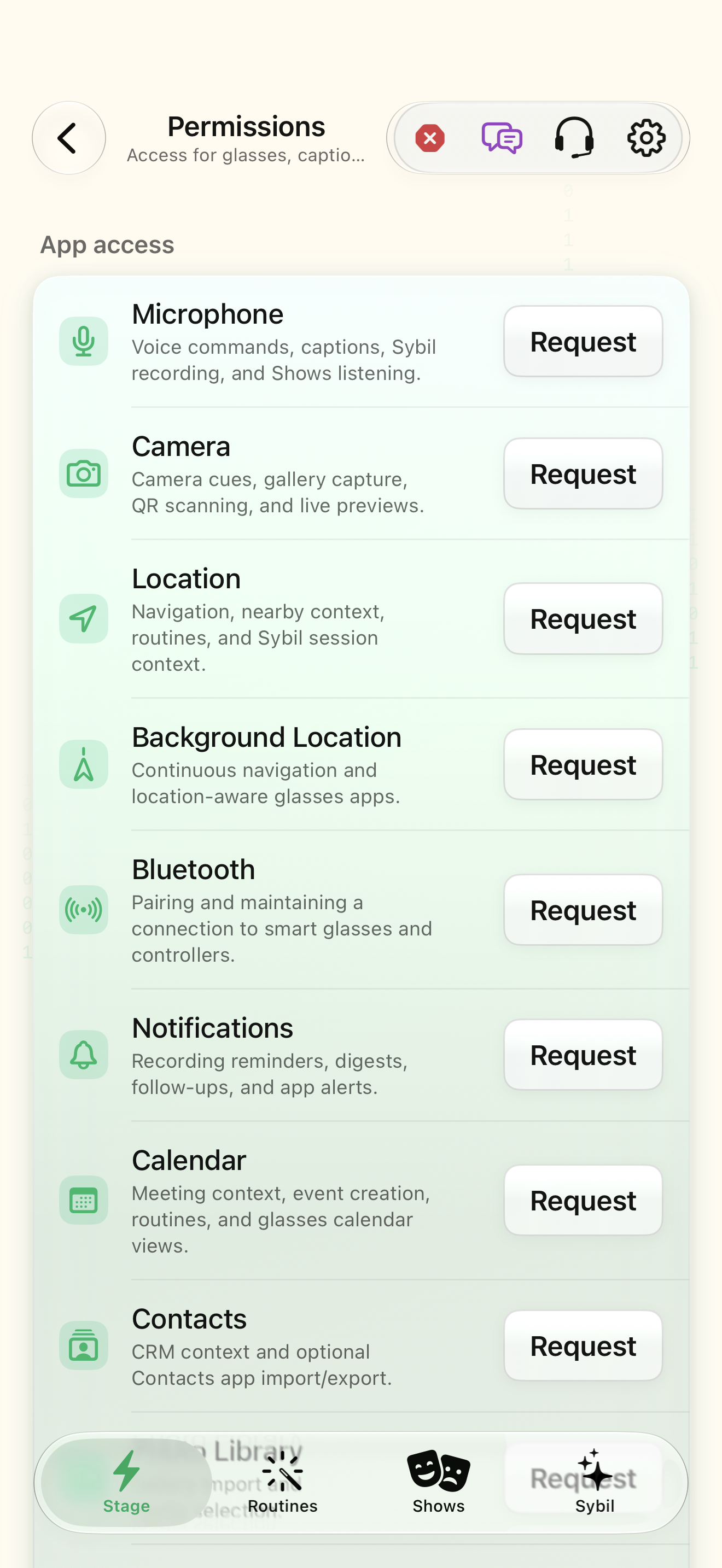
Open Privacy and Permissions. Match each grant to a feature you intend to use.
You can explain why each input is available.
Select the highlighted control in the teaching view.
Practice at your own pace. You can also use Next step.
Settings
Permissions and privacy
Diagnostics
Stored content
Find Permissions
Interactive HTML app view with sample data. Follow the outlined control, play the example, or explore at your own pace.
All steps, in writing
Review permissions
Open Privacy and Permissions. Match each grant to a feature you intend to use.
Expected: You can explain why each input is available.
Check AI processing
Inspect the active on-device, Terminal, or external provider route.
Expected: The request’s processing destination is understood.
Choose retention
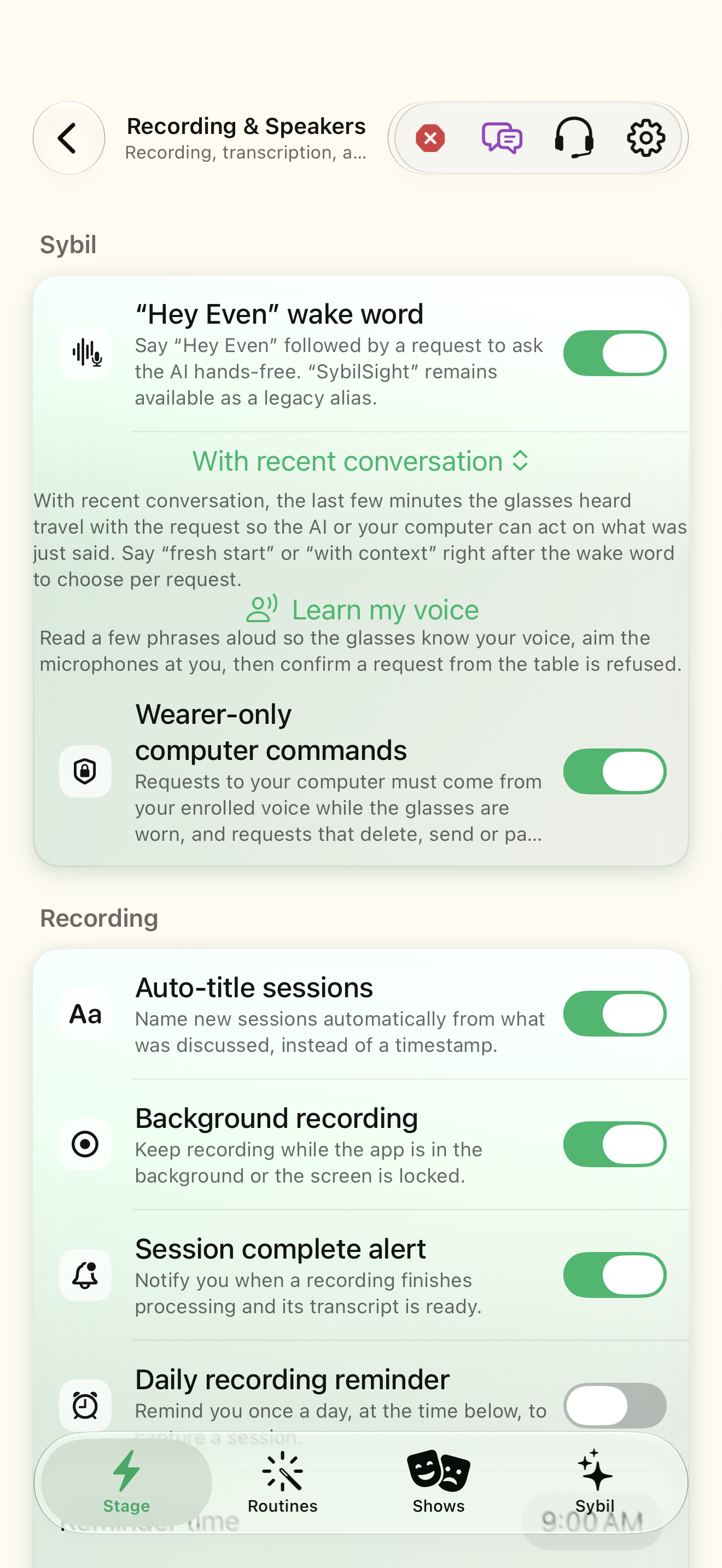
Review recording retention and synchronization preferences in assistant settings.
Expected: The selected storage locations match your intent.
Separate website help
The optional website assistant sends submitted questions and selected public documentation to Meta Contributor; prompts and answers may be used for training. Use search for help without an AI call.
Expected: You can choose support without sharing private app content.
If something differs
- The app’s optional external providers mean “no cloud ever” is not an accurate description of every configuration.
- Do not paste recordings, credentials, or private contact data into the public website assistant.
Open the screen references
Based on SybilSight/Services/AppAgent/AppAgentKnowledge.swift and the app help catalog. Edition, device, and build affect available controls.