
Read authored video captions and subtitle files
Follow media using its written caption track where one is available.
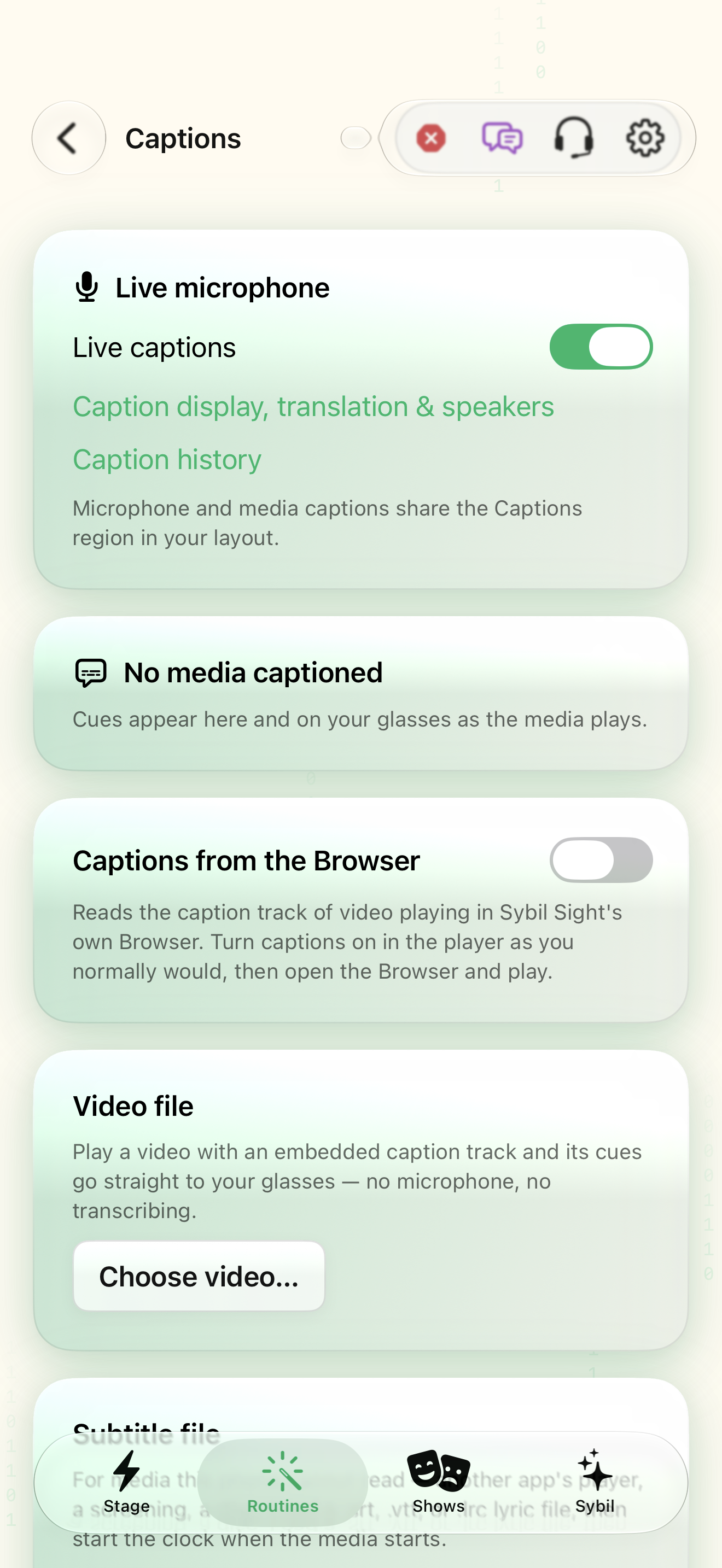
Media Captions plus a supported video, browser player, or .srt, .vtt, or .lrc file.
Microphone captions and media captions share the Captions layout region. Authored cues follow the media clock; imported subtitles can run on a separate clock with an offset.
Live captions
Open Media Captions and confirm Live captions. Select Caption display, translation & speakers to choose how the shared Captions region looks.
The destination region is configured before playback.
Select the highlighted control in the teaching view.
Practice at your own pace. You can also use Next step.
Media Captions
Live microphone
Captions from the Browser
Video file
Subtitle file
Find Live captions
Interactive HTML app view with sample data. Follow the outlined control, play the example, or explore at your own pace.
All steps, in writing
Live captions
Open Media Captions and confirm Live captions. Select Caption display, translation & speakers to choose how the shared Captions region looks.
Expected: The destination region is configured before playback.
Captions from the Browser
For a video in SybilSight’s Browser, enable Captions from the Browser and turn captions on in the player.
Expected: The app reads the authored track from its own browser player.
Choose video
Choose a local video with an embedded caption track. Check available languages and play the video.
Expected: Cues appear on the phone and glasses as playback reaches their timestamps.
Choose file
For a screening or external player, load a subtitle file and start its clock when the media begins. Use −0.5s or +0.5s to correct synchronization.
Expected: The caption line matches the current media moment.
Search captions
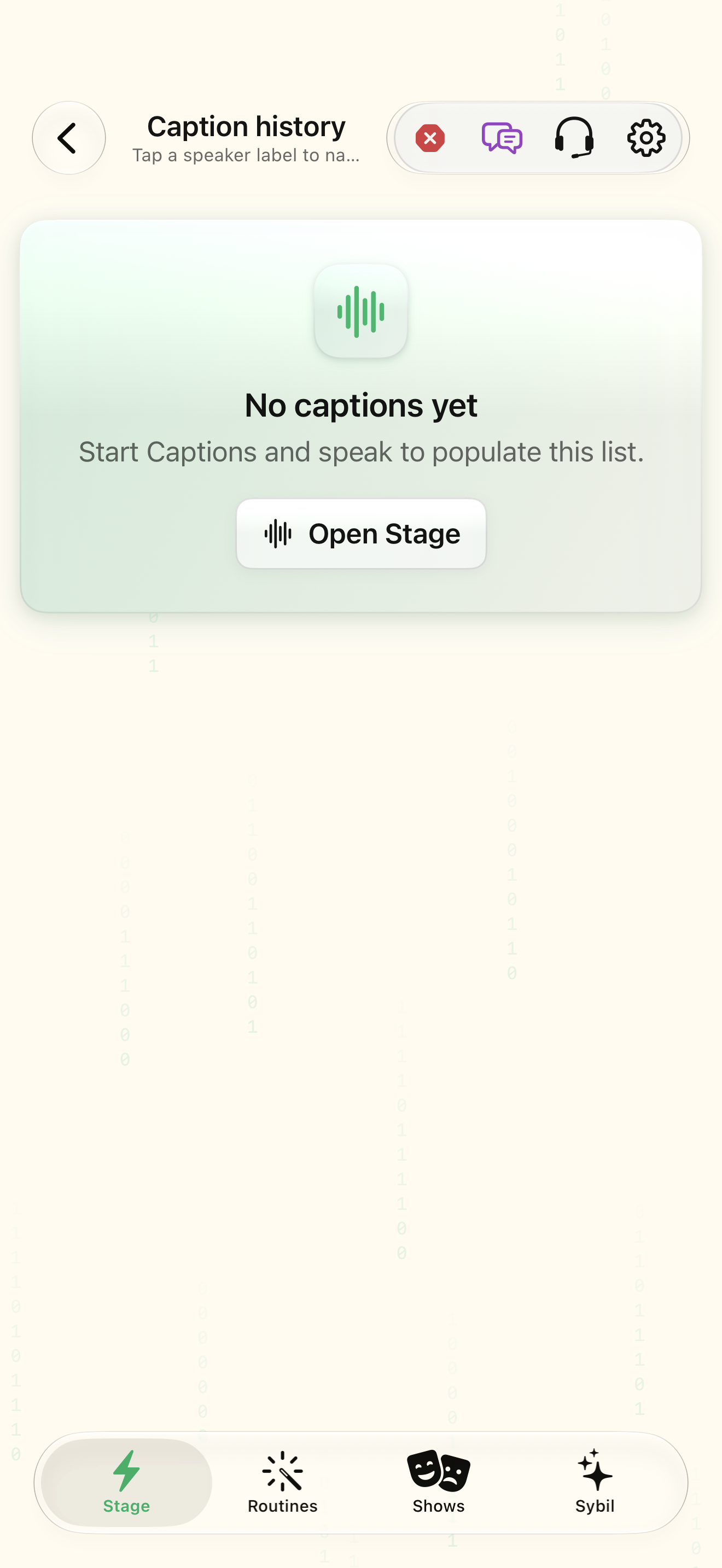
Review history when you need to return to the text. For unrelated iPhone apps, use microphone captions; Mac media captions are handled in Terminal → Media.
Expected: You use a source the app can actually access.
If something differs
- iOS does not let this app read another app’s player captions or the system Live Captions overlay.
- Missing embedded tracks require a supplied subtitle file or microphone transcription.
- An incorrect offset makes authored text appear too early or late.
Open the screen references
Based on SybilSight/UI/MediaCaptionsMiniappView.swift and the app help catalog. Edition, device, and build affect available controls.