
Understand exports and synchronization
Move information intentionally and understand what an exchange format preserves.
A sample dataset and a destination you control.
Exports and integrations differ by format and feature. A local task, an external reminder, and a project interchange file are not the same record.
Choose the scope
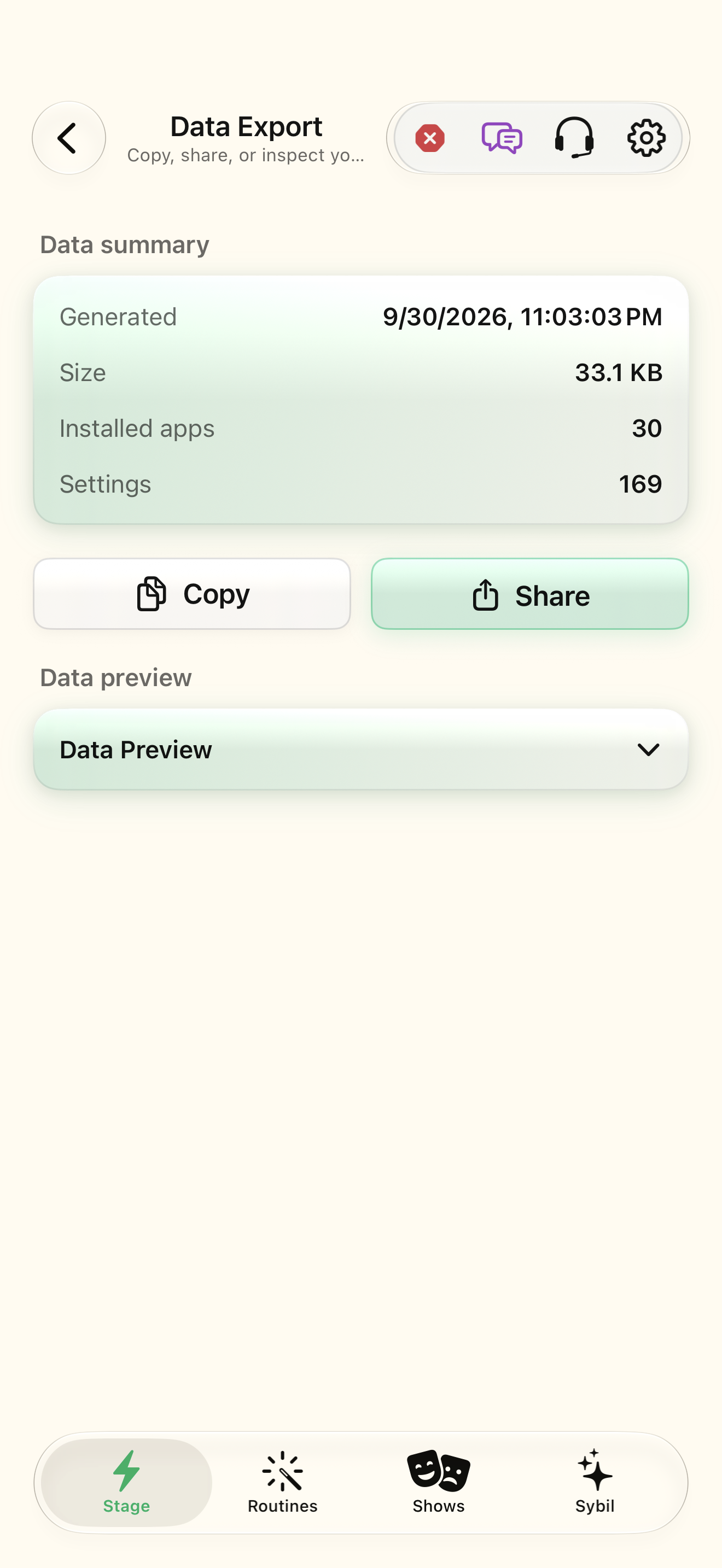
Open Data & Export and identify which records or settings the chosen export includes.
The selected scope matches your purpose.
Select the highlighted control in the teaching view.
Practice at your own pace. You can also use Next step.
Data & Export
Data summary
Data preview
Find Scope
Interactive HTML app view with sample data. Follow the outlined control, play the example, or explore at your own pace.
All steps, in writing
Choose the scope
Open Data & Export and identify which records or settings the chosen export includes.
Expected: The selected scope matches your purpose.
Choose the format
For projects, review JSON, CSV, or Microsoft Project XML support and the fields each preserves.
Expected: You understand which metadata may not travel with a format.
Choose the destination
Use a destination you control and inspect the completed export.
Expected: The file is where you expected and contains the intended sample.
Review synchronization
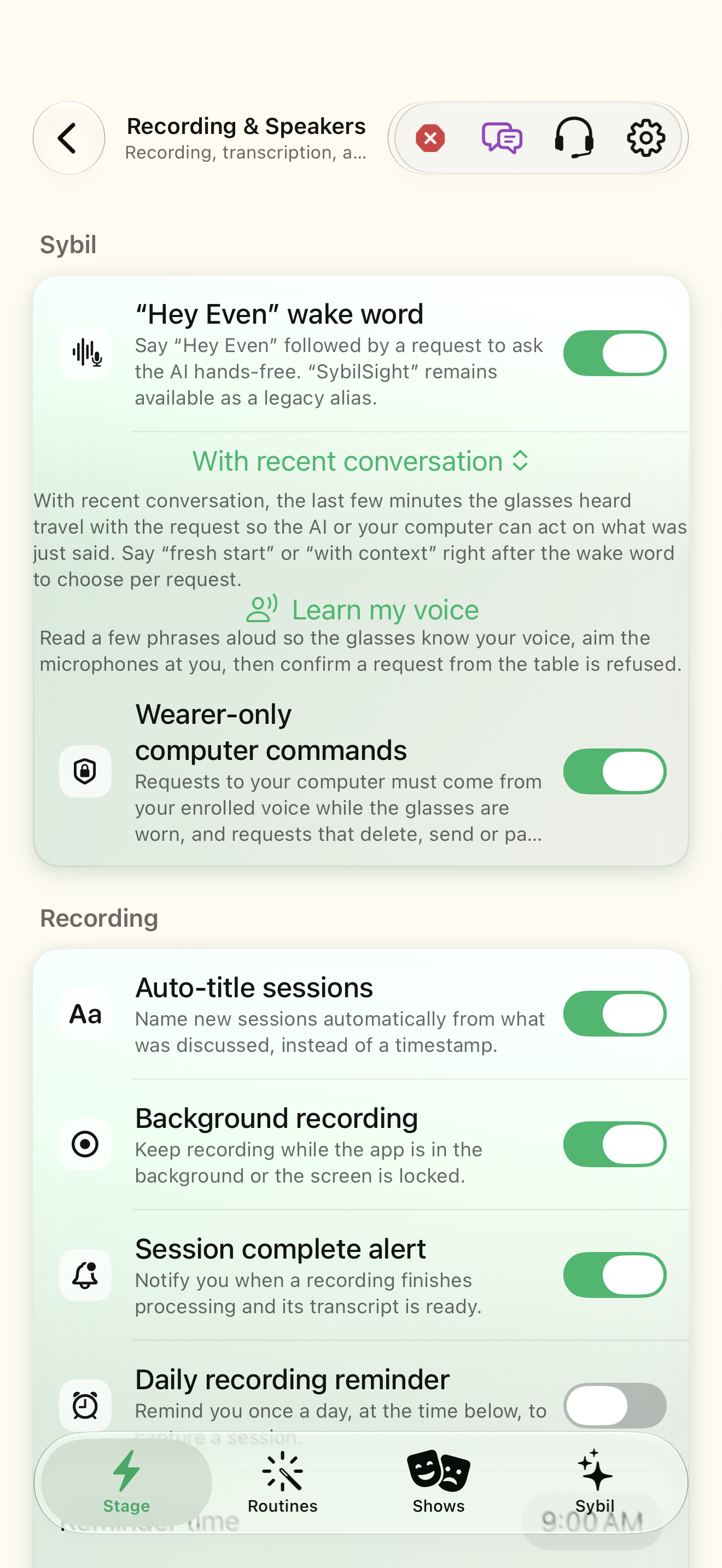
For Terminal or external reminder/contact sync, inspect the specific feature’s state and conflict review.
Expected: You know which system owns the next change.
If something differs
- CSV/XML do not preserve all additional personal task-organization fields that project JSON can carry.
- Importing or synchronizing is not the same as creating a new repeated-task occurrence.
Open the screen references
Based on docs/task-project-workflows-2026-09-17.md and the app help catalog. Edition, device, and build affect available controls.