
Follow speech and review captions
Keep words available to read at your own pace.
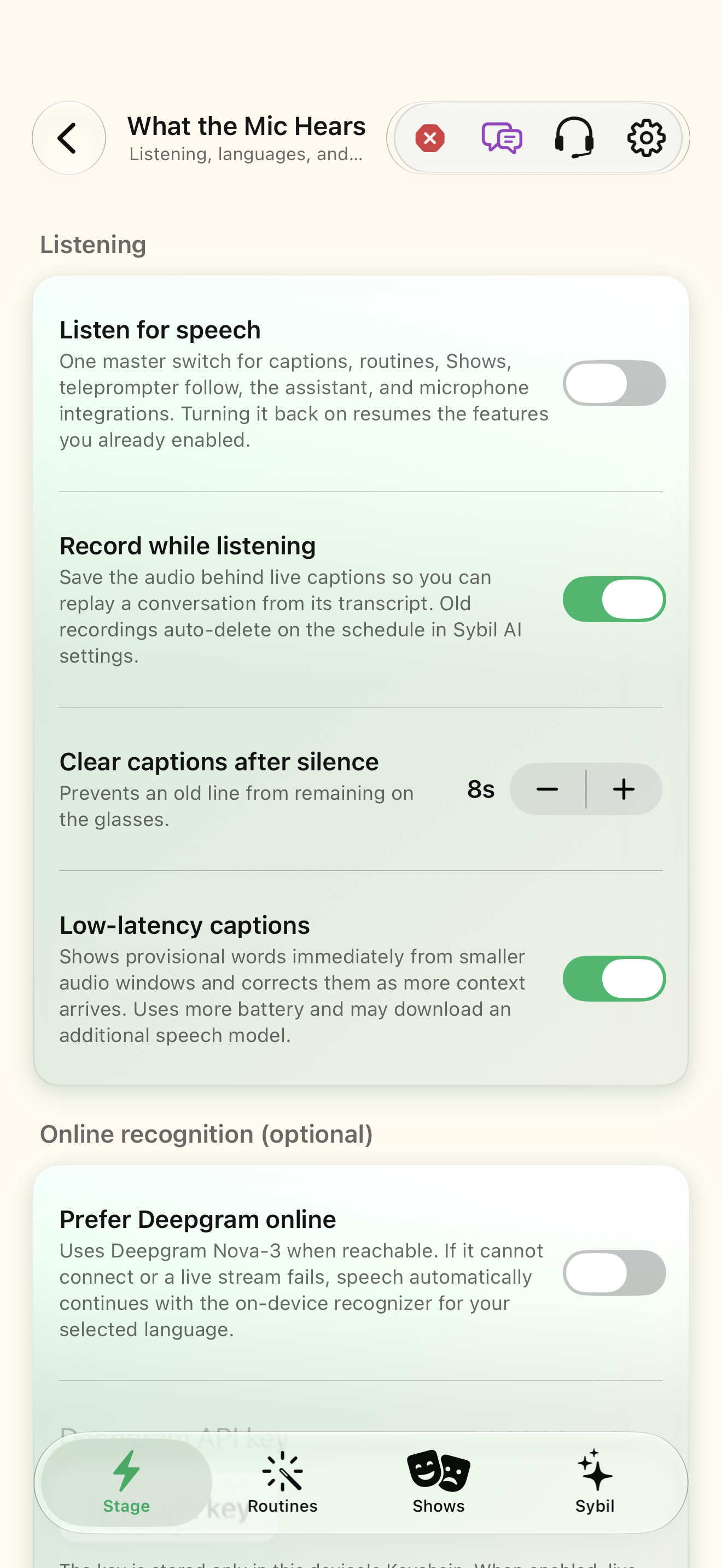
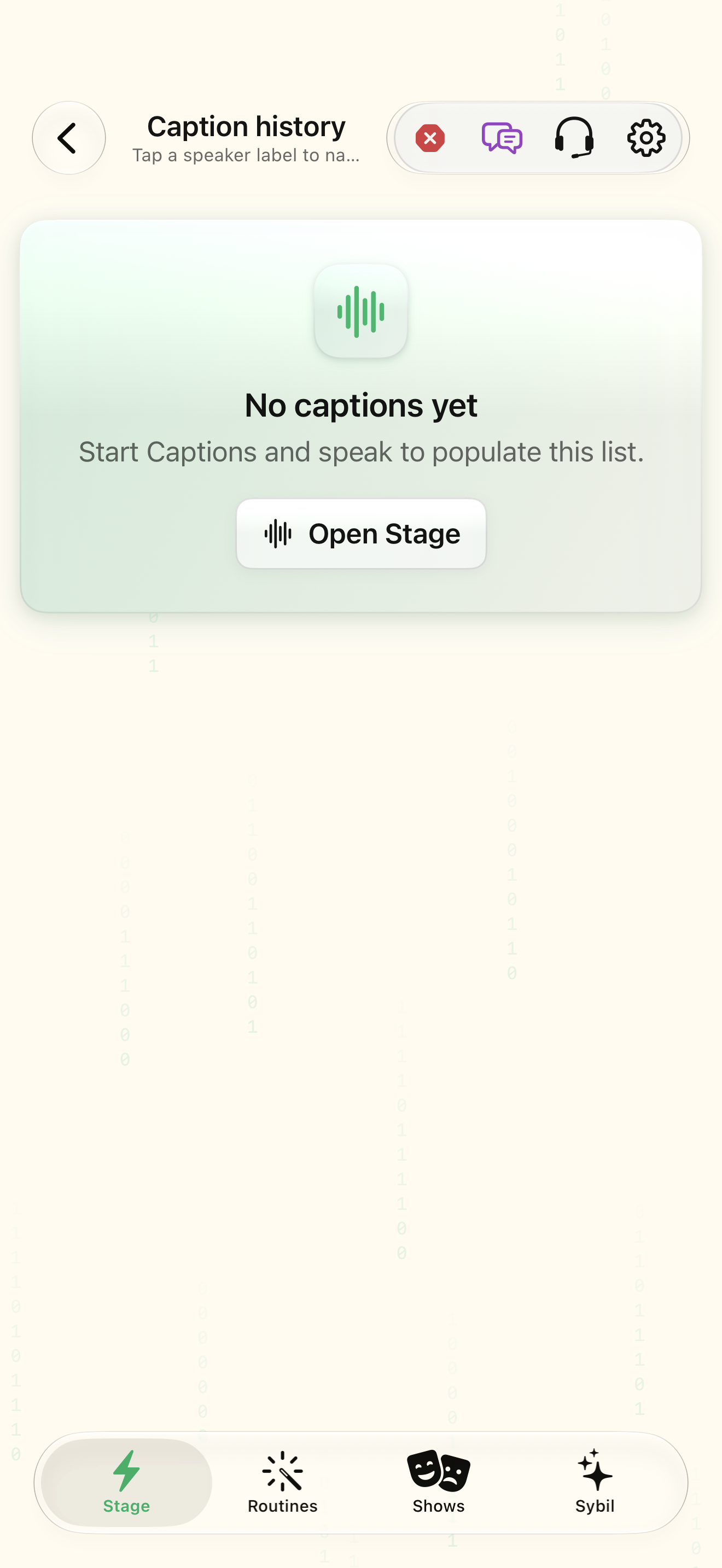
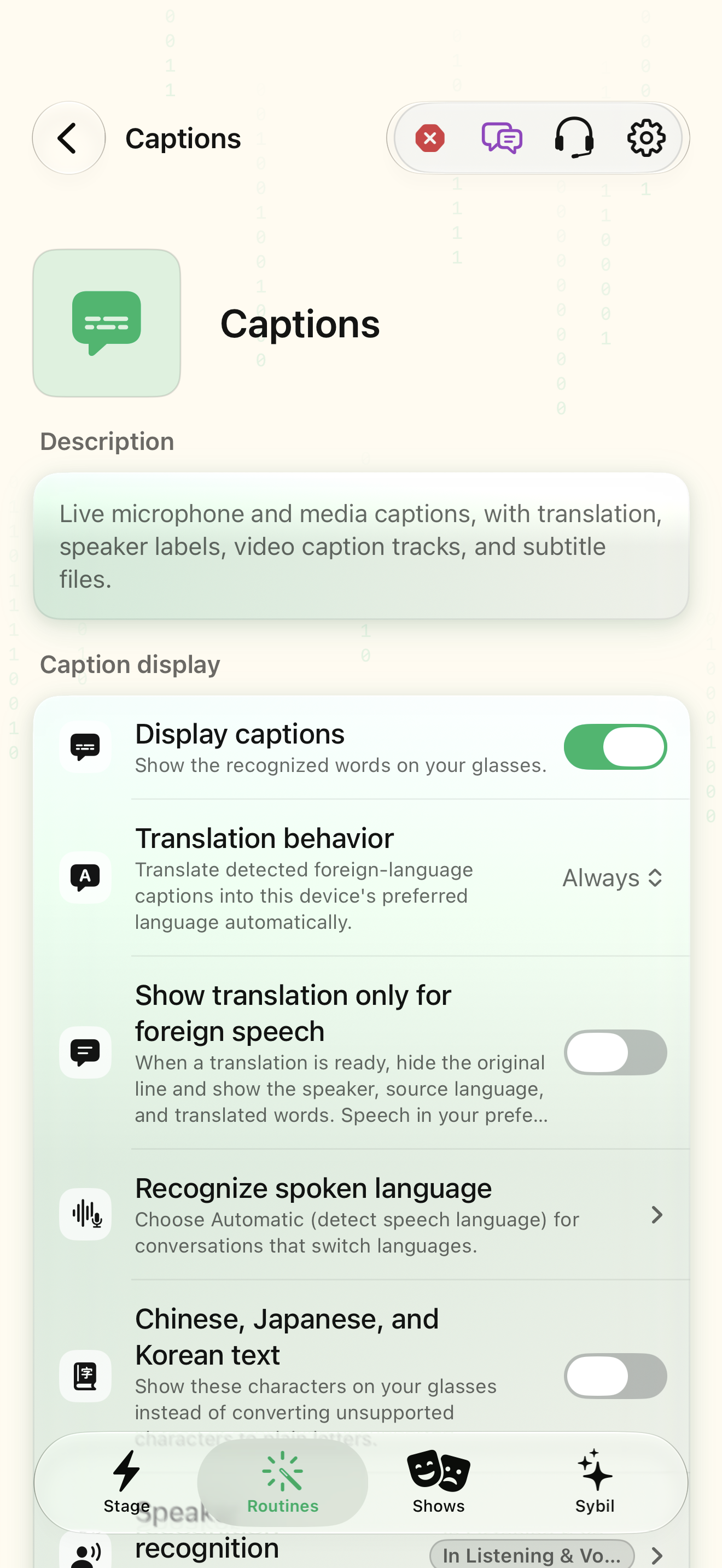
Microphone access, selected speech route, and appropriate supported languages/models.
Live captions transcribe the selected input; translation adds another interpretation step. History lets you revisit retained text.
Select the engine
Review Speech engine and language choices, including whether the selected route is local or external.
The speech route matches your preference.
Select the highlighted control in the teaching view.
Practice at your own pace. You can also use Next step.
Speech
Listening
Online recognition
Find Engine
Interactive HTML app view with sample data. Follow the outlined control, play the example, or explore at your own pace.
All steps, in writing
Select the engine
Review Speech engine and language choices, including whether the selected route is local or external.
Expected: The speech route matches your preference.
Try a sample phrase
Start captions and speak a short test phrase.
Expected: Text appears from the selected input.
Adjust for comfort
Use the available display and input settings to make the text readable. Pause when you need time.
Expected: You can follow the text at your own pace.
Return to the original
Inspect Caption History. When translating, compare with the original phrase if a result seems uncertain.
Expected: The original context remains part of your review.
If something differs
- Names, accents, noise, and overlapping speakers can reduce transcription accuracy.
- Captions and translation are aids, not guaranteed replacements for every communication accommodation.
Open the screen references
Captions settings (Translate) ↗
Based on SybilSight/Services/AppAgent/AppAgentKnowledge.swift and the app help catalog. Edition, device, and build affect available controls.