
Explore tones, music, and sound tools
Build useful audio cues and practice musical or sound-oriented workflows.
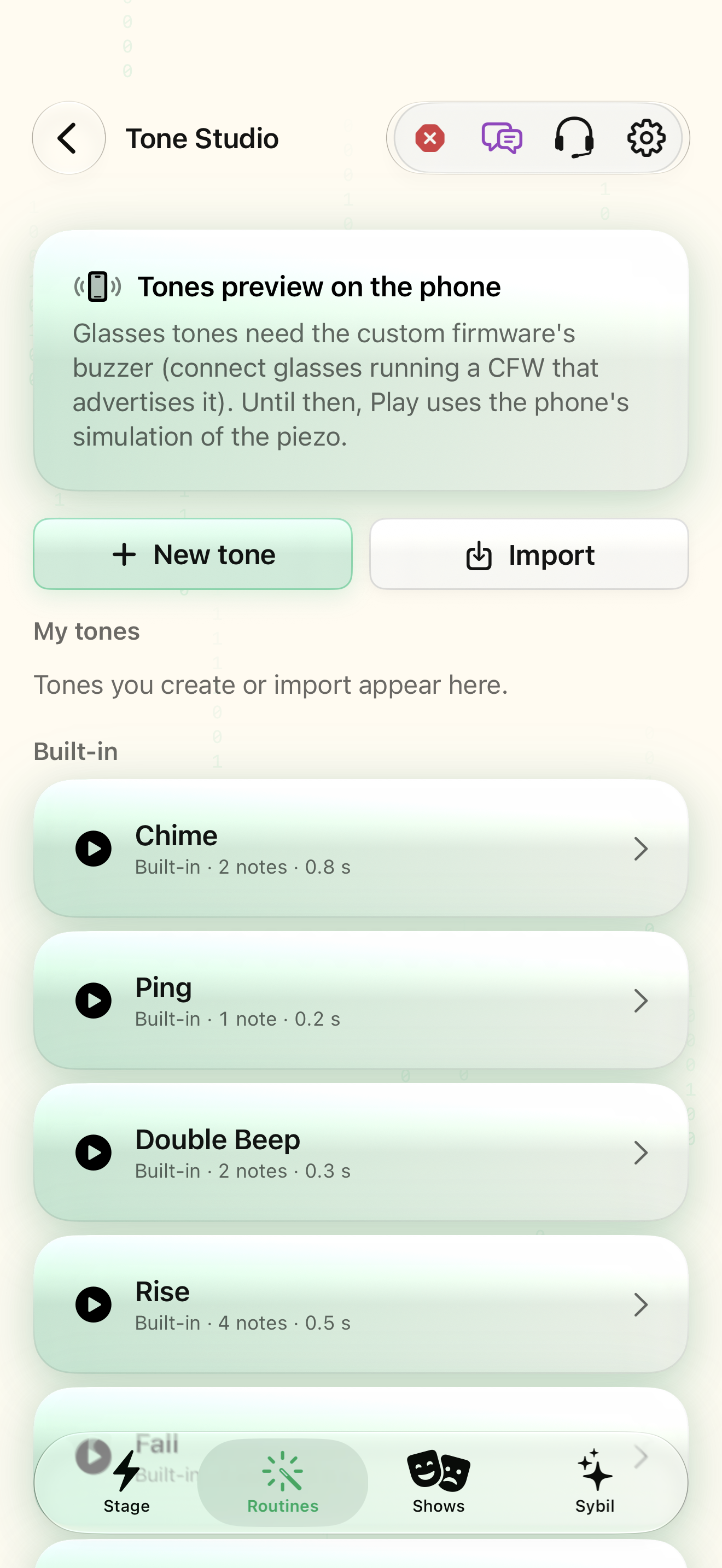
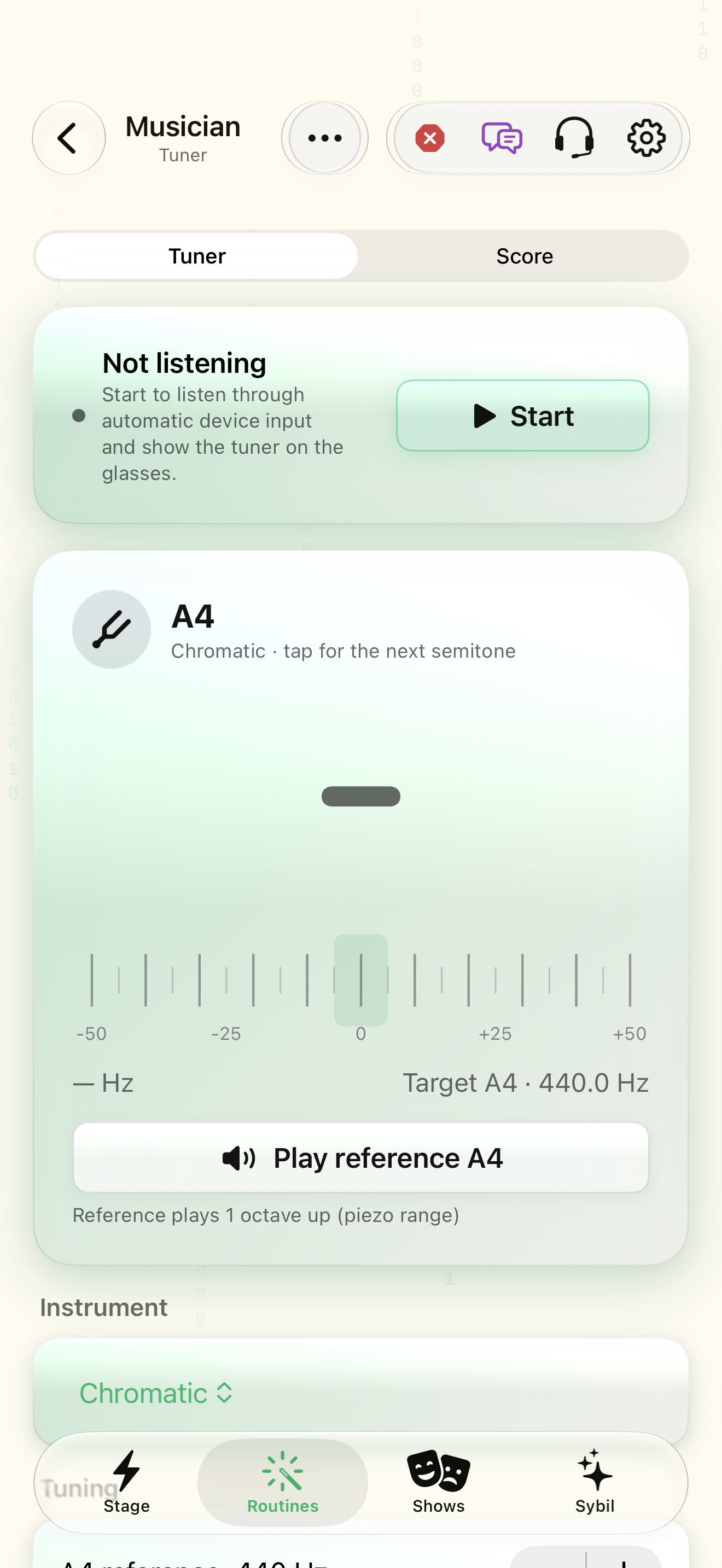
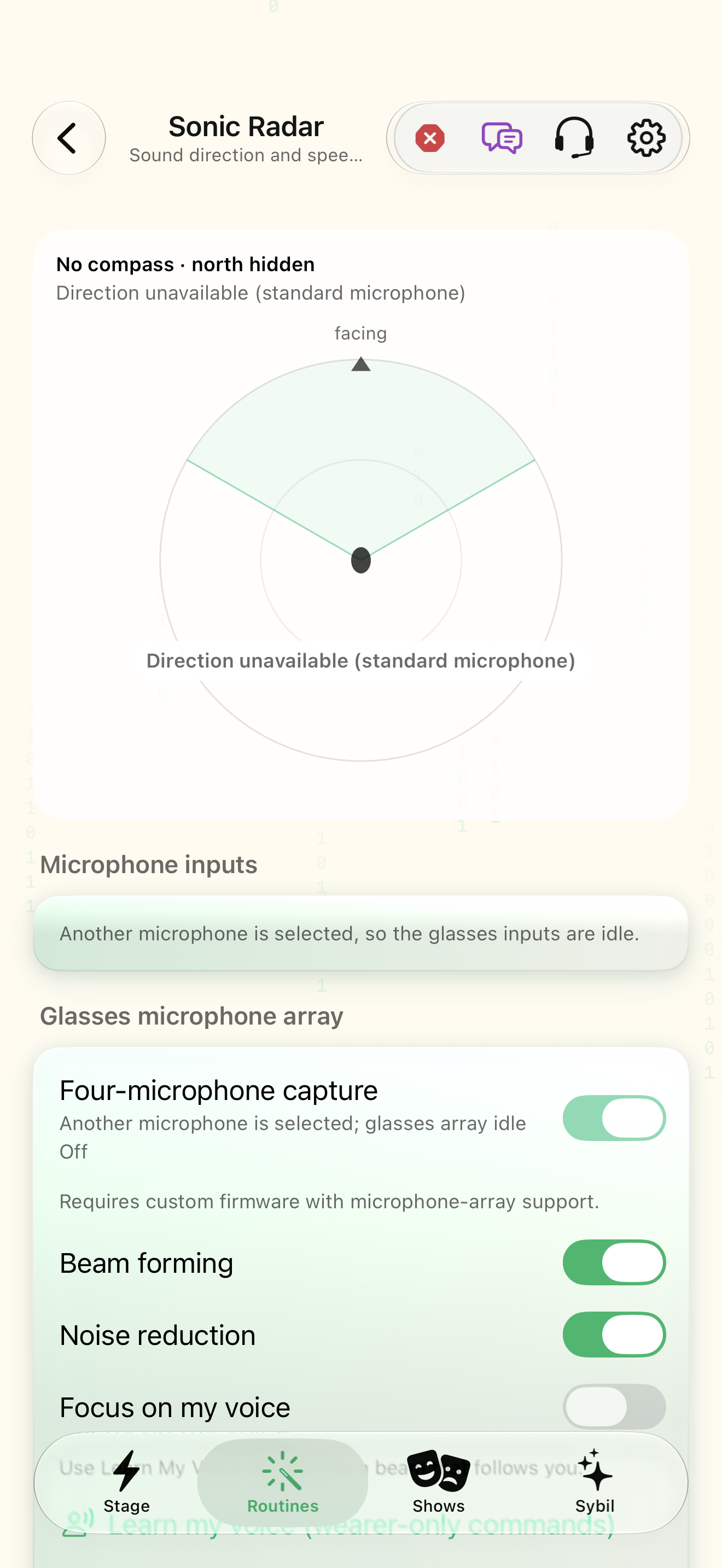
Supported hardware and a safe sample volume/input arrangement.
Tone Studio, Musician, Sonic Radar, media captions, and Piezo Lab serve different purposes. Some tools are advanced or device-dependent.
Choose the tool
Choose Tone Studio for tone content, Musician for its music workflow, or the sound tool relevant to your task.
You have a tool suited to the intended outcome.
Select the highlighted control in the teaching view.
Practice at your own pace. You can also use Next step.
Audio tools
My tones
Built-in
Find Tone Studio
Interactive HTML app view with sample data. Follow the outlined control, play the example, or explore at your own pace.
All steps, in writing
Choose the tool
Choose Tone Studio for tone content, Musician for its music workflow, or the sound tool relevant to your task.
Expected: You have a tool suited to the intended outcome.
Inspect the setup
Read the tool’s current input, output, and device status before starting.
Expected: The required hardware and permissions are available.
Try a short sample
Use a short permitted sample and observe the actual output.
Expected: The result is understandable without assuming unverified measurements.
Stop and inspect
End the sample and review what changed. Use the screen reference for each tool’s specific controls.
Expected: The output has stopped and you can repeat deliberately.
If something differs
- Acoustic direction or signal visualizations are not safety-critical detection guarantees.
- Capabilities depend on the hardware, firmware, and processing route.
Open the screen references
Based on SybilSight/Services/AppAgent/AppAgentKnowledge.swift and the app help catalog. Edition, device, and build affect available controls.