
Glasses
Battery, brightness, display sleep, microphone & battery mode, firmware, dashboard, and unpair.
Find it: Settings › Glasses
Glasses
Ring
Ring & keyboards
Display
Interactive HTML app view · Play the full walkthrough ↗
Compare the visual reference
Reviewed sample screenshot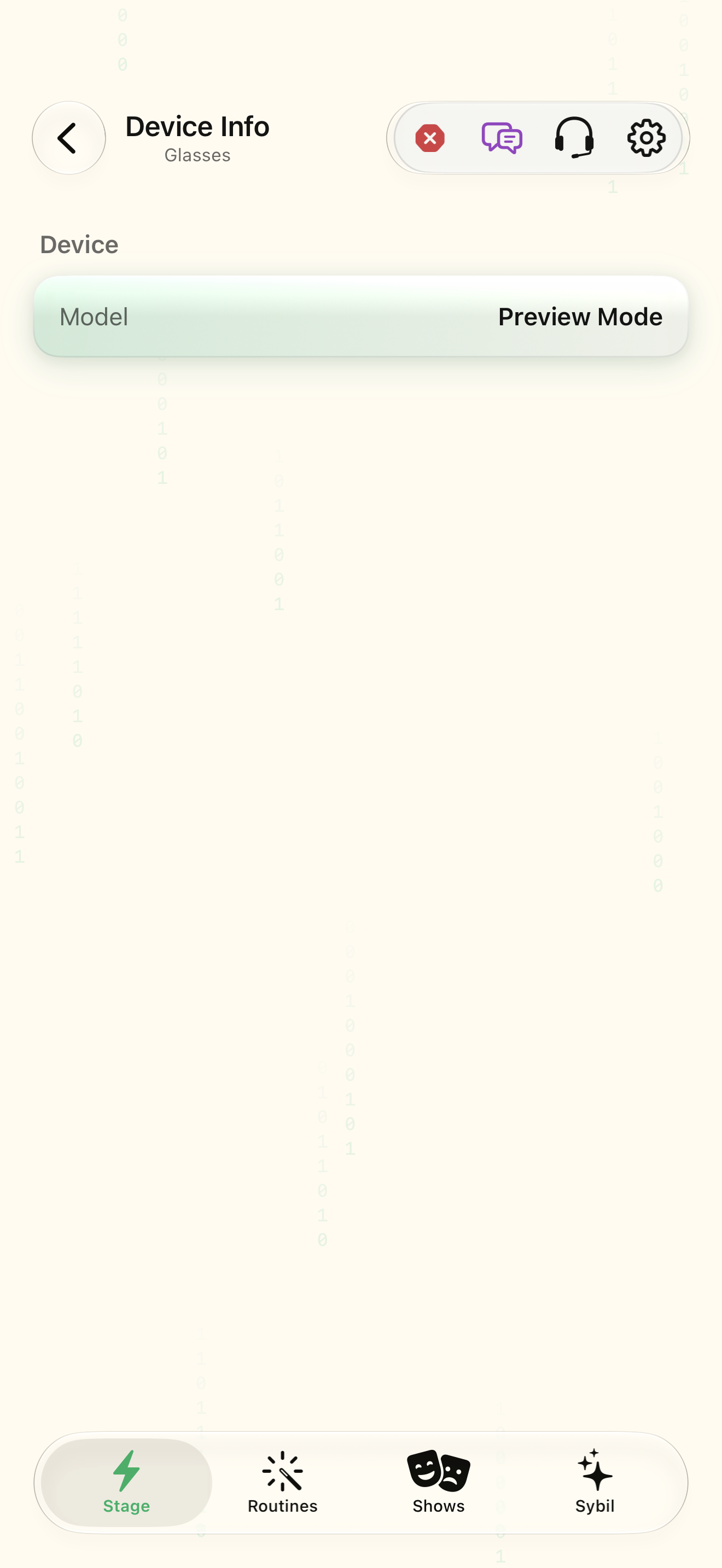
Captured with synthetic content on app build 0.9.1 (260723.1), compiled from reviewed source. Your edition, device, and build can change what appears.
Find: Glasses
Find Glasses
Open Settings › Glasses. Battery, brightness, display sleep, microphone & battery mode, firmware, dashboard, and unpair. Check: Identify the title and controls before beginning.
Go at your own pace. This does not operate the app.
Text is always available. Narration uses a local browser voice when available.
Learn a complete workflow
Explore the illustrated handbook ↗
What you’ll find
- Connection and battery
- Brightness
- When the display shows
- Microphone & battery mode
- Firmware
- Dashboard
- Device info
- Unpair
About this guide
Generated from the app’s maintained help catalog. This is a guided reference, not a device-verified recording. The interactive studio provides separate fictional practice examples.
Source: SybilSight/Services/AppAgent/AppAgentKnowledge.swift · Catalog 892fdd7c1507
Something doesn’t match your app?Settings, in plain language.
Brightness
Display brightness, 0–100.
Auto brightness
Let the glasses pick the brightness from ambient light.
Display off
Keeps the glasses display dark until turned back on.
When the display shows
Always on, or revealed by a ring tap for a few seconds.
Tap-to-display seconds
How long a ring tap keeps the display visible.
Ring tap reveals the display
Legacy switch for tap-to-reveal; the display mode above is the current control.
Reveal peeks
How a covered peek is revealed: look down, cover the glasses, or always.
Reveal on look down
Reveal a covered peek when the wearer looks down.
Reveal on cover
Reveal a covered peek when a hand covers the glasses.
Power saving mode
Microphone & battery mode: trades always-on listening for battery life.
Sensing
Whether the glasses stream sensor and microphone data to the phone.
Firmware updates
Allow firmware discovery and in-app installation on this device.
Microphone
Which microphone feeds speech: glasses, phone, room mics, or pendant.
Paired glasses
The glasses model paired with this phone.
Glasses being paired
A glasses pairing in progress (not persisted).
Glasses name
The paired glasses' Bluetooth name.
Glasses address
The paired glasses' Bluetooth address.
Pending glasses name
Name of the glasses being paired.
Pending glasses address
Address of the glasses being paired.