
Create tones and understand piezo playback
Prepare a short notification and compare phone preview with supported glasses playback.
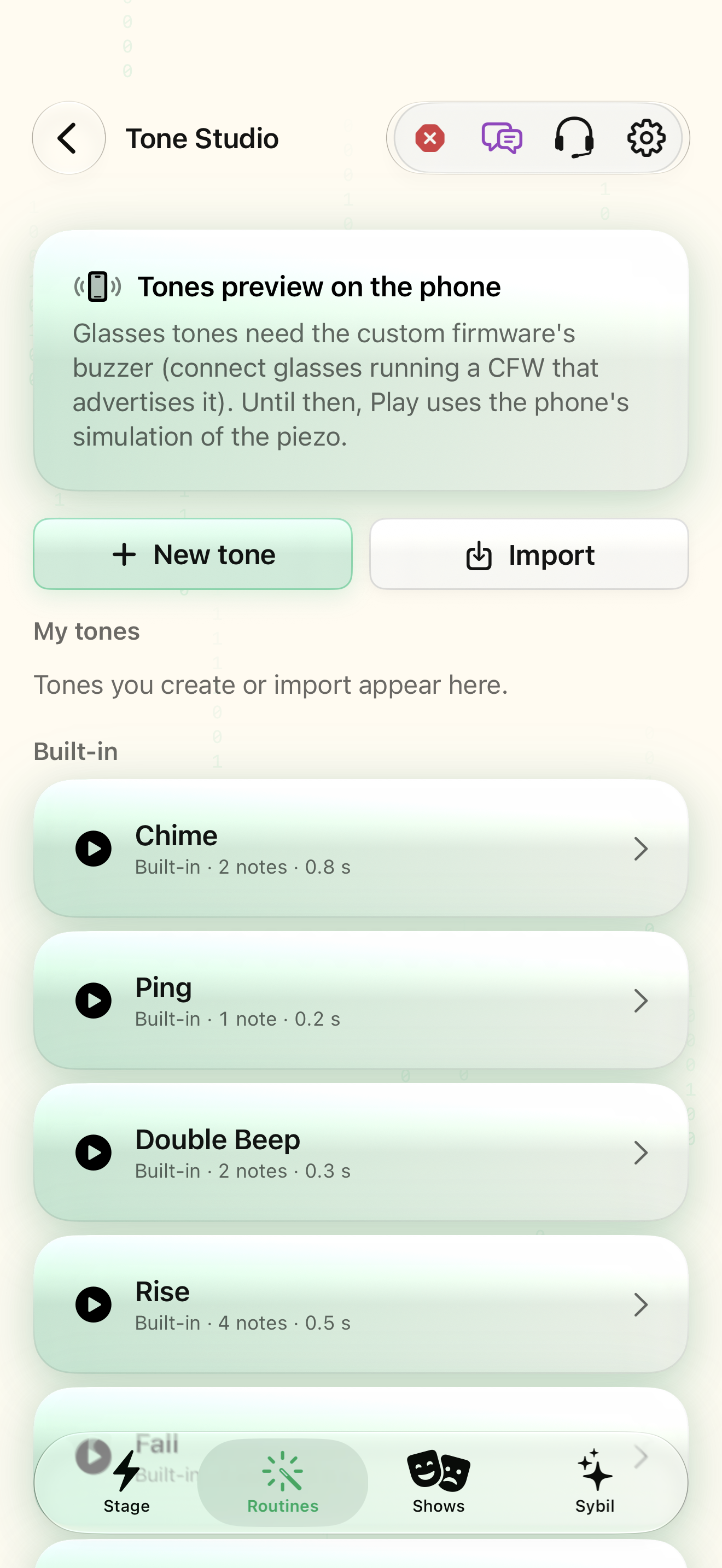
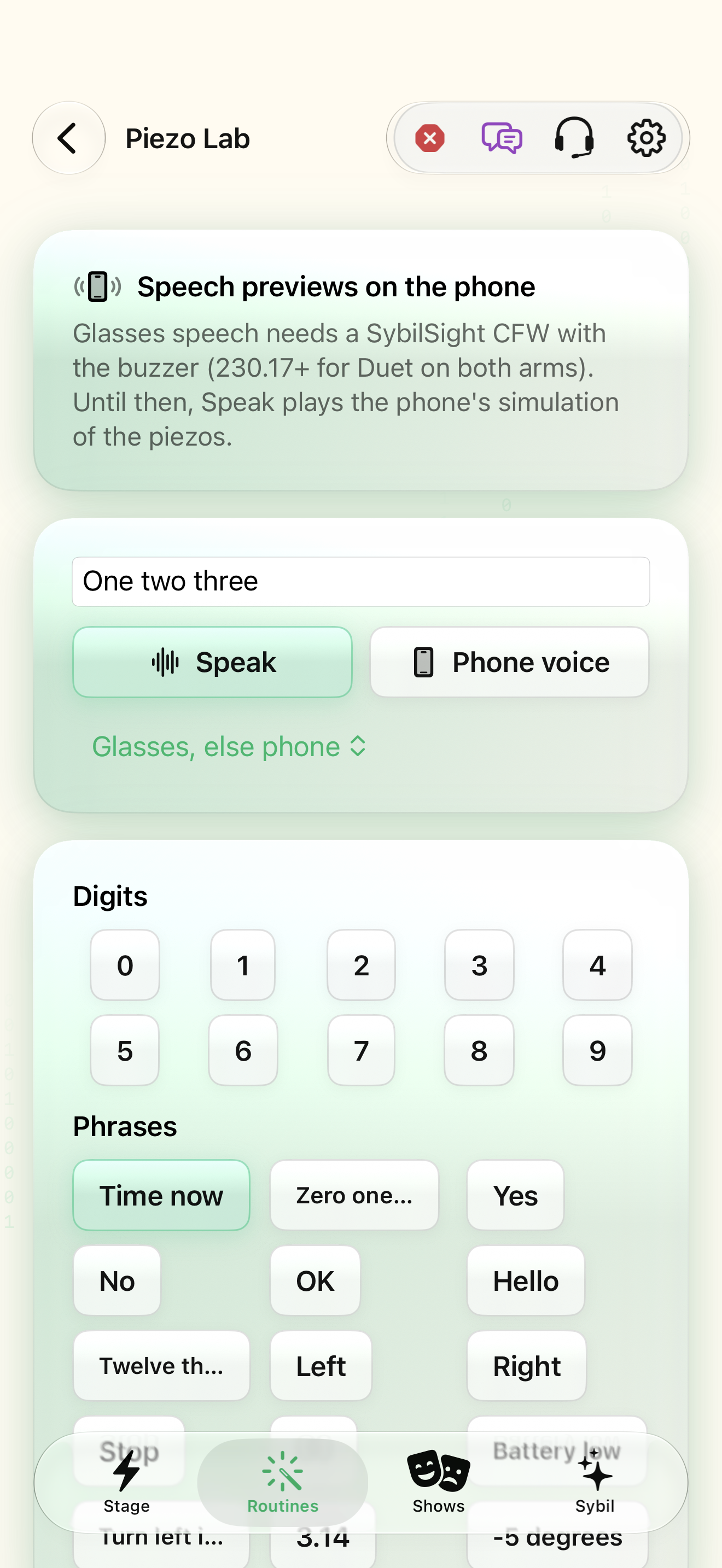
Tone Studio; custom firmware with a piezo buzzer for glasses audio.
Tones are note patterns, while Piezo Lab explores speech synthesis and device limits. Phone preview is useful before sending a pattern to hardware.
New tone
Create a tone or import a supported pattern. Begin with a short built-in Chime, Ping, or Rise.
The note sequence and duration are easy to recognize.
Select the highlighted control in the teaching view.
Practice at your own pace. You can also use Next step.
Tone Studio
My tones
Built-in
Find New tone
Interactive HTML app view with sample data. Follow the outlined control, play the example, or explore at your own pace.
All steps, in writing
New tone
Create a tone or import a supported pattern. Begin with a short built-in Chime, Ping, or Rise.
Expected: The note sequence and duration are easy to recognize.
Chime
Play the phone preview before using it as a notification. Compare loudness and spacing in the intended environment.
Expected: The pattern is useful without being distracting.
Play on glasses
Connect compatible custom-firmware glasses with a piezo buzzer, then play on glasses.
Expected: The hardware supports the destination rather than silently substituting a phone preview.
Speak
Use Piezo Lab for a sample phrase. Review voice, rate, loudness, voicing, and lowest tone with the phone preview before experimenting on glasses.
Expected: You understand the small buzzer’s limits before relying on speech output.
If something differs
- Stock firmware does not provide every piezo feature.
- Low pitches and speech intelligibility differ from phone speakers.
Open the screen references
Based on SybilSight/Tones/PiezoTonePlayer.swift and the app help catalog. Edition, device, and build affect available controls.