
Connect vehicle data and choose HUD fields
Inspect vehicle state on your phone and a compact glasses dashboard.
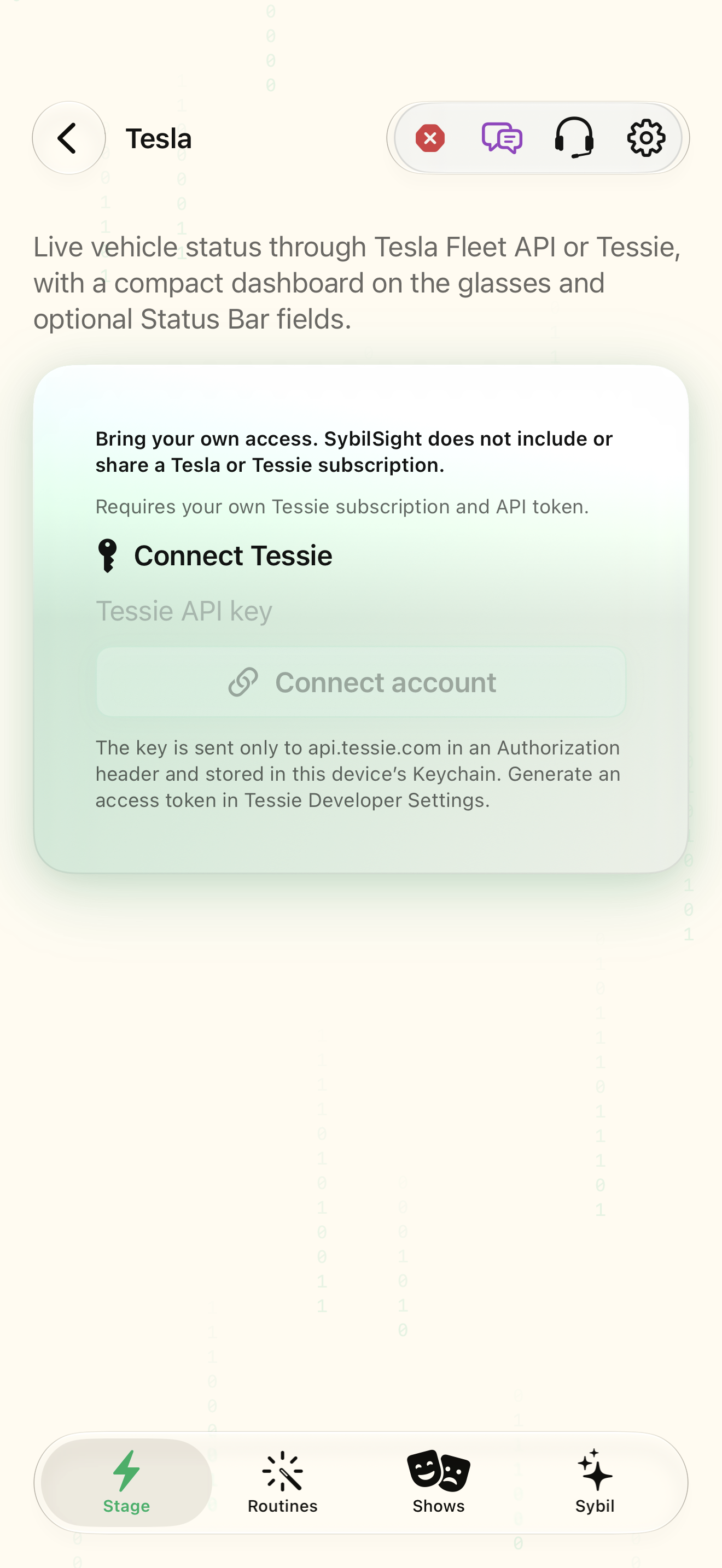
Your own Tesla Fleet API or Tessie access and a compatible vehicle.
The app reads vehicle status through the selected provider and can show battery, charge ETA, locks, climate, sentry, pet mode, and speed in status tokens.
Provider
Choose Tesla Fleet API or Tessie and complete that provider’s connection flow using your own access.
The app identifies the selected provider and connection state.
Select the highlighted control in the teaching view.
Practice at your own pace. You can also use Next step.
Tesla
Your provider
Glasses HUD preview
Charging · 35 min remaining
Commands
Find Provider
Interactive HTML app view with sample data. Follow the outlined control, play the example, or explore at your own pace.
All steps, in writing
Provider
Choose Tesla Fleet API or Tessie and complete that provider’s connection flow using your own access.
Expected: The app identifies the selected provider and connection state.
Vehicle
Select the intended vehicle and review its live status before enabling a HUD view.
Expected: The displayed status belongs to the intended car.
Status bar
Add only needed vehicle tokens such as $TBATT$, $TCHARGE_ETA$, $TLOCK$, or $TCABIN$.
Expected: The status bar provides a compact subset of vehicle information.
Commands
Review a command’s effect before sending. Fleet commands on supported vehicles also need virtual-key pairing and a configured Vehicle Command Proxy.
Expected: A command is deliberate and its result is verified in the vehicle state.
If something differs
- A provider subscription or permission is separate from the SybilSight purchase.
- Fleet command setup is more than status-read access.
- Do not treat an old cached value as a new live update.
Open the screen references
Based on SybilSight/UI/TeslaMiniappView.swift and the app help catalog. Edition, device, and build affect available controls.