
Use speech and chat intentionally
Keep hands free while staying aware of when you are issuing a command.
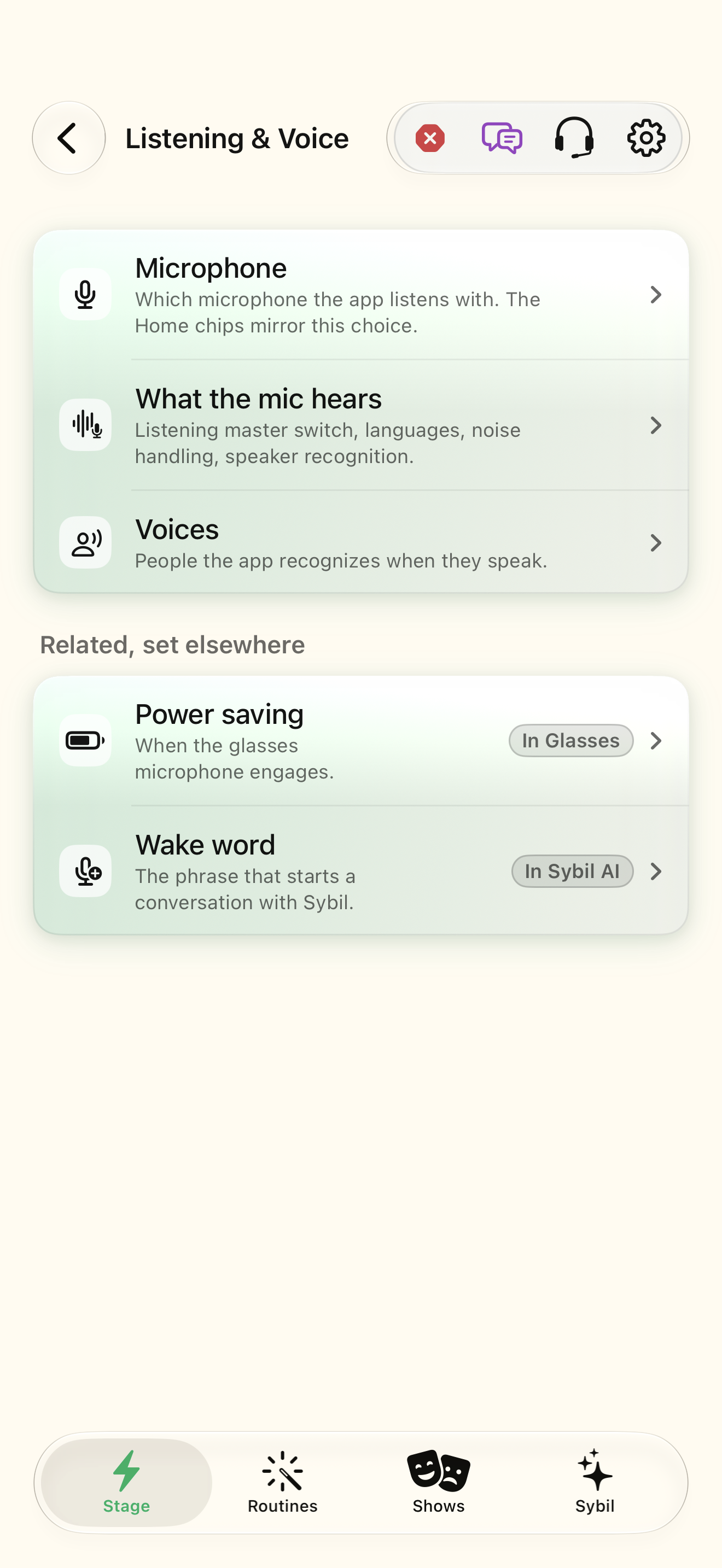
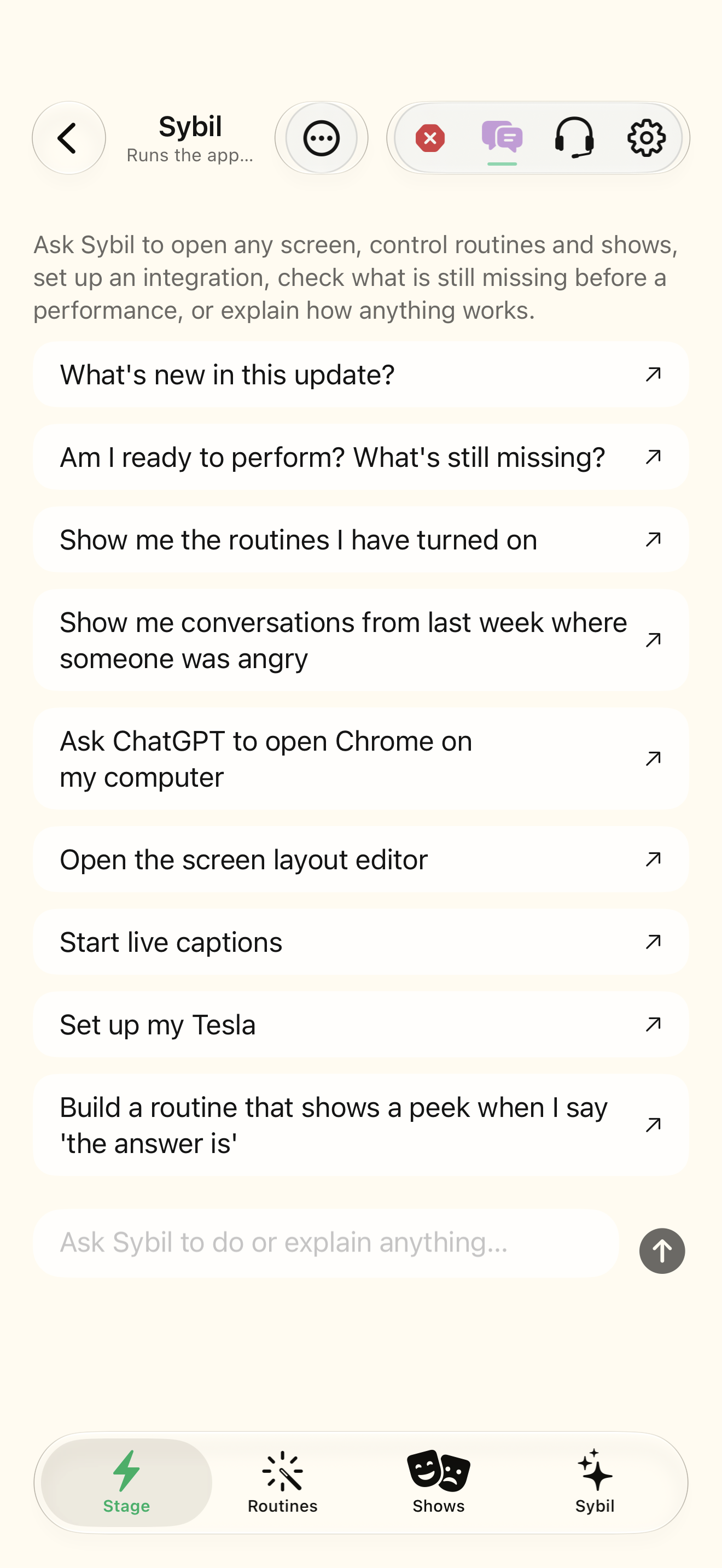
Configured listening, a working microphone, and an available assistant route.
Listening activation, speaker profiles, and command handling are related but distinct. The computer command gate applies additional checks; voice identity is not universal protection for every app action.
Choose activation
Review Listening activation, hold/gesture options, stop word, and timeout in your build.
You know how a request starts and ends.
Select the highlighted control in the teaching view.
Practice at your own pace. You can also use Next step.
Listening
Related, set elsewhere
Find Activation
Interactive HTML app view with sample data. Follow the outlined control, play the example, or explore at your own pace.
All steps, in writing
Choose activation
Review Listening activation, hold/gesture options, stop word, and timeout in your build.
Expected: You know how a request starts and ends.
Learn your voice
Use the available wearer enrollment flow and inspect speaker profiles.
Expected: The profile is associated with the intended speaker.
Try a harmless request
Ask Sybil to set brightness to a comfortable level or open a supported mini-app.
Expected: The requested state appears in the app.
Practice stopping
Use your configured dismissal gesture or stop word and observe the listening state.
Expected: The assistant request has ended.
If something differs
- Recognition errors and short utterances can affect speaker attribution.
- For computer actions, inspect confirmation and authorization; do not rely solely on who wears the glasses.
Open the screen references
Based on SybilSight/Services/VoiceCommandGate.swift and the app help catalog. Edition, device, and build affect available controls.