
Read scripts and books hands free
Keep your place while presenting or reading.
A sample script or supported book and your intended display/input.
Teleprompter supports speech-follow, automatic, and manual modes through its control tool. Book reading is a separate feature.
Open your content
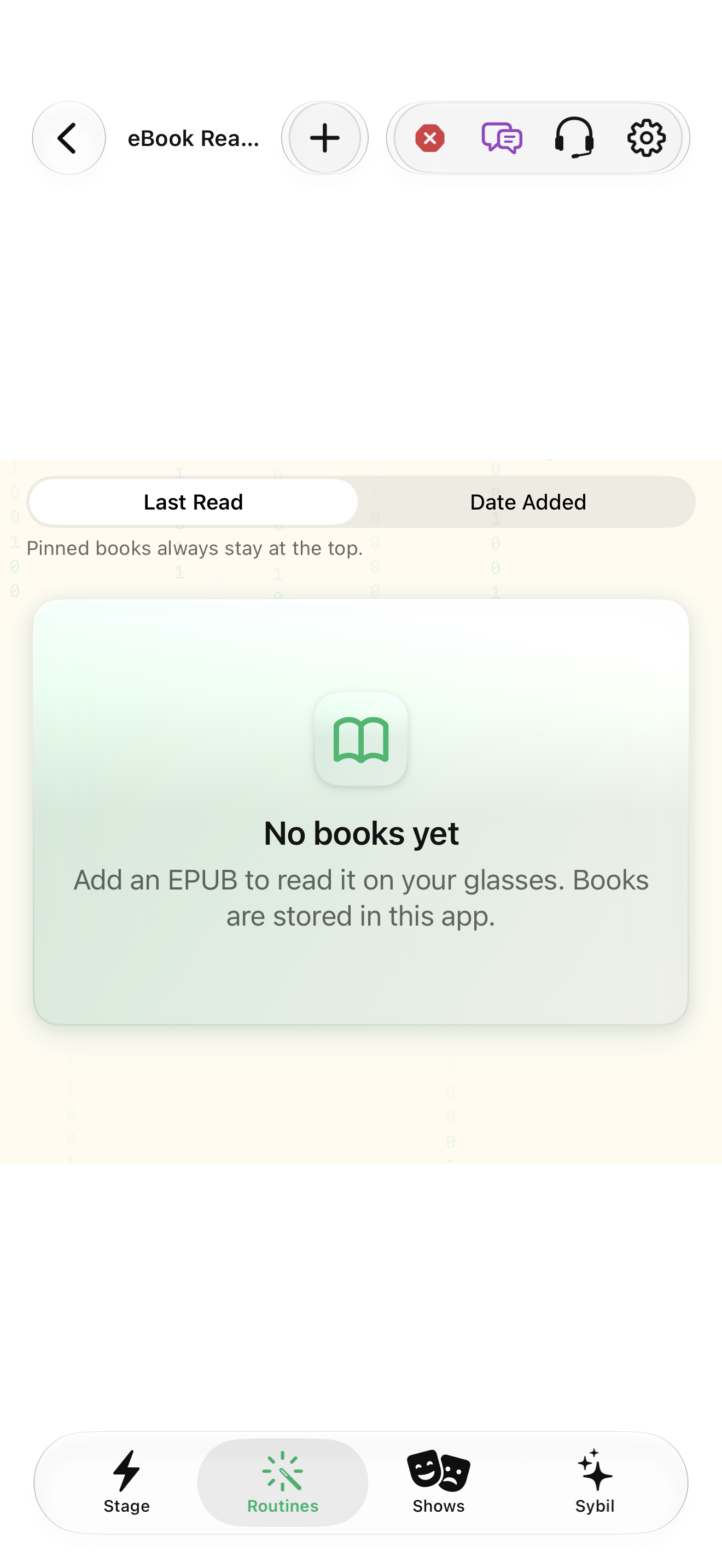
Choose a sample script in Teleprompter, or open the book reader for reading content.
The intended text is loaded.
Select the highlighted control in the teaching view.
Practice at your own pace. You can also use Next step.
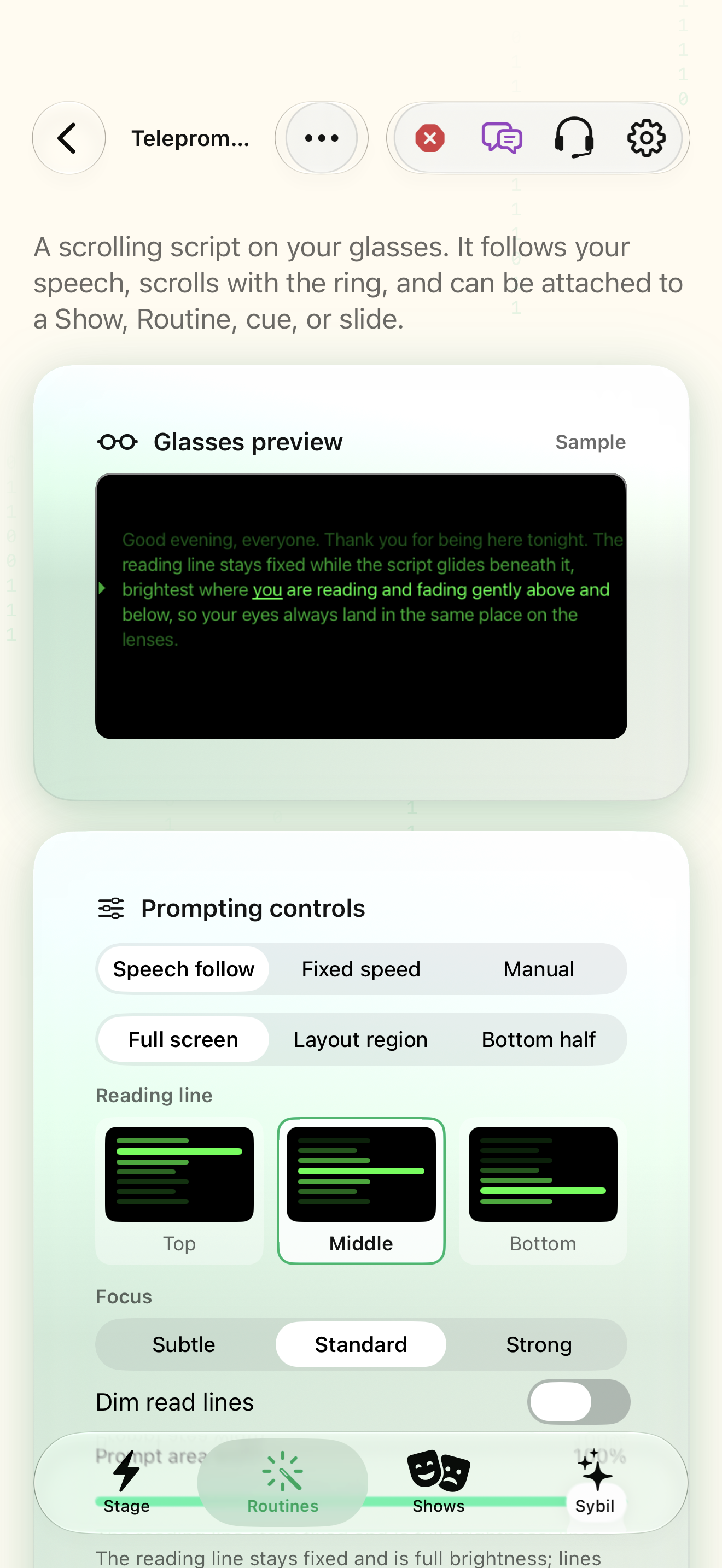
Teleprompter
Glasses preview
I’m reading this script with the brightest line in view.
Keep your eyes on the audience.
Prompting controls
My scripts
Find Script
Interactive HTML app view with sample data. Follow the outlined control, play the example, or explore at your own pace.
All steps, in writing
Open your content
Choose a sample script in Teleprompter, or open the book reader for reading content.
Expected: The intended text is loaded.
Choose progression
Select speech-follow, automatic, or manual mode according to your rehearsal needs.
Expected: You understand what advances the text.
Set the pace
Review speed where relevant, then start and practice moving forward and backward.
Expected: The progression matches your delivery.
Practice stopping
Stop and recover your place before relying on it during a performance.
Expected: You can resume deliberately.
If something differs
- Speech-follow needs the appropriate input and recognition route.
- Use your own or permitted content when importing scripts and books.
Open the screen references
Based on SybilSight/Services/AppAgent/AppAgentControlTools.swift and the app help catalog. Edition, device, and build affect available controls.