
Run a show and recover calmly
Know how to advance, pause, reduce audio, and stop before you need those controls live.
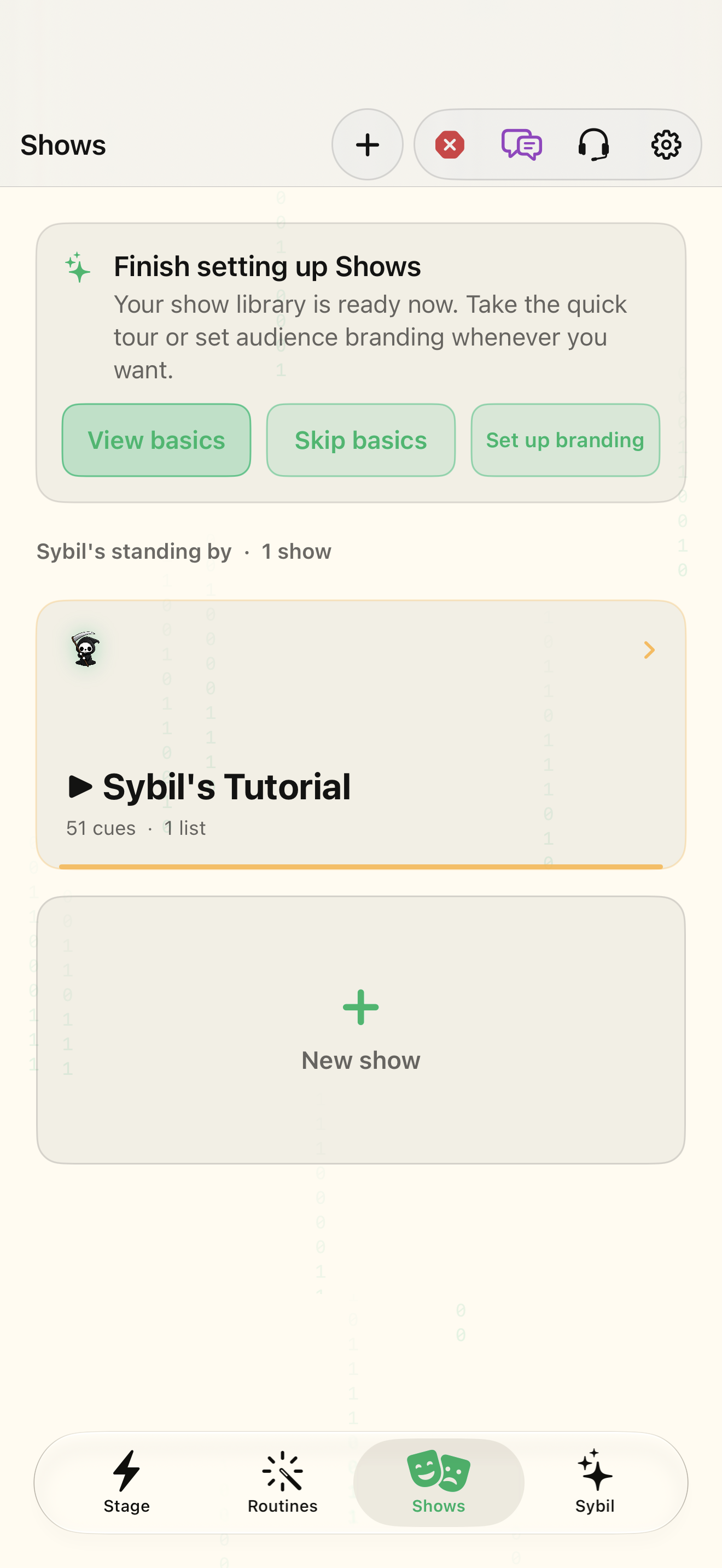
A rehearsed sample show with verified outputs.
The operator can control the show through its console and supported Sybil tools. The output confirms success, not a button press alone.
Check standby
Read the live and standby cue labels before starting.
You know what is on now and what comes next.
Select the highlighted control in the teaching view.
Practice at your own pace. You can also use Next step.
Shows
Finish setting up Shows
Sybil’s standing by
Find Hold
Interactive HTML app view with sample data. Follow the outlined control, play the example, or explore at your own pace.
All steps, in writing
Check standby
Read the live and standby cue labels before starting.
Expected: You know what is on now and what comes next.
Advance once
Use GO and observe the destination. Keep the result in view before advancing again.
Expected: The next cue has actually appeared or played.
Practice recovery
Use Back or Hold in a safe rehearsal. Learn Duck for reducing audio and Panic/Kill audio for the relevant stop behavior.
Expected: You can return to a controlled state.
Review history
Inspect History and Mirror to understand the performed sequence and output.
Expected: The rehearsal history explains what happened.
If something differs
- Do not assume Back reverses an external action that already occurred.
- A voice instruction still depends on listening, the active AI route, and the available control tool.
Open the screen references
Based on SybilSight/Services/AppAgent/AppAgentControlTools.swift and the app help catalog. Edition, device, and build affect available controls.