
Dependencies, resources, and forecast
See what drives the finish date and where a change could affect the rest of the work.
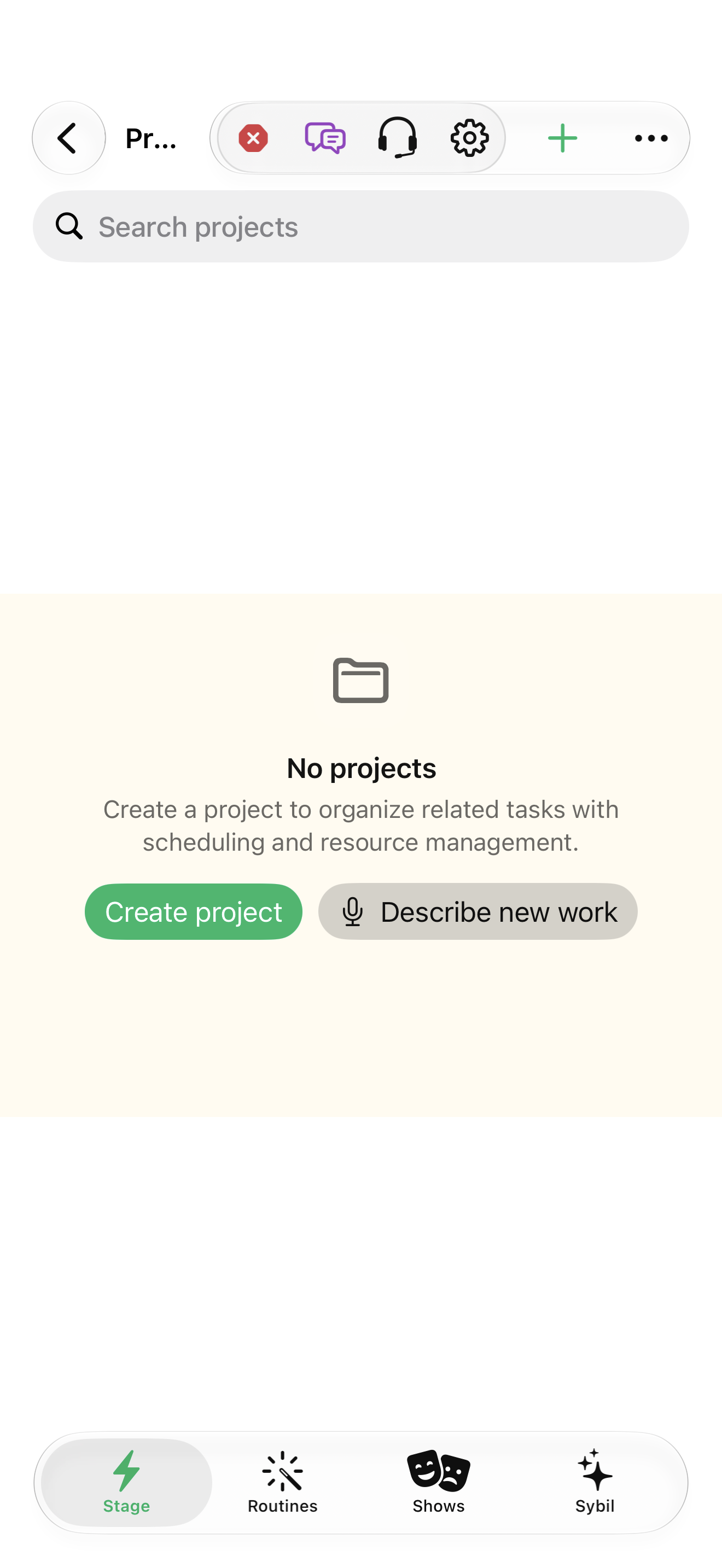
A sample project with tasks and dependencies.
Scheduling supports finish/start relations, lead/lag, calendars, constraints, direction, and resource assumptions. The dependency outline is an alternative to the visual network.
Inspect dependencies
Open Dependencies and inspect predecessor direction, relation, and lead/lag.
The links match the real order of work.
Select the highlighted control in the teaching view.
Practice at your own pace. You can also use Next step.
Project
Find Dependencies
Interactive HTML app view with sample data. Follow the outlined control, play the example, or explore at your own pace.
All steps, in writing
Inspect dependencies
Open Dependencies and inspect predecessor direction, relation, and lead/lag.
Expected: The links match the real order of work.
Check the calendar
Review project work hours, time zone, and non-working dates in project settings.
Expected: The schedule uses the intended working time.
Inspect resources and constraints
Review assignments, capacity, rates, manual dates, and scheduling constraints before leveling or recalculating.
Expected: The forecast reflects deliberate assumptions.
Recalculate and compare
Recalculate, then review critical/blocked work, slack, and reported schedule issues. Change one sample assumption and compare.
Expected: You can explain what moved and why.
If something differs
- Cycles, missing predecessors, and conflicting constraints need correction rather than a cosmetic date change.
- Current project scheduling is not a Monte Carlo risk simulation or cross-project capacity optimizer.
Open the screen references
Based on docs/task-project-workflows-2026-09-17.md and the app help catalog. Edition, device, and build affect available controls.