
Manage queued peeks and delivery history
Keep the next result ready and understand where each result came from.
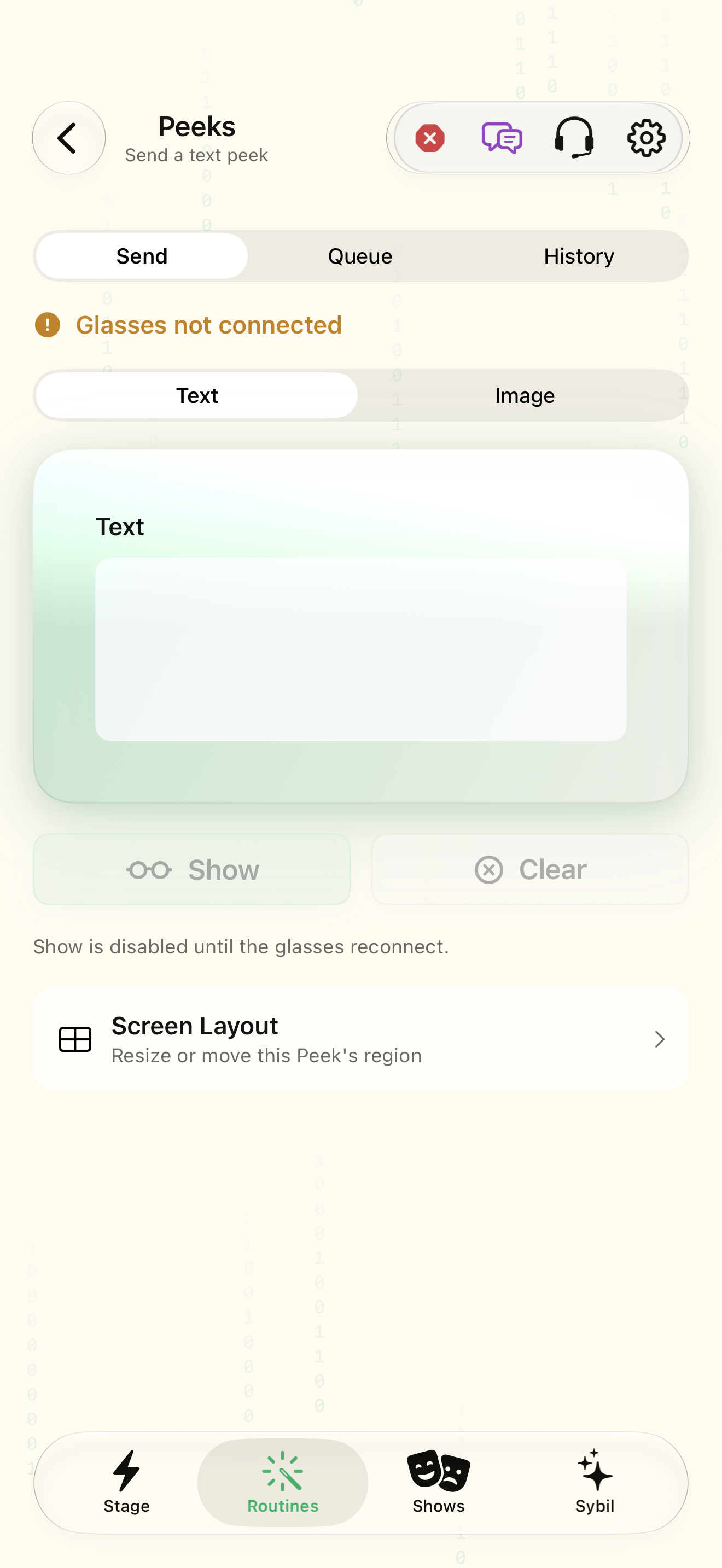
One or more practice peeks; compatible input mapping if advancing hands free.
Queue distinguishes what is showing now from what waits. History is a separate record and can resend a past result.
Section
Choose Queue. Inspect Now showing and Up next before advancing.
The current value and waiting values are distinct.
Select the highlighted control in the teaching view.
Practice at your own pace. You can also use Next step.
Peeks
Composer
Showing now and up next
History
Find Section
Interactive HTML app view with sample data. Follow the outlined control, play the example, or explore at your own pace.
All steps, in writing
Section
Choose Queue. Inspect Now showing and Up next before advancing.
Expected: The current value and waiting values are distinct.
Next queued peek
Advance using the queue control or the mapped input. Rehearse the order with fictional values.
Expected: One intended value becomes current; the following value remains queued.
Cancel queued peek
Cancel an item you no longer want to reveal. Clear removes the current display without requiring a history deletion.
Expected: The queue reflects the remaining planned results.
Search history
Choose History, search by text, and use type or sender filters in the app. Open an entry to inspect sender, origin, time, and status.
Expected: You can distinguish receipt, presentation, and the source of a result.
Send again
Select a reviewed historical entry and Send again. Clearing history in the app deletes recorded entries and thumbnails permanently.
Expected: A resend creates a new deliberate presentation of the selected result.
If something differs
- An empty queue has nothing to advance to.
- Clearing the display and deleting history have different effects.
- Review the sender when testing several integrations at once.
Open the screen references
Based on SybilSight/UI/PeeksView.swift and the app help catalog. Edition, device, and build affect available controls.