
Maintain a routine after rehearsal
Keep a proven routine dependable as inputs, integrations, and performance needs change.
Use a sample workspace. Available controls depend on your device, edition, and app build.
A saved definition, a live session, and a rehearsal result are different things. Review the definition, test each route, and verify external effects separately.
Find the routine that needs attention
In Routines, use Needs setup or inspect the routine you changed. Read the specific missing requirement.
The reason for a readiness gap is visible.
Select the highlighted control in the teaching view.
Practice at your own pace. You can also use Next step.
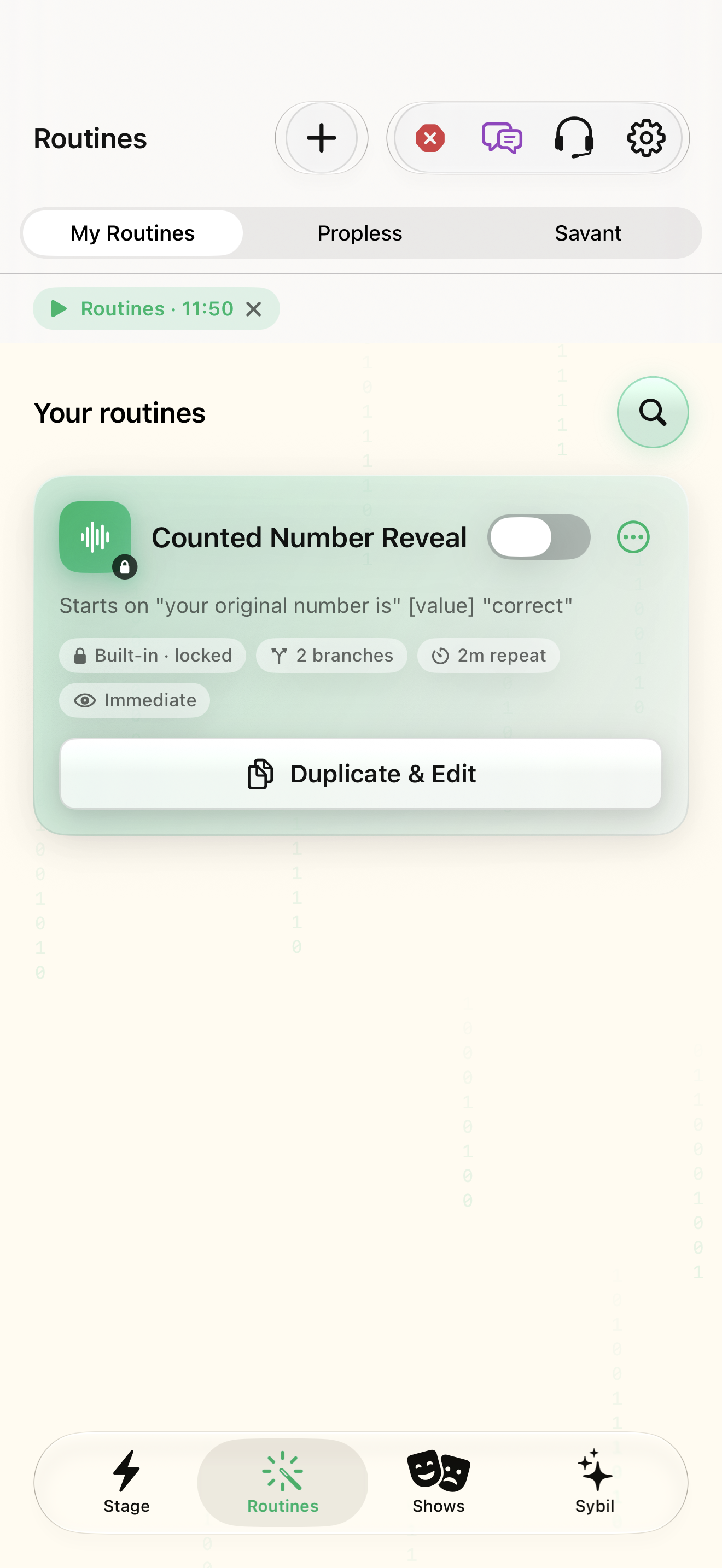
Routines
Your routines
Find Needs setup
Interactive HTML app view with sample data. Follow the outlined control, play the example, or explore at your own pace.
All steps, in writing
Find the routine that needs attention
In Routines, use Needs setup or inspect the routine you changed. Read the specific missing requirement.
Expected: The reason for a readiness gap is visible.
Edit the saved definition
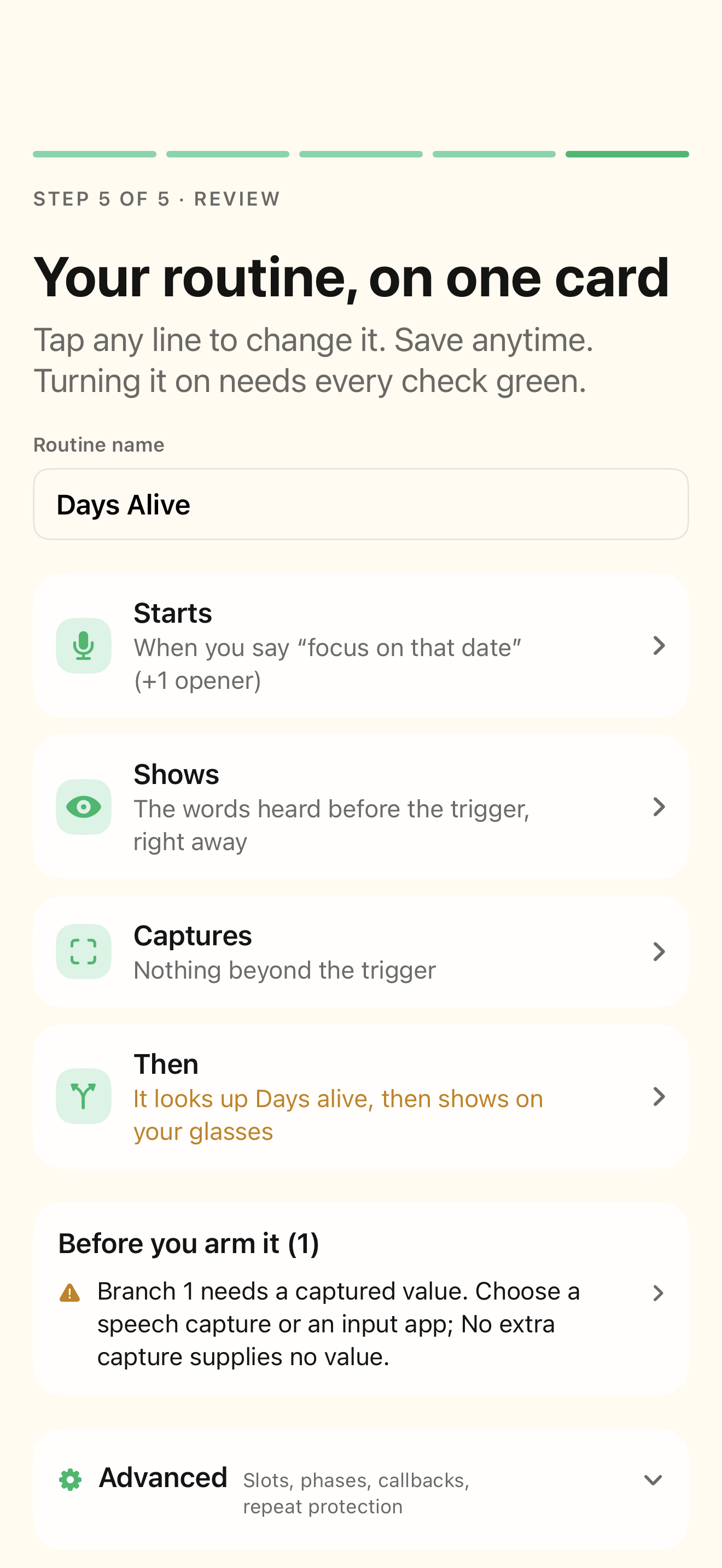
Open the routine builder and check Starts, Shows, Captures, Then, and Review. Update obsolete phrases, fields, and destinations.
Expected: Changes are made to the saved definition, not just a session correction.
Rehearse the changed route
Use Rehearse with sample inputs. Exercise each branch and its fallback, including missing or unexpected input.
Expected: The selected path produces the expected output.
Review the current facts
Use the facts checklist to inspect and correct rehearsal values. Remember that session corrections do not rewrite the saved routine.
Expected: You know which result came from this session’s values.
Check before performing
Return to Review and resolve required checks. Confirm connections and destinations, then deliberately arm only the routine you intend to use.
Expected: Saved readiness and live hardware have both been checked.
If something differs
- Ready describes configuration; it does not prove a device or external service is currently available.
- Going back can restore local session state but cannot unsend an external action.
- Test real outbound integrations only with a destination and content you intend to send.
Open the screen references
Based on docs/routines-facts-usability.md and the app help catalog. Edition, device, and build affect available controls.