
Review facts with their evidence
Keep useful knowledge without losing where it came from or what remains uncertain.
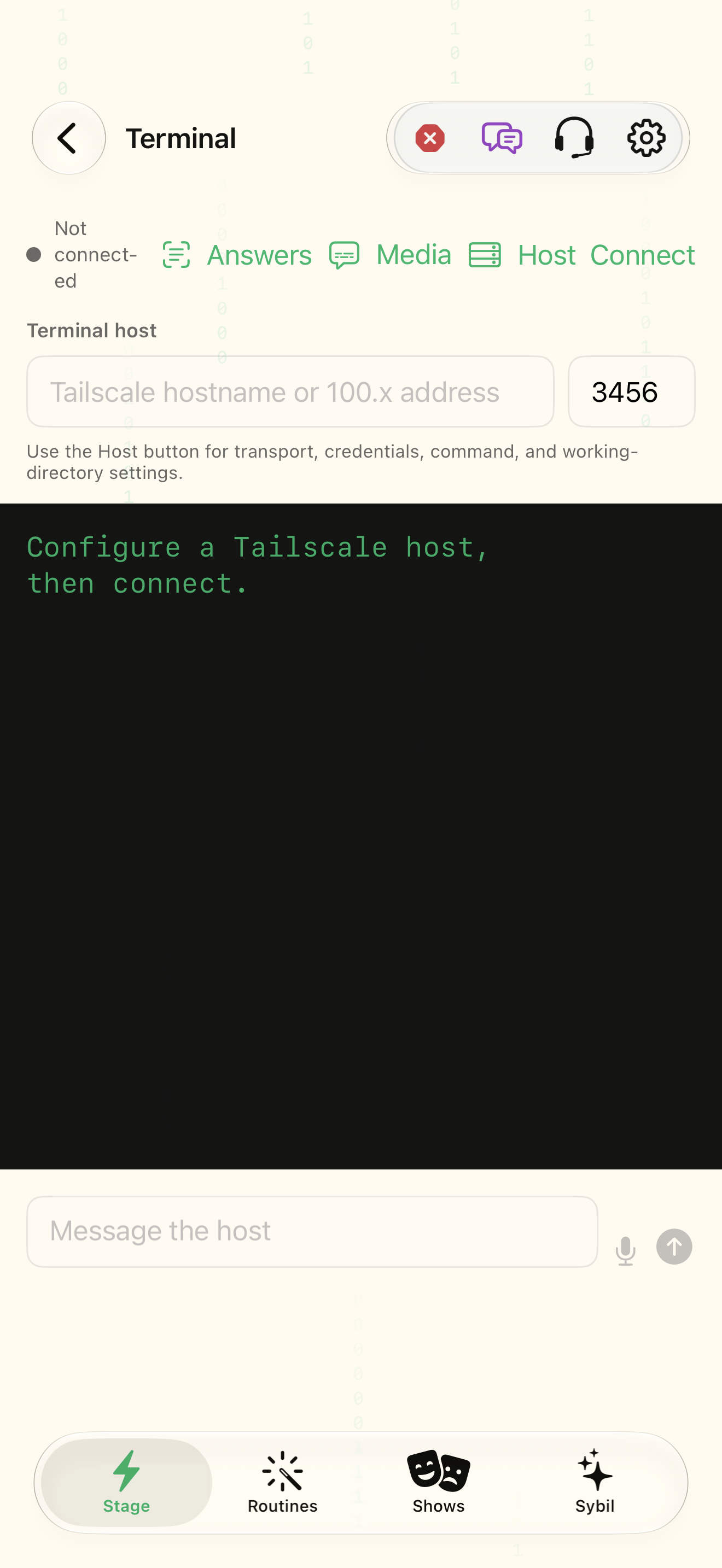
A paired reachable Terminal for the documented review/analysis workflow and permitted sources.
Facts keep source, quote, confidence, corroboration, conflicts, and identity information. Review proposals before approving changes.
Open Research & Facts
Review the Facts Engine overview and available source status.
You know what has been analyzed and what is pending.
Select the highlighted control in the teaching view.
Practice at your own pace. You can also use Next step.
Research & Facts
OSINT & Facts
Find Facts Engine
Interactive HTML app view with sample data. Follow the outlined control, play the example, or explore at your own pace.
All steps, in writing
Open Research & Facts
Review the Facts Engine overview and available source status.
Expected: You know what has been analyzed and what is pending.
Run the intended analysis
Use sync/analyze or reanalyze available sources as appropriate.
Expected: The status reflects the requested operation.
Inspect evidence
Open Needs review and read the statement, source, quote, and rationale.
Expected: The proposed detail has identifiable support.
Resolve the proposal
Approve only an appropriate supported change, or leave/correct uncertain material. Return to Reviewed or All for history.
Expected: The review decision is visible in context.
If something differs
- An unreachable Terminal should be retried after restoring the connection.
- A sourced statement can still be mistaken; identity and conflicts need review.
Open the screen references
Based on docs/routines-facts-usability.md and the app help catalog. Edition, device, and build affect available controls.