
Discover the everyday mini-apps
Find small tools that fit the moment without needing to adopt a single persona.
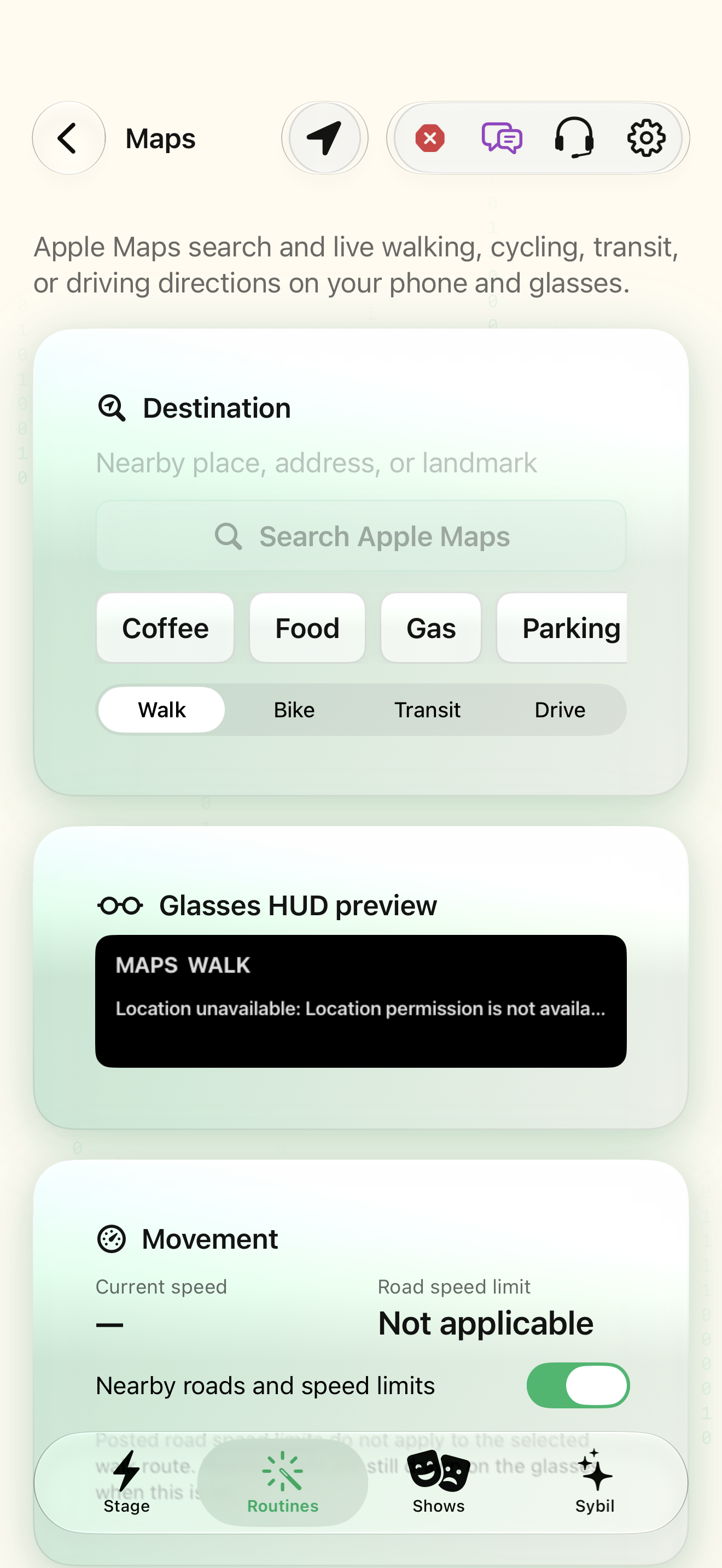
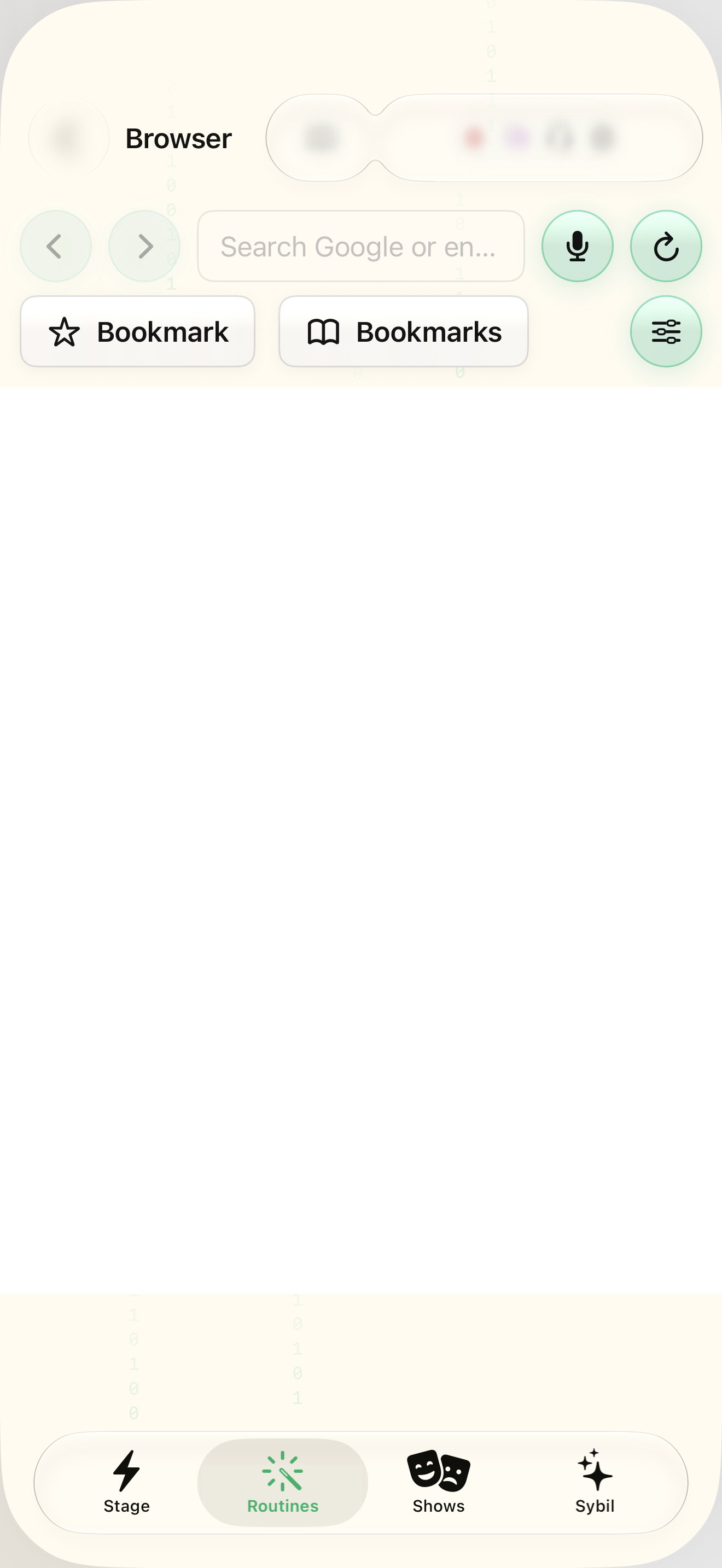
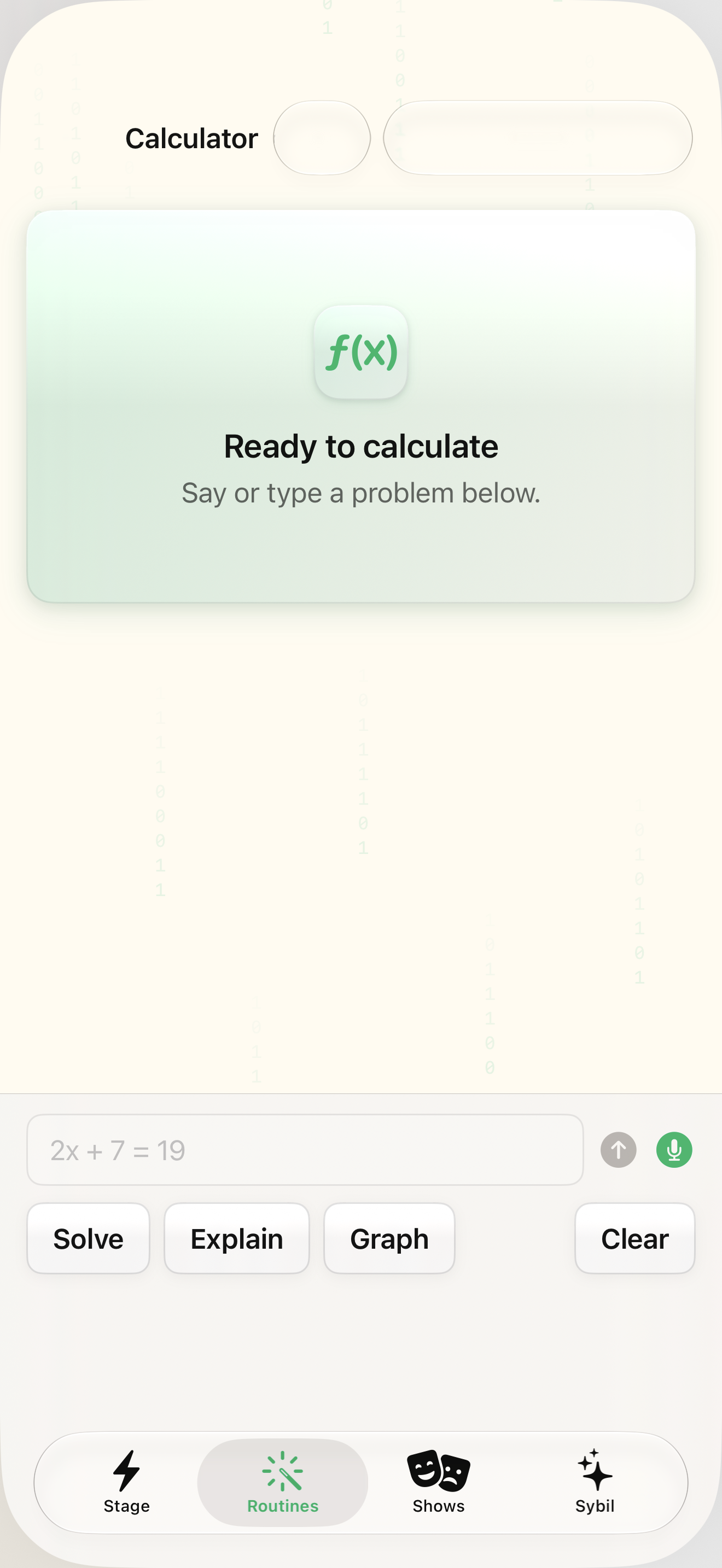
The permissions, hardware, and services required by the selected mini-app.
Each mini-app has its own input, output, and data boundary. The shared reference library shows where to open it.
Choose a purpose
Pick navigation, browsing, calculation, a status board, or a supported Mac-data view.
You can name the useful outcome.
Select the highlighted control in the teaching view.
Practice at your own pace. You can also use Next step.
Mini-apps
Destination
Glasses HUD preview
Oak Street · 6 min remaining
Movement
Find Calculator
Interactive HTML app view with sample data. Follow the outlined control, play the example, or explore at your own pace.
All steps, in writing
Choose a purpose
Pick navigation, browsing, calculation, a status board, or a supported Mac-data view.
Expected: You can name the useful outcome.
Read its reference
Open the matching screen guide and inspect the current controls and setup requirements.
Expected: You know what the feature needs.
Try a sample
Use a harmless calculation, known location, or permitted sample record.
Expected: The actual app result matches the input.
Leave deliberately
Stop or leave the feature using its supported controls and inspect what remains on the display.
Expected: The display is in a known state.
If something differs
- A Mac-data view needs an authorized reachable companion and relevant permissions.
- Remote pages, maps, or vehicle providers may require network services.
Open the screen references
Based on SybilSight/Services/AppAgent/AppAgentKnowledge.swift and the app help catalog. Edition, device, and build affect available controls.