
Browse and read EPUB books on the glasses
Move through written material with predictable hands-free controls.
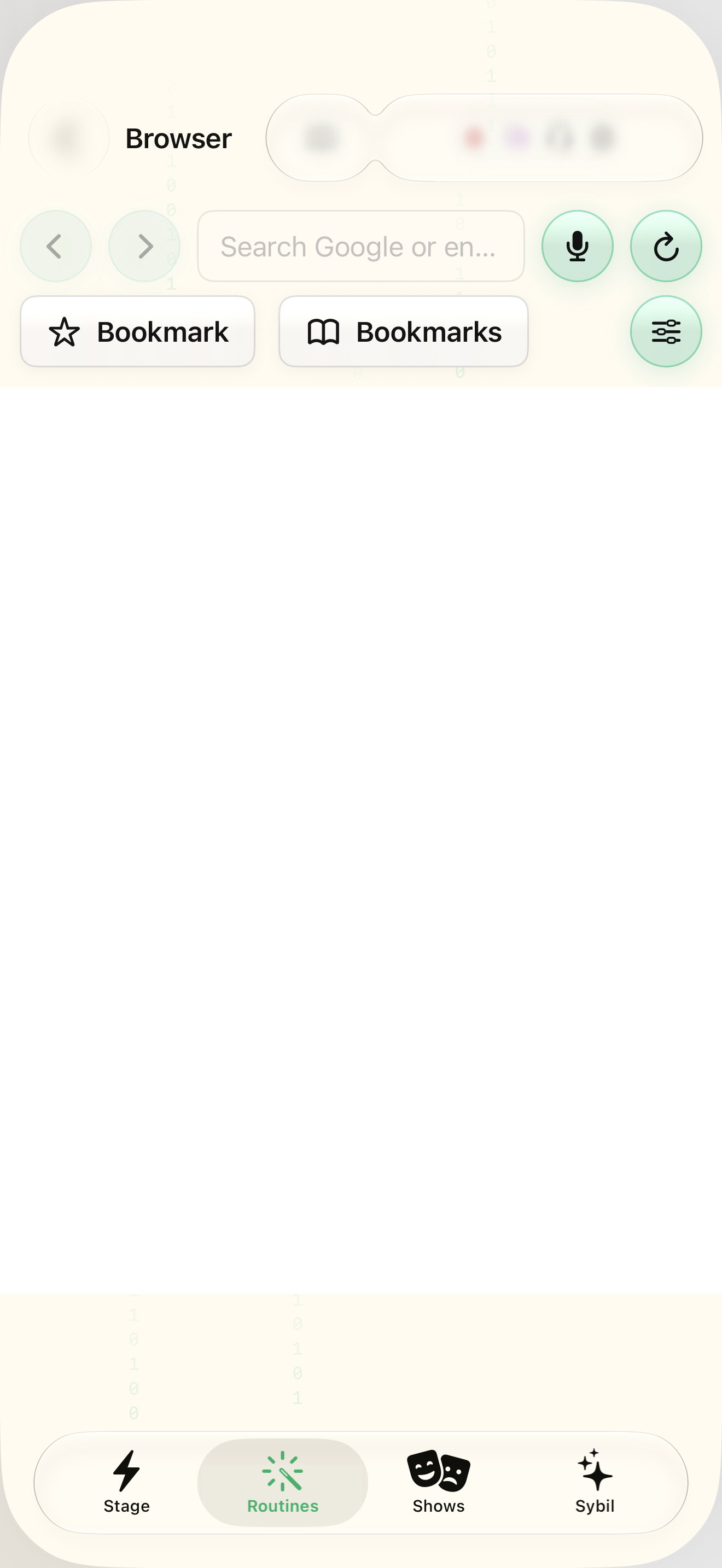
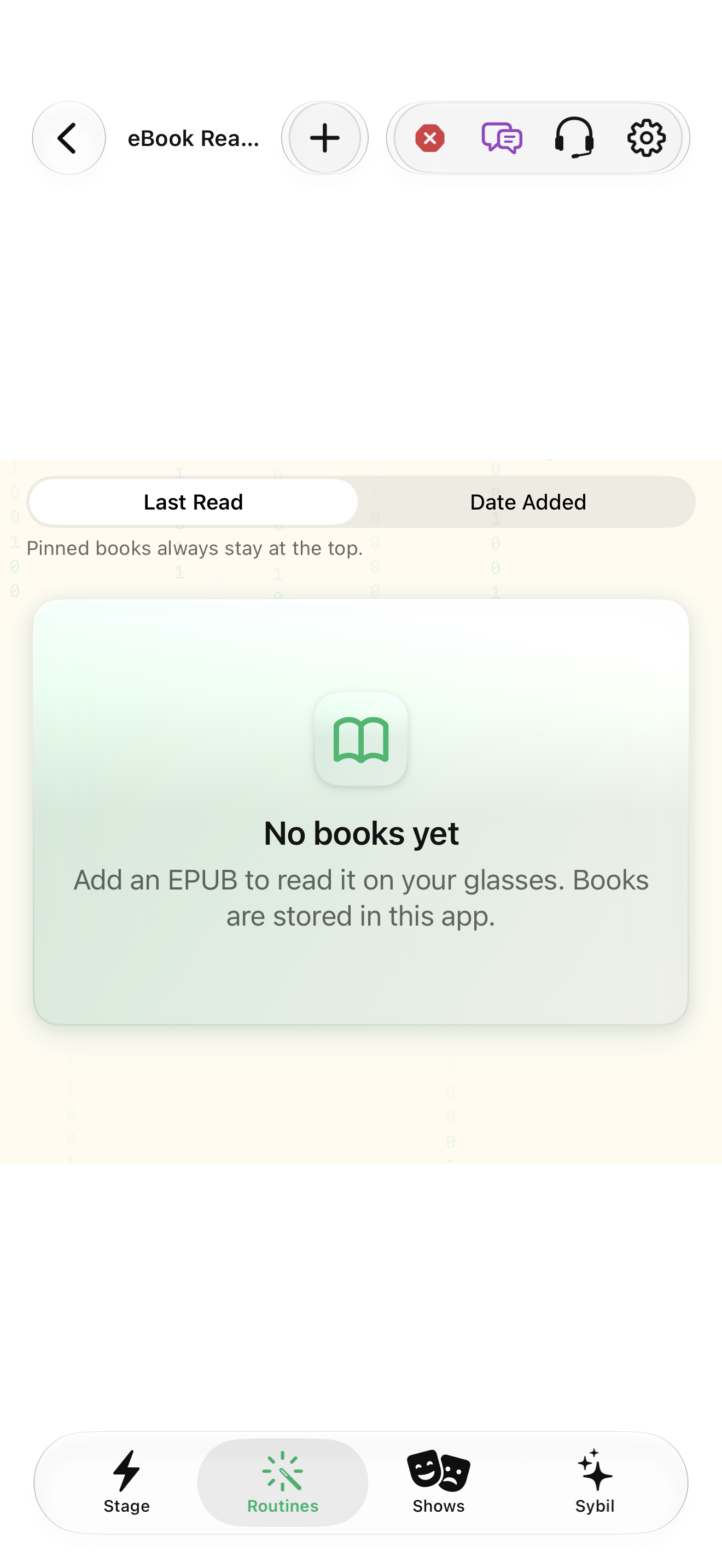
A URL or an imported EPUB; compatible ring controls.
The Browser can show page graphics around a highlighted link or a lower-power text link list. eBook Reader saves your place and supplies chapter navigation.
Address
Enter a URL in the app Browser and open it. Use the highlighted-link focus and navigation controls to choose the next link.
The phone page and wearable view point to the intended content.
Select the highlighted control in the teaching view.
Practice at your own pace. You can also use Next step.
Browser
Page view
Find Address
Interactive HTML app view with sample data. Follow the outlined control, play the example, or explore at your own pace.
All steps, in writing
Address
Enter a URL in the app Browser and open it. Use the highlighted-link focus and navigation controls to choose the next link.
Expected: The phone page and wearable view point to the intended content.
Next page
Choose whether to draw the page graphically or show the link list as text. Review bookmarks and their order for the ring Shortcuts menu.
Expected: The view fits your reading task and battery needs.
Import EPUB
Import an EPUB into the library. Rename, pin, or sort books to make the one you need easy to find.
Expected: The selected book opens at its saved place.
Next page
Scroll the ring to turn pages, tap for chapters, and double-tap to close. Use the chapter list for a larger jump.
Expected: Your place is preserved as you read and return later.
If something differs
- A page’s structure can affect graphical rendering or extracted text.
- The app’s content blocking uses its own subscribed/imported filter lists.
- A missing chapter list can reflect an EPUB without chapter points.
Open the screen references
Based on SybilSight/UI/WearableBrowserView.swift and the app help catalog. Edition, device, and build affect available controls.